
Logo of Drafts: Quick-capture notes app that opens to a blank page and sends text to other apps with actions

Drafts

Quick-capture notes app that opens to a blank page and sends text to other apps with actions
Visit getdrafts.com
Drafts: Quick-capture notes app that opens to a blank page and sends text to other apps with actions
Drafts: Quick-capture notes app that opens to a blank page and sends text to other apps with actions (2 of 7)
Drafts: Quick-capture notes app that opens to a blank page and sends text to other apps with actions (3 of 7)
Drafts: Quick-capture notes app that opens to a blank page and sends text to other apps with actions (4 of 7)
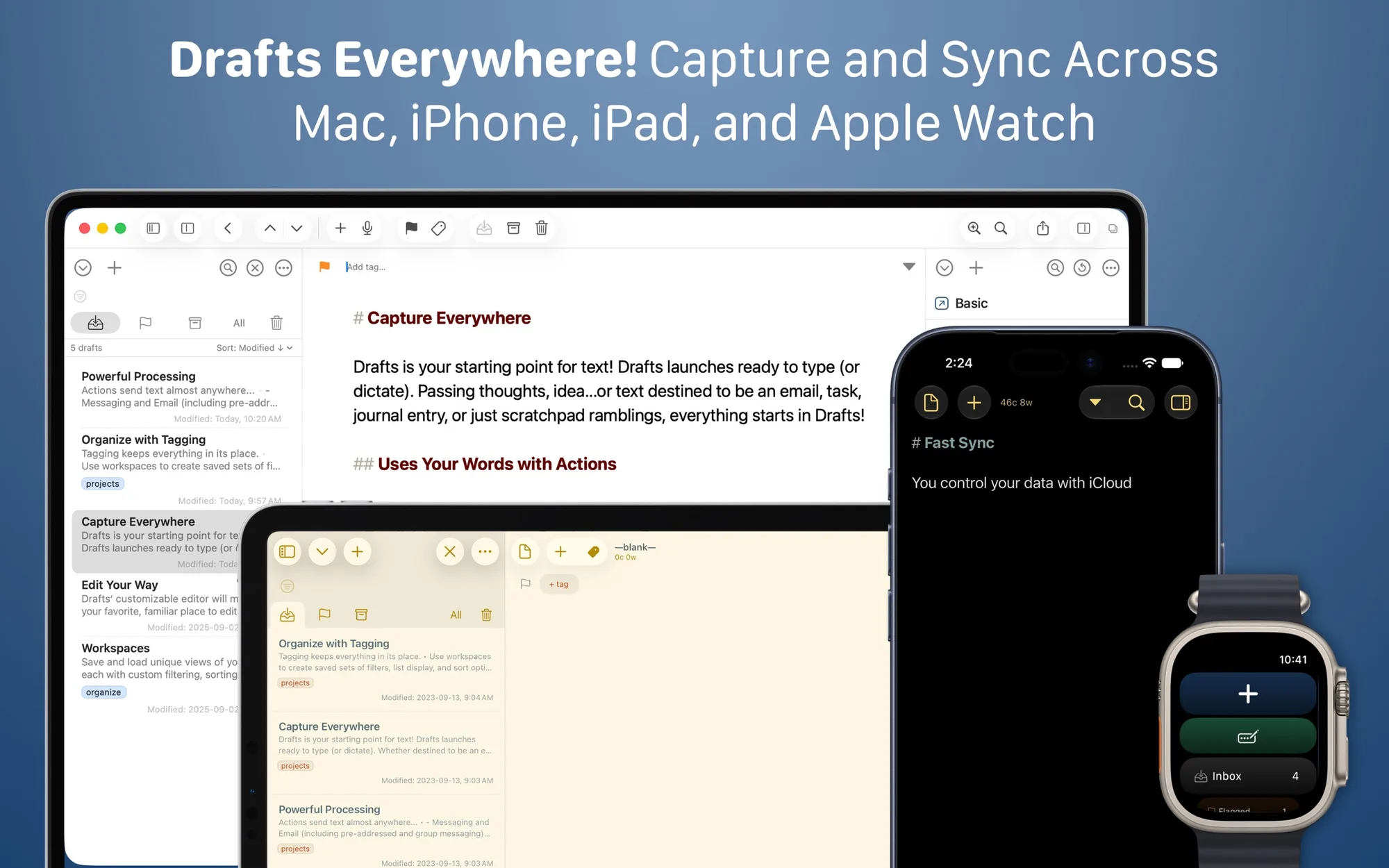
Drafts: Quick-capture notes app that opens to a blank page and sends text to other apps with actions (5 of 7)
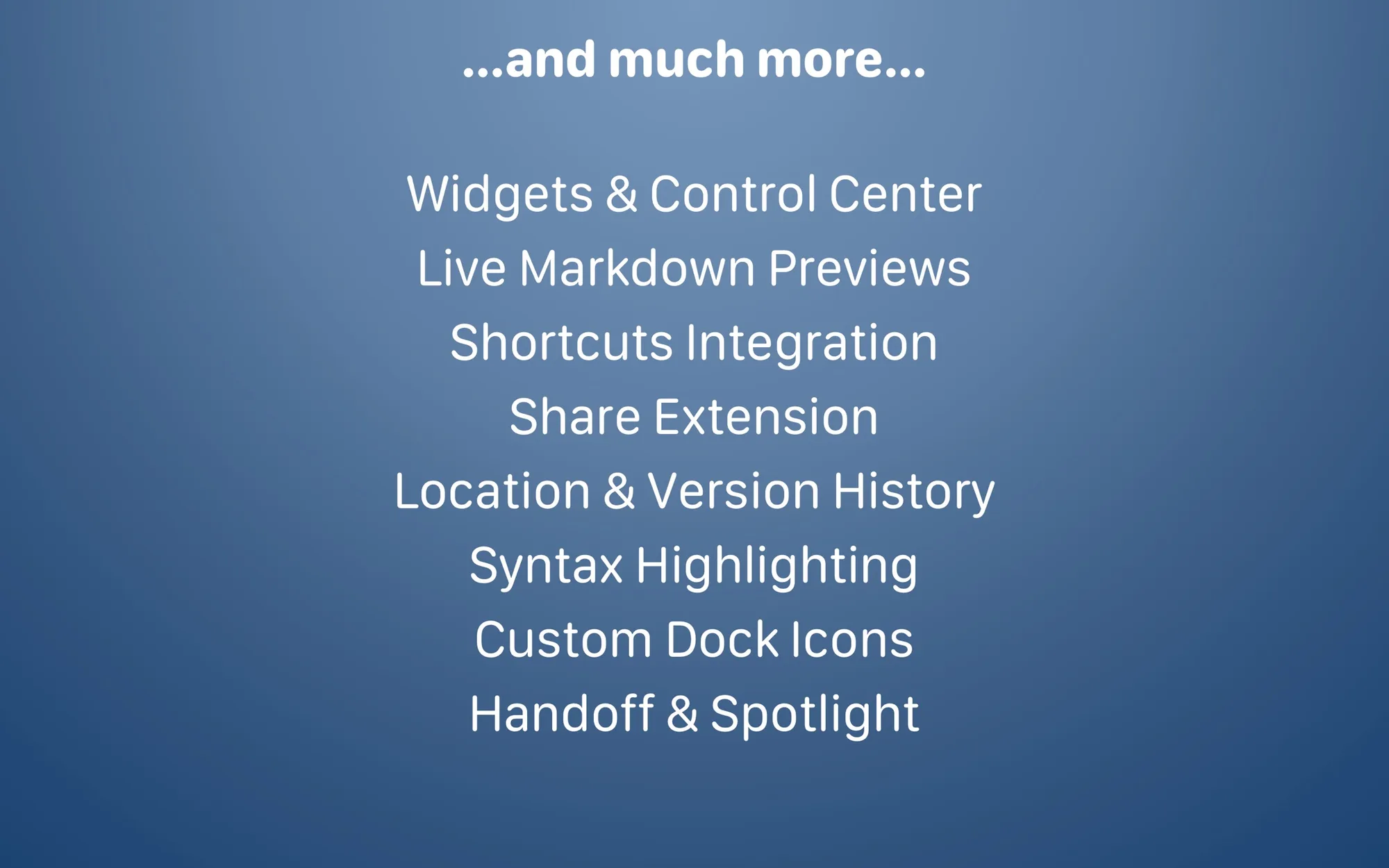
Drafts: Quick-capture notes app that opens to a blank page and sends text to other apps with actions (6 of 7)
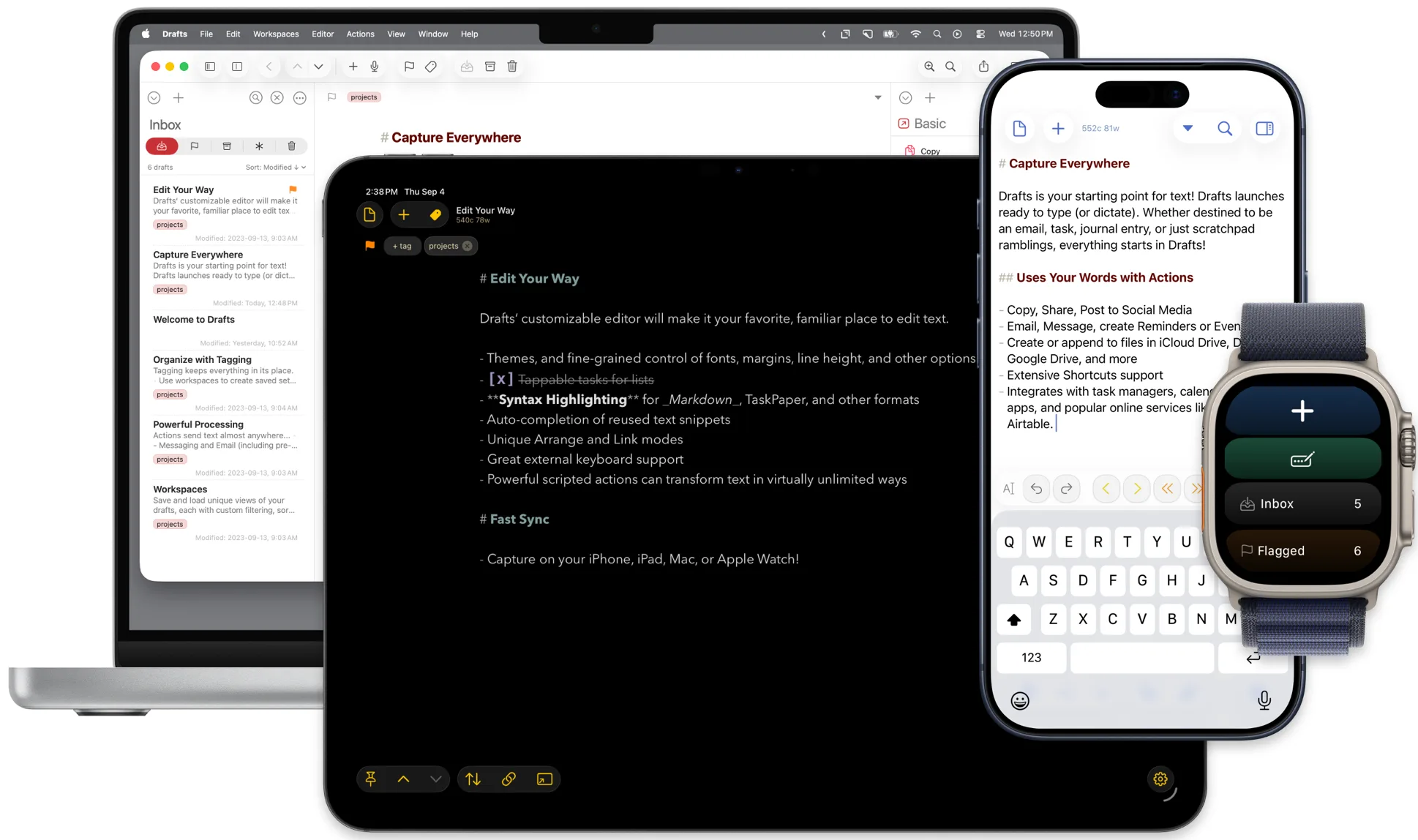
Drafts: Quick-capture notes app that opens to a blank page and sends text to other apps with actions (7 of 7)

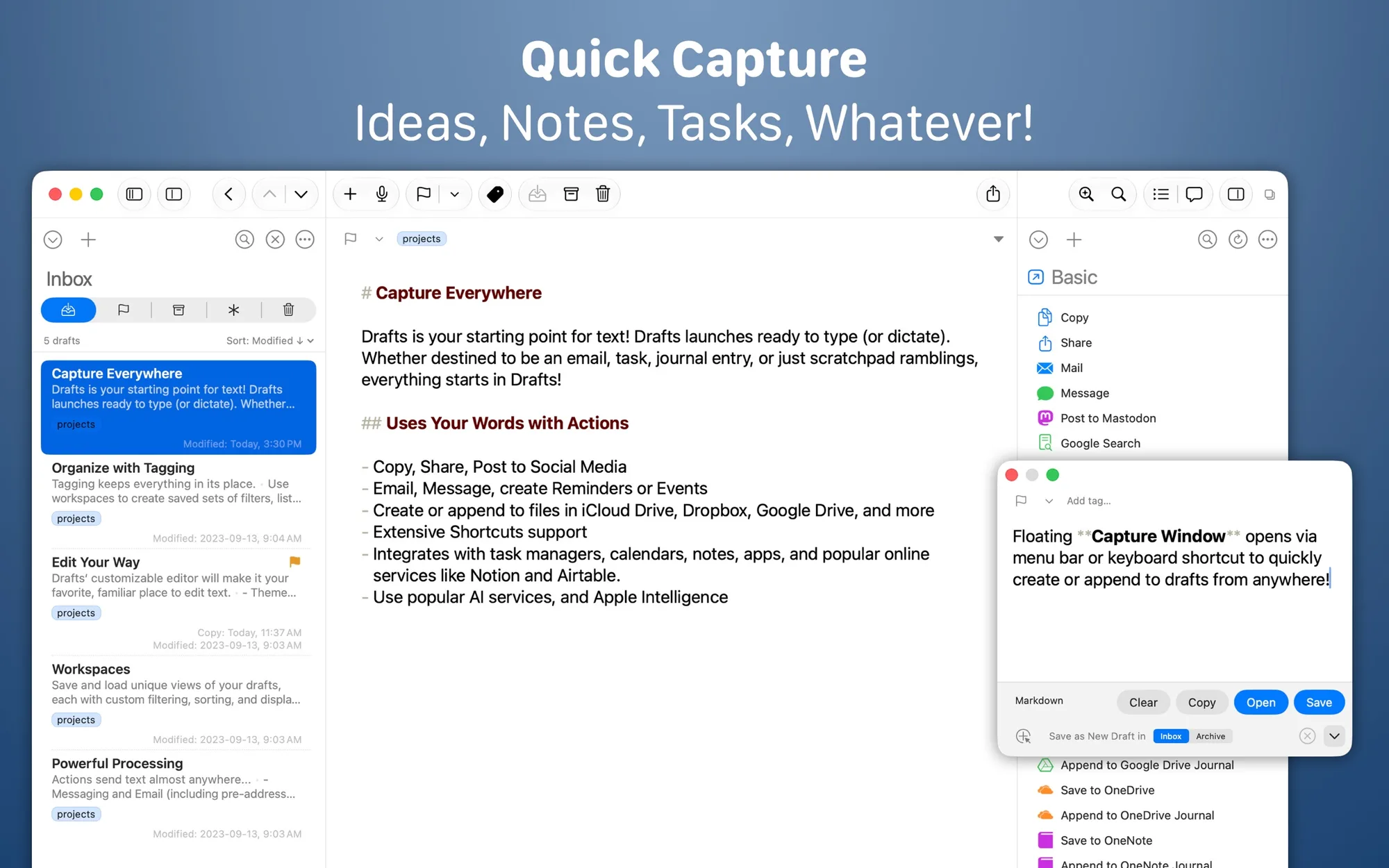
Drafts is a quick-capture notes app for Mac, iPhone, iPad and Apple Watch. It opens to a new page ready for typing, and actions send your text to other apps and services.

Key features:

  • Start typing immediately in a new draft, or capture hands-free with dictation.
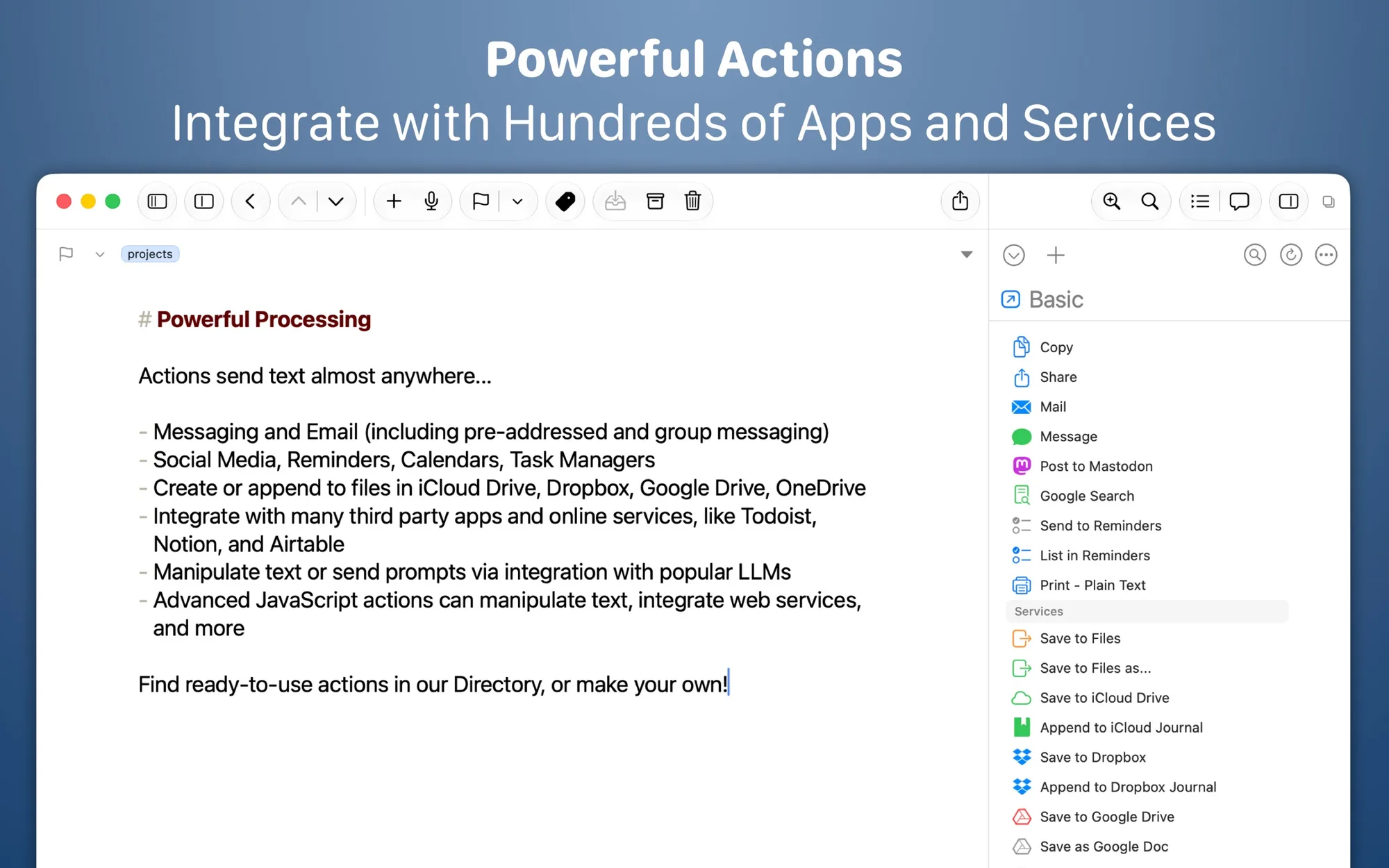
  • Use actions to copy, share or send text to apps like Dropbox and Reminders.
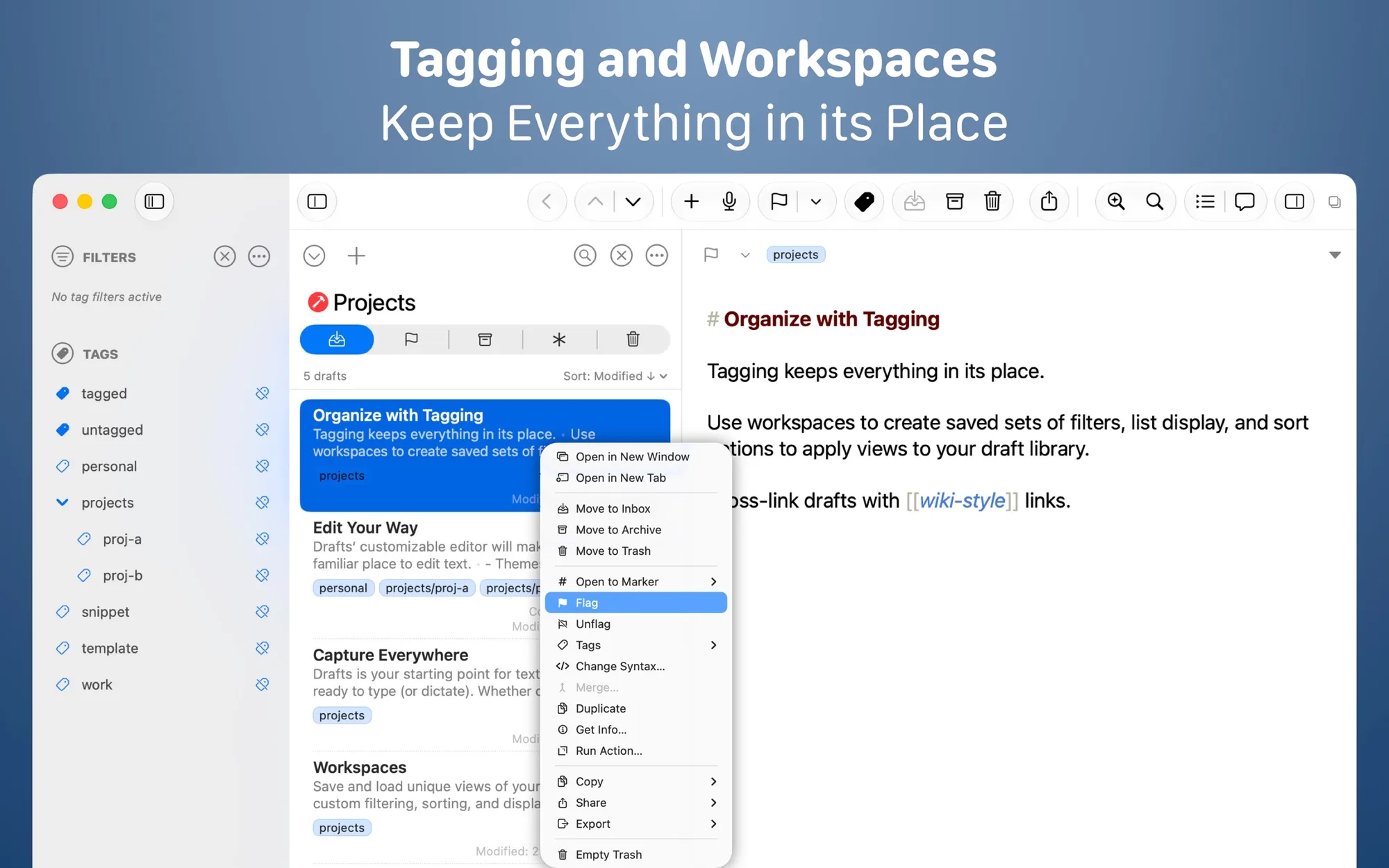
  • Tag, flag and archive drafts from the Inbox.
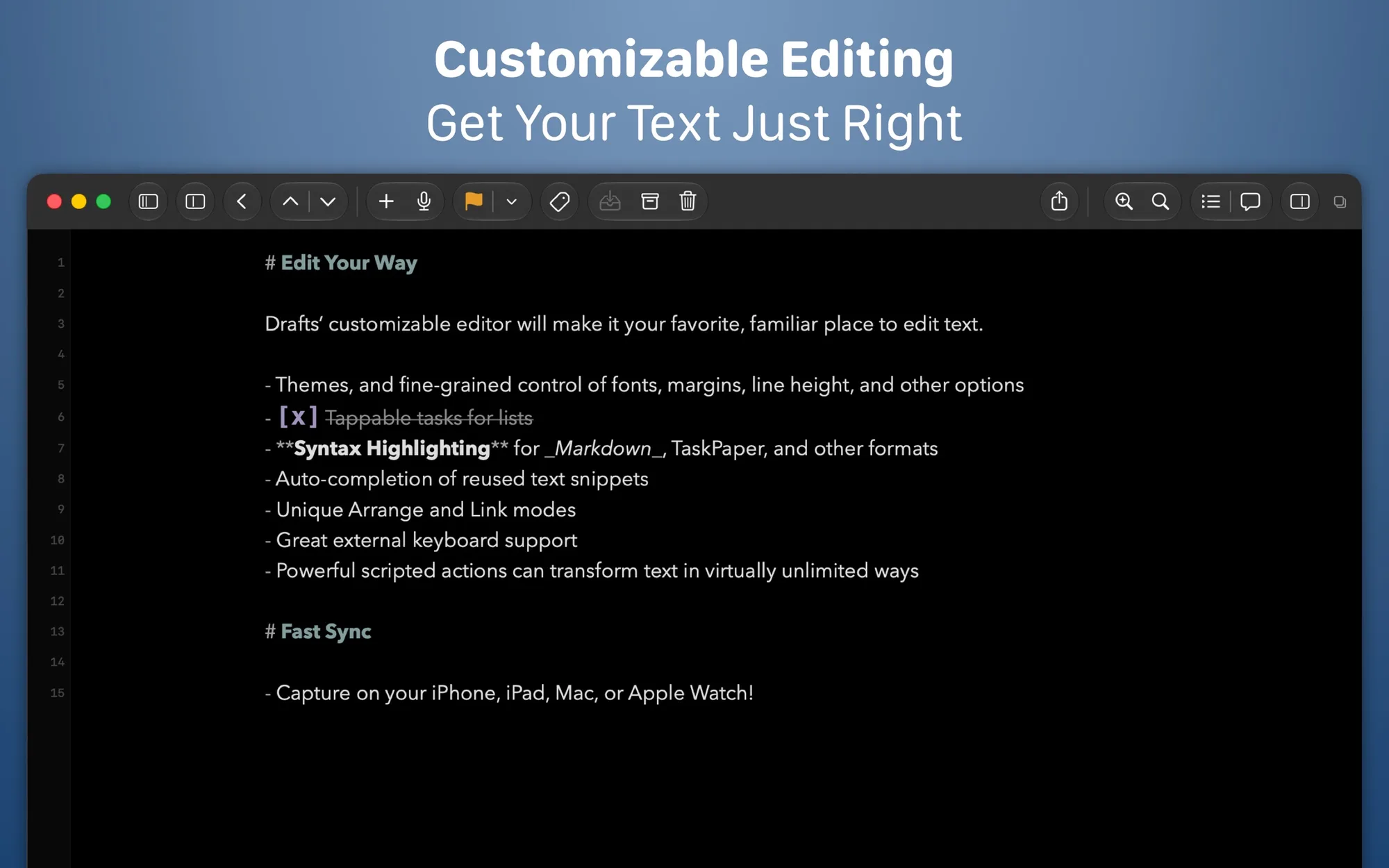
  • Customize fonts, spacing, line height and margins.
  • Capture through Siri, widgets, the share extension and file import.
  • Download ready-made actions and themes from the Drafts Directory.

Drafts is free to use and syncs across your devices. A Drafts Pro subscription adds creating and editing actions, themes and icons, workspaces and more. The Mac version is on the Mac App Store and requires macOS 12.7 or later.

Press the keys to navigate to the next or previous product.