
Keyboard Maestro
Macro-based automation for launching apps, typing text, arranging windows and filling web forms
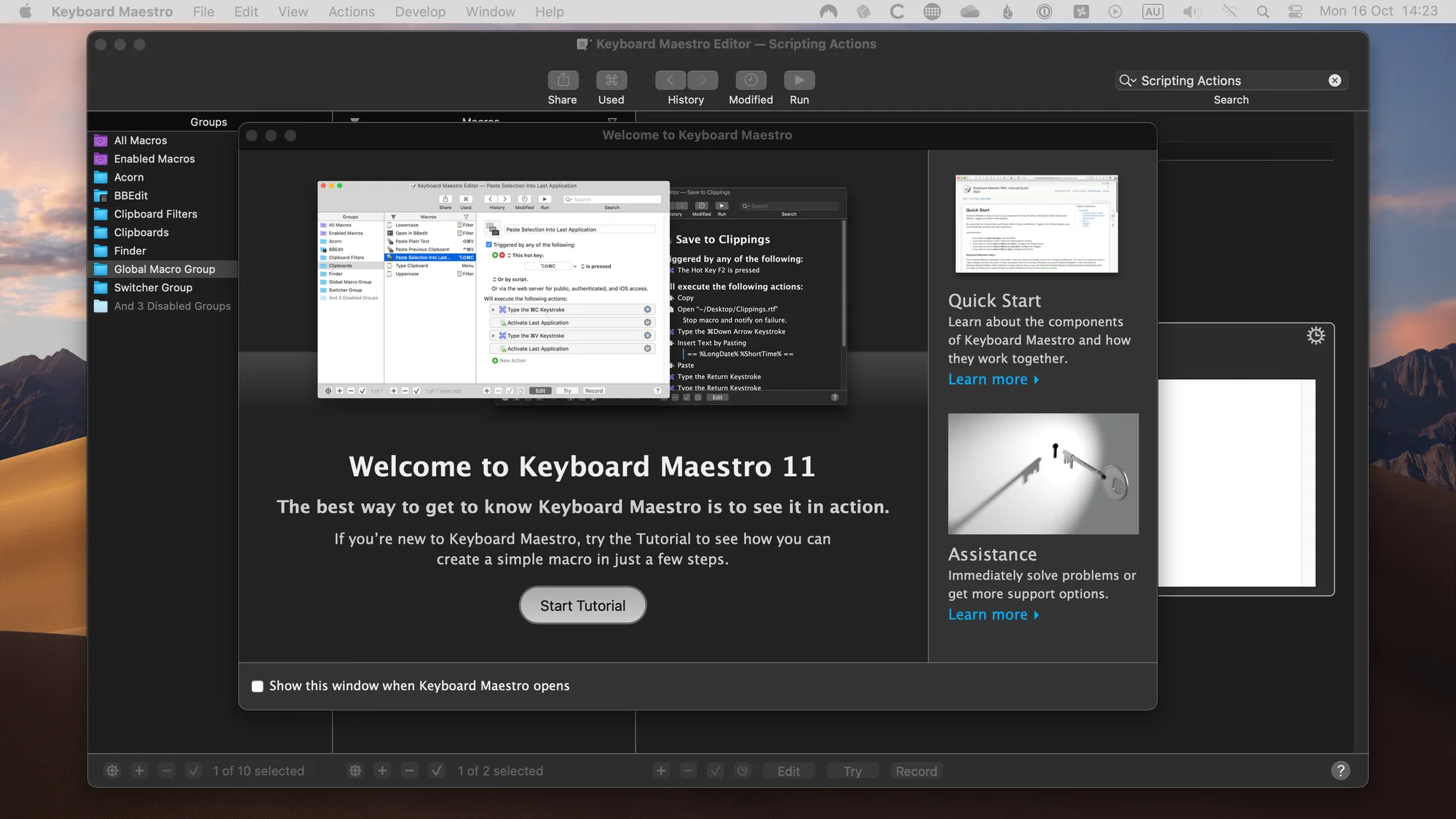
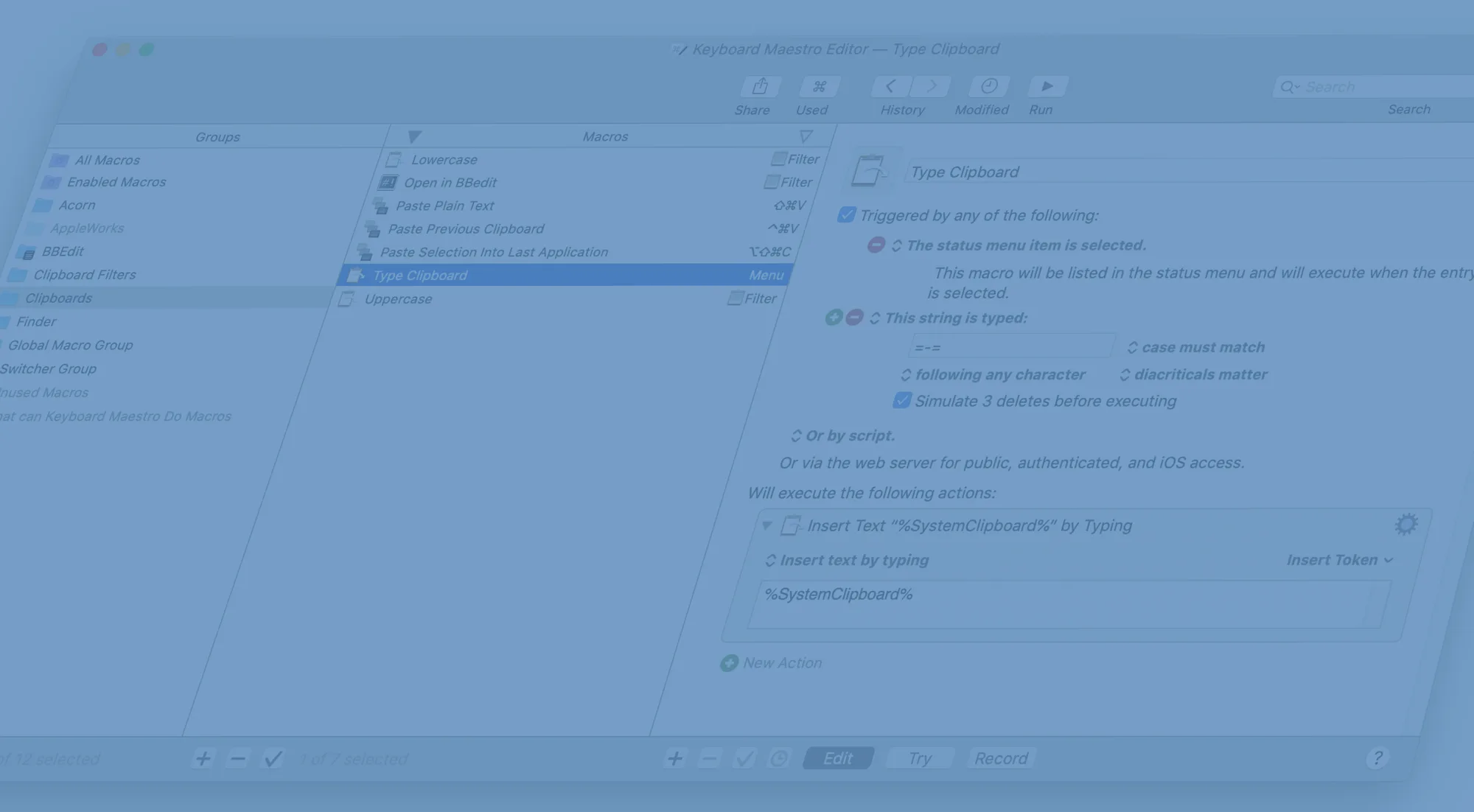
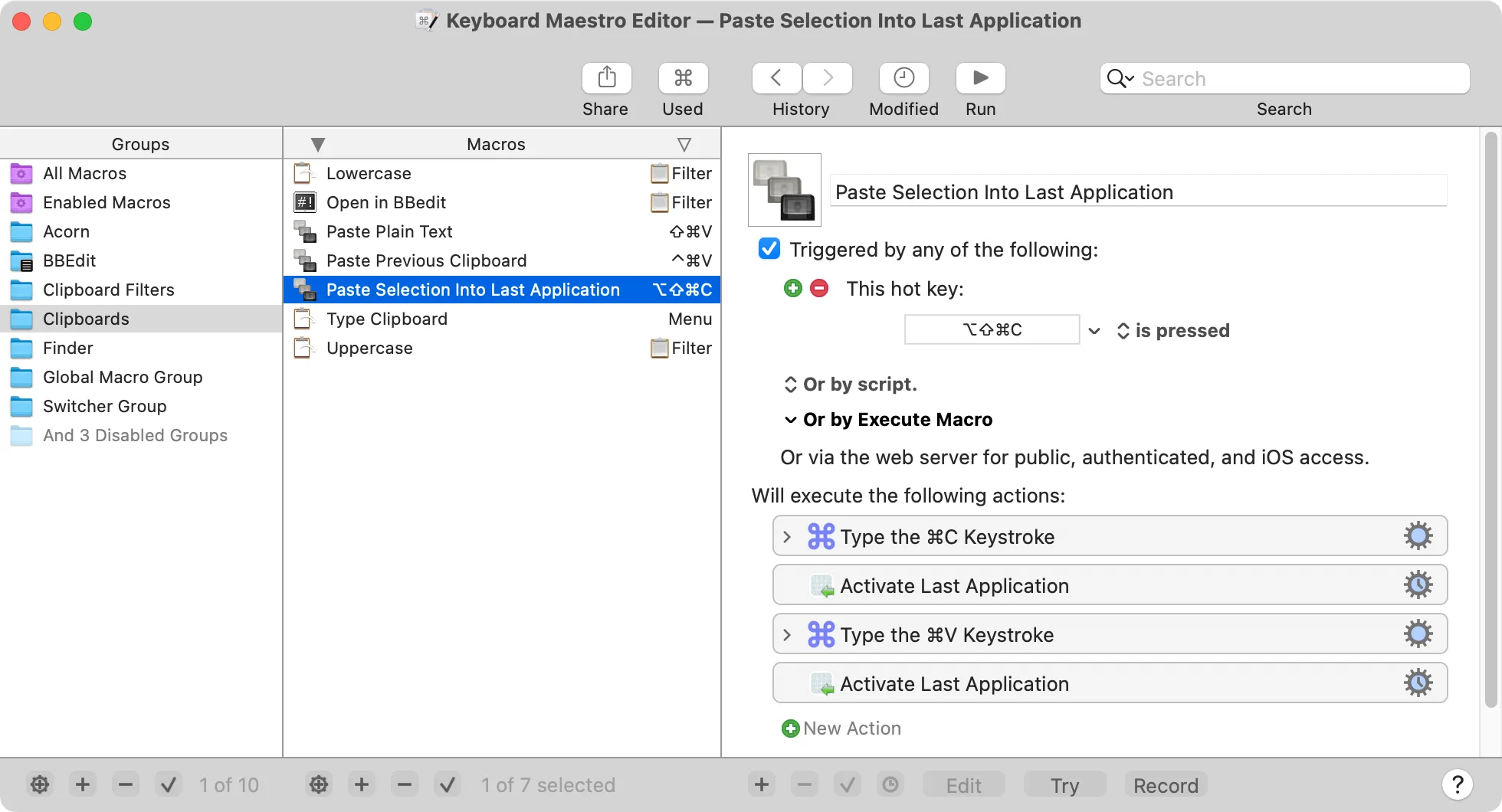
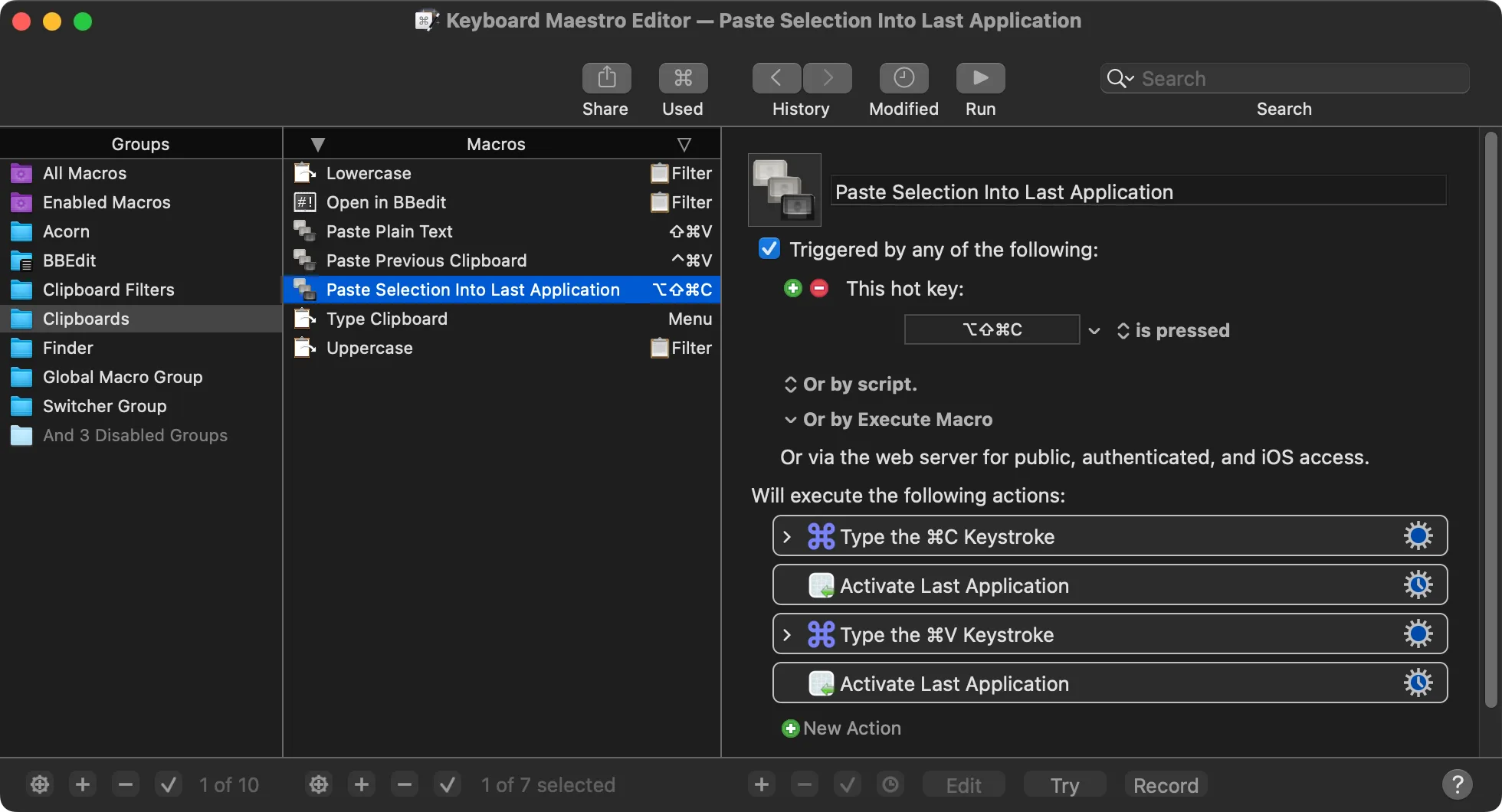
Keyboard Maestro is an automation app for macOS that runs macros from hotkeys, schedules and other triggers. If you can do a task by hand on your Mac, it can very likely do it for you.
Key features:
- Combine hundreds of built-in actions, including conditions, loops and flow control, into macros.
- Launch apps, open documents, arrange windows and quit other apps automatically.
- Expand text snippets, transform text, OCR images and use a multi-entry clipboard history.
- Fill in web forms, open frequently read pages and download reports.
- Run macros on a schedule, such as setting up your Mac at 8:00 each morning.
- Prompt for details like name, time and location and combine them into a single snippet.
Keyboard Maestro 11 requires macOS 10.13 High Sierra or later and runs natively on Apple silicon. It's a one-time purchase of US$36 (upgrades from earlier versions cost US$25), with a free trial available.