Pixelmator Pro
Image editor and graphic design app with AI tools, vector shapes and RAW support
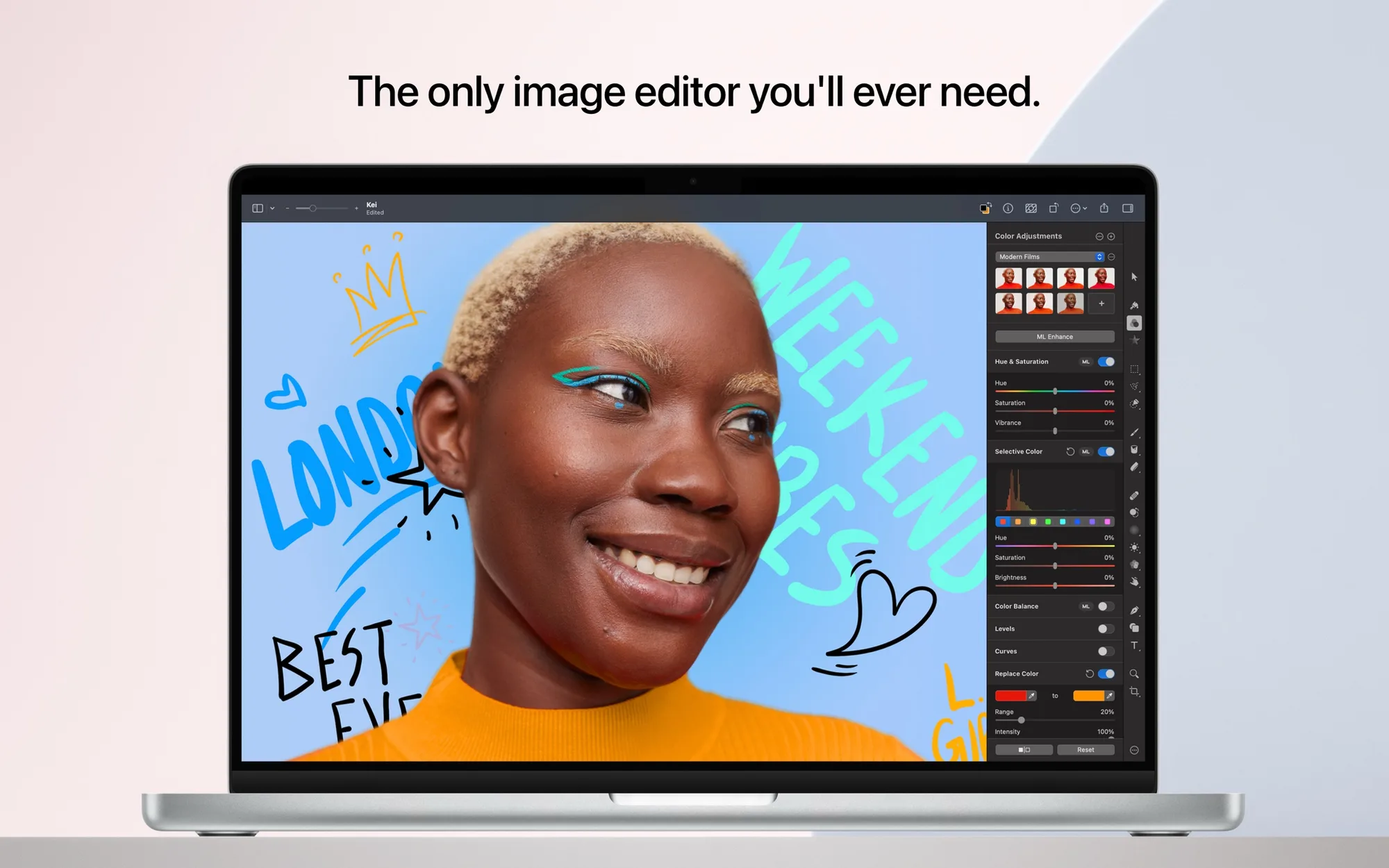
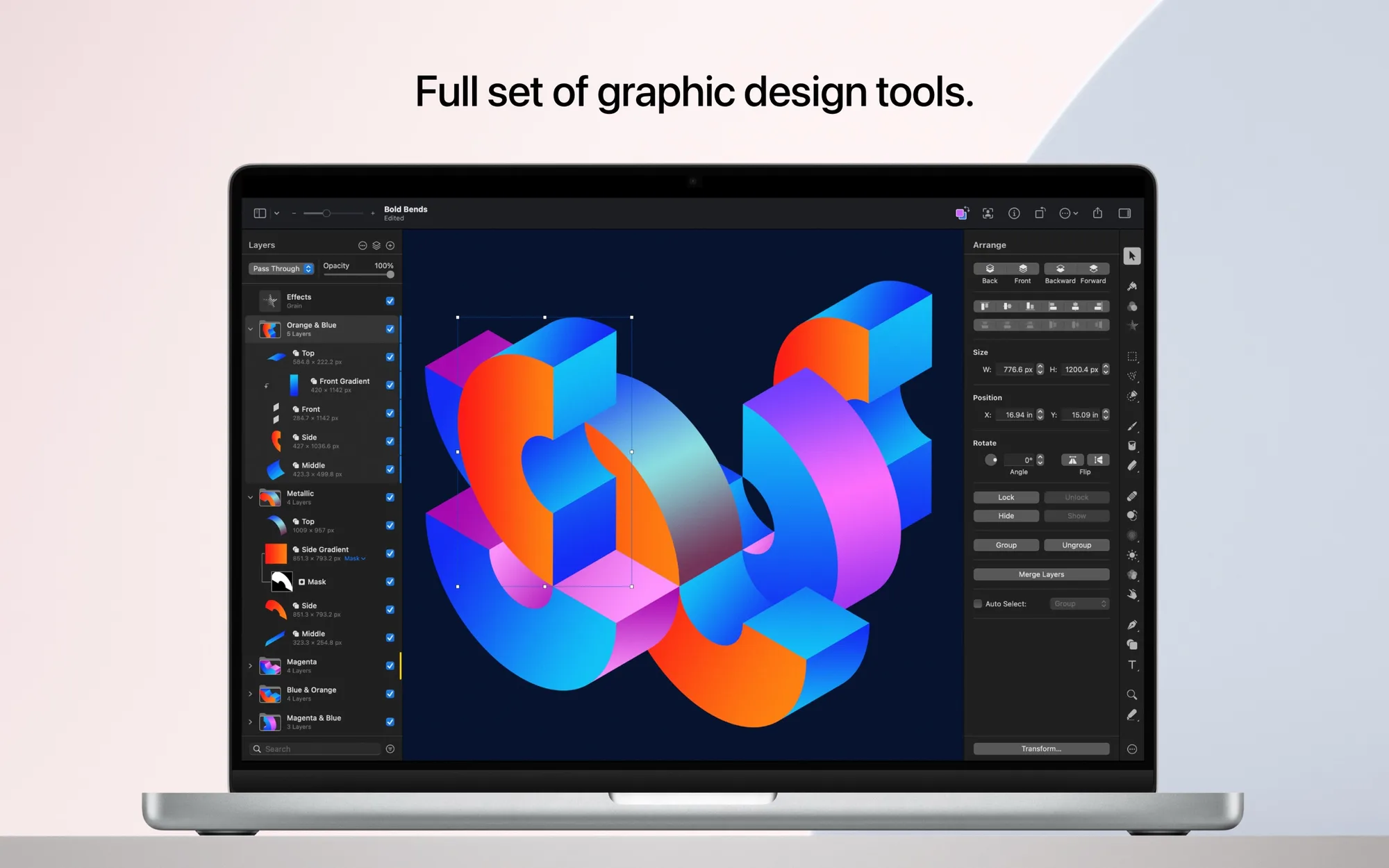

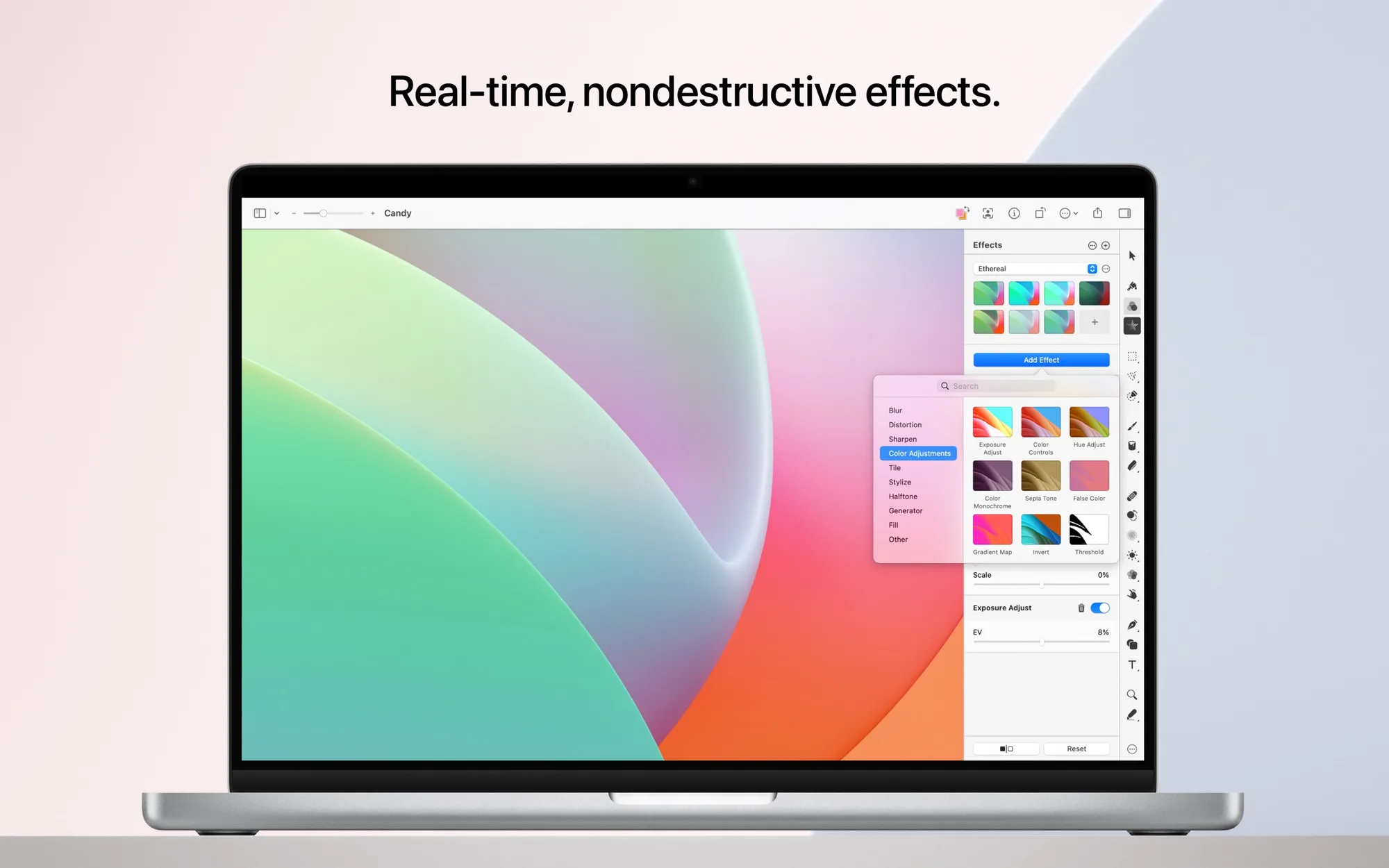
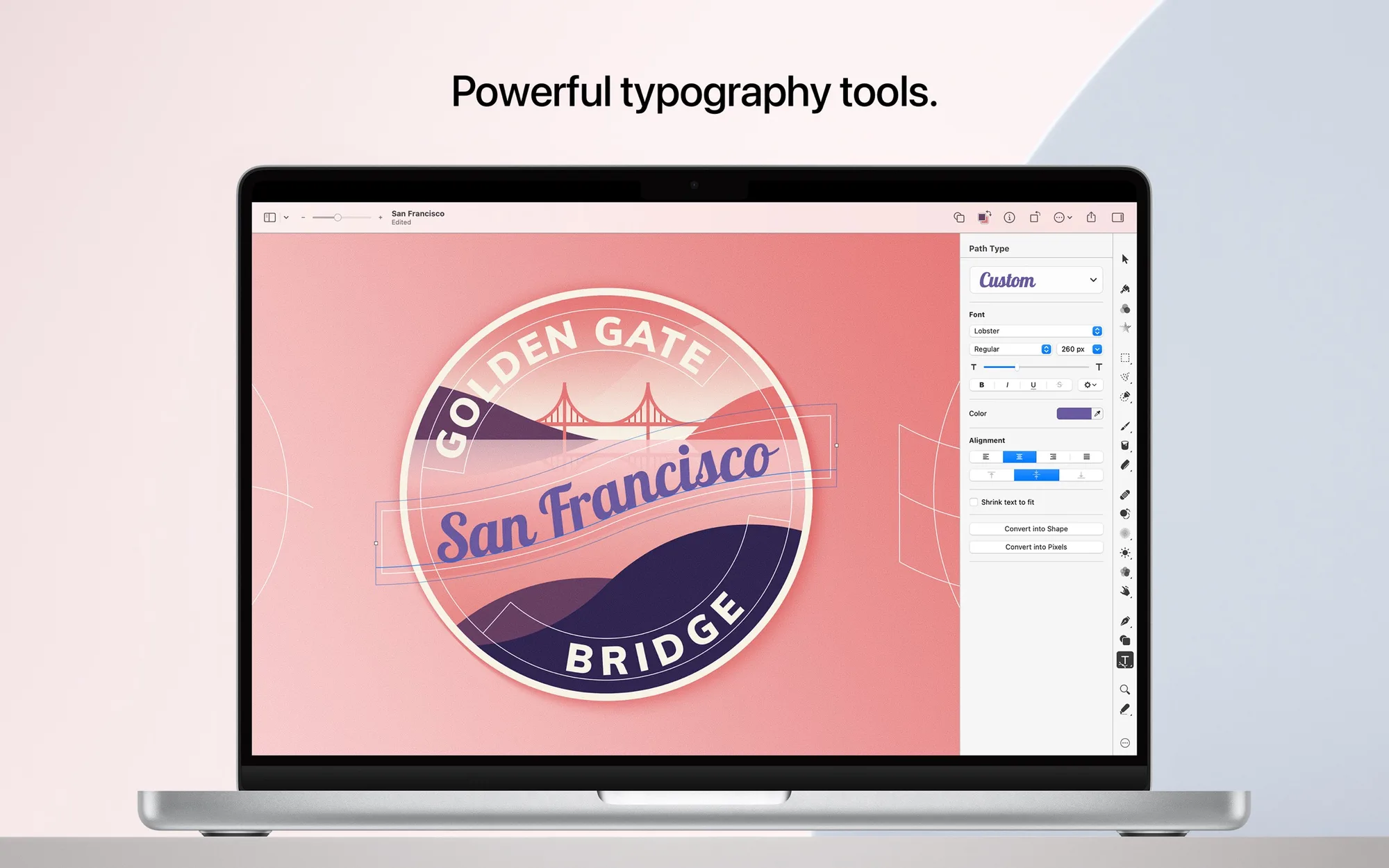
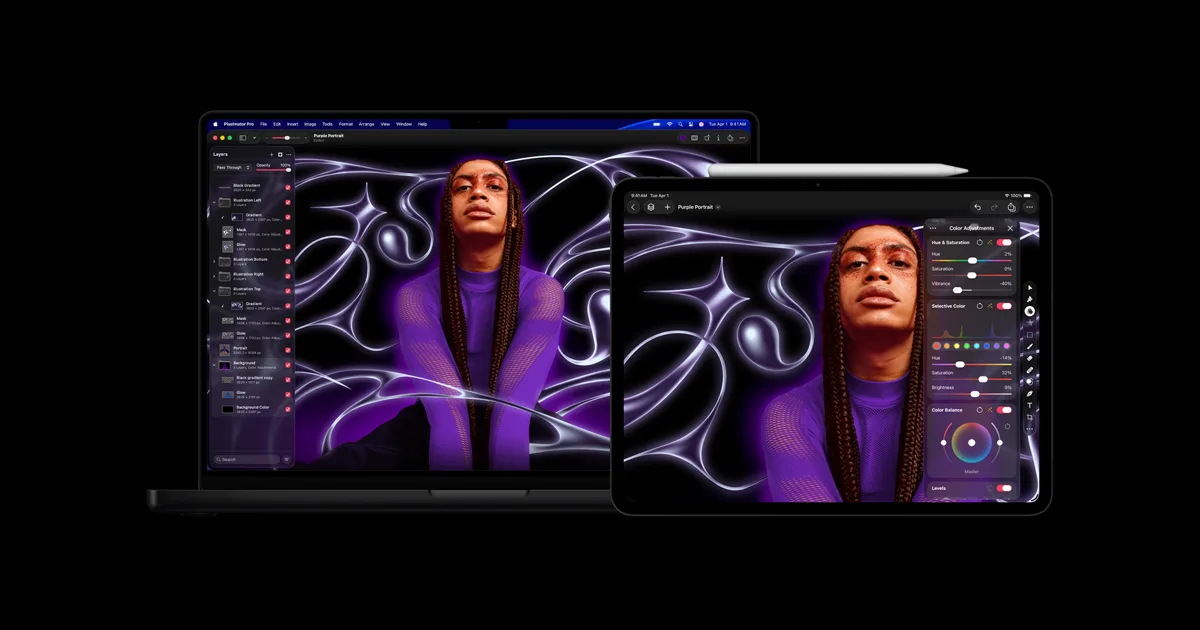
Pixelmator Pro is an image editing and graphic design app for Mac and iPad, now made by Apple. It covers photo retouching, layered design, vector illustration, and painting in one app.
Key features:
- Edit nondestructively with layers, over 60 effects, fills, strokes, and shadows.
- Upscale images with Super Resolution, remove backgrounds, reduce noise, and smooth banding with Deband.
- Remove dust, blemishes, and whole objects with the Repair and Clone Stamp tools.
- Select subjects and fine details such as hair or fur with Select and Mask.
- Start from templates and mockups for social media and print.
- Draw vector shapes with the Pen tool, and open and export PSD, SVG, PDF, and Illustrator files.
- Edit RAW photos from over 750 formats directly as layers, and retouch video layers.
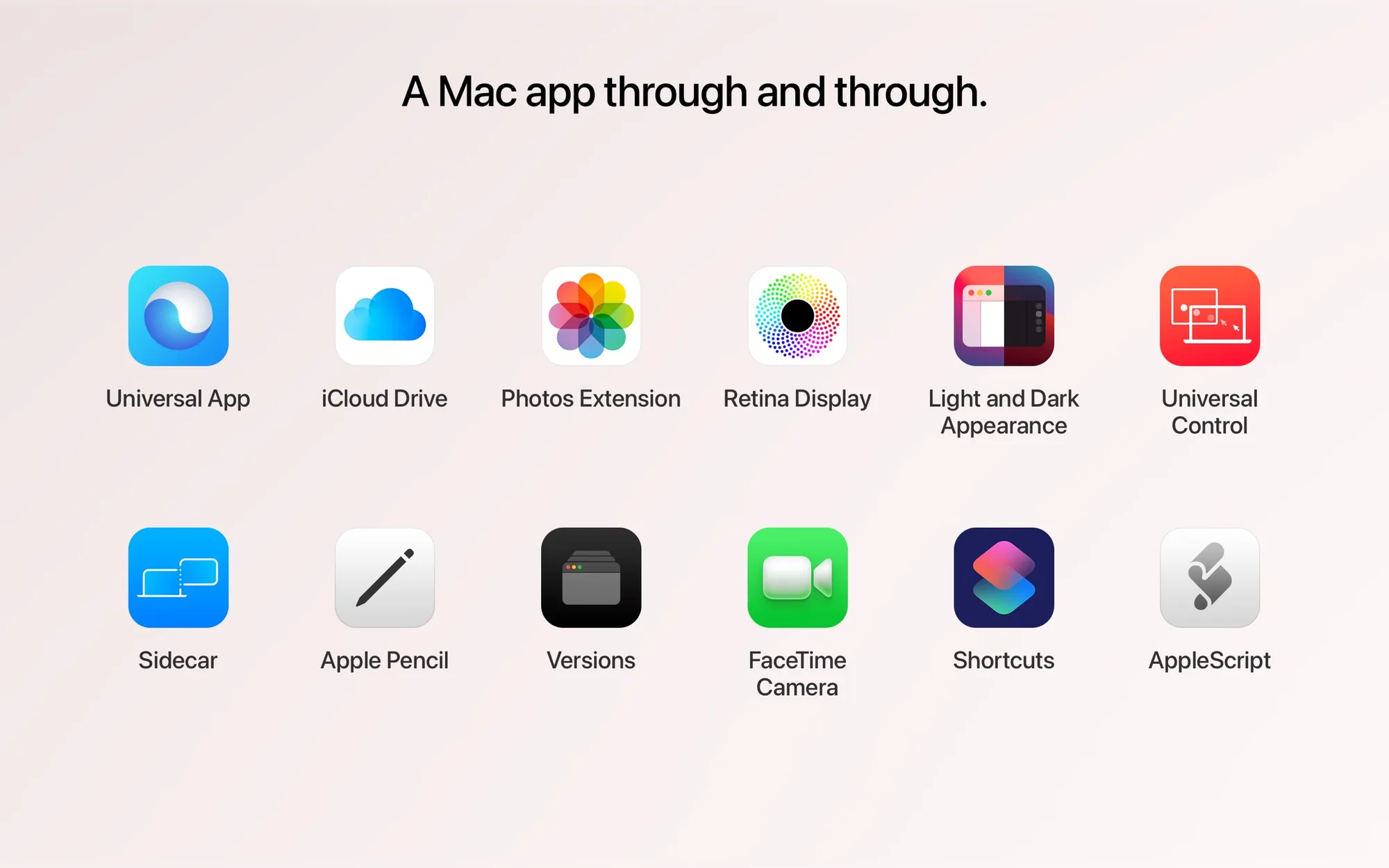
Pixelmator Pro for Mac is a $49.99 one-time purchase on the Mac App Store. It's also included in Apple Creator Studio, which costs $12.99 per month or $129 per year after a 30-day free trial and adds the iPad version and the Warp tool. Edits sync between Mac and iPad, and a Photos extension brings its tools into the Photos app.