
Cap
Open-source screen recorder that copies a share link when you stop, plus a studio editor
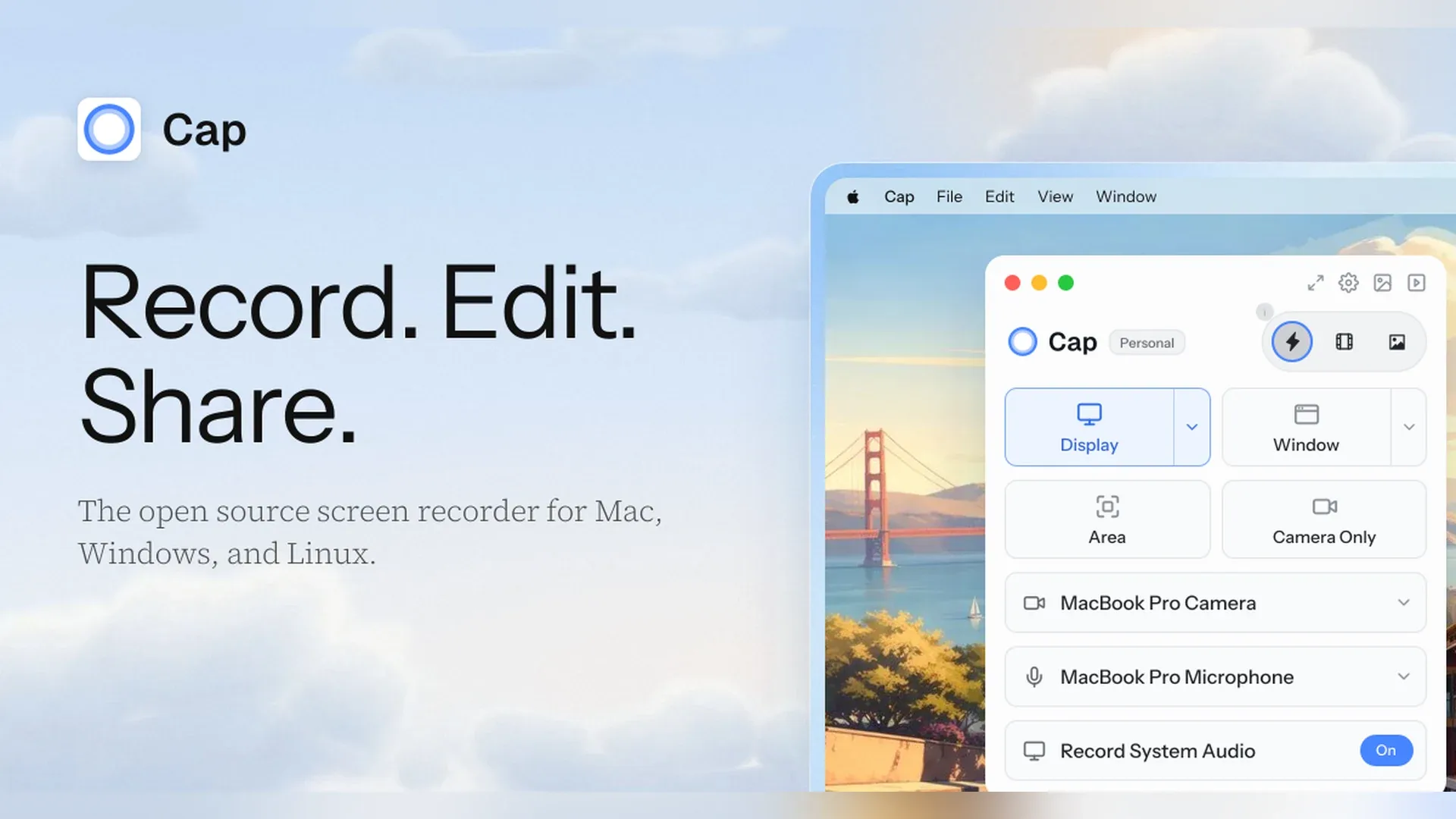
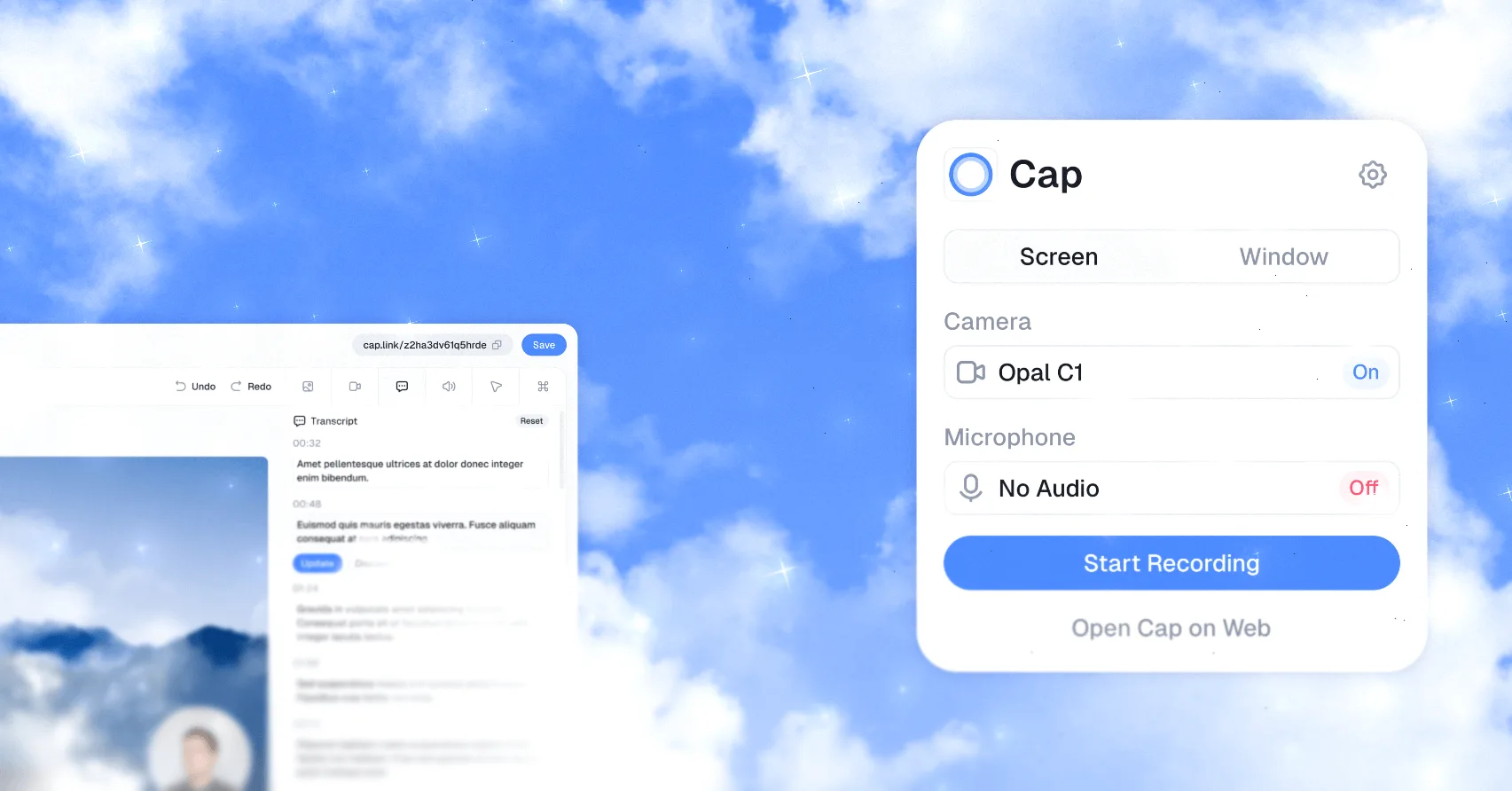
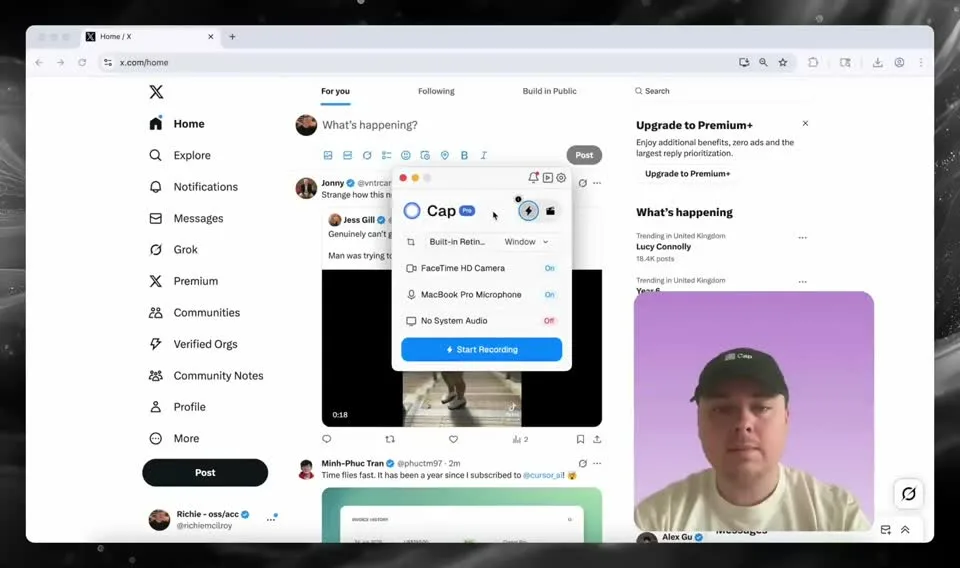
Cap is an open-source screen recorder for Mac and an alternative to Loom. You can share a recording as a link the moment you stop, or record in full quality and polish it in the built-in editor.
Key features:
- Record in Instant Mode, which uploads while you talk and copies a share link when you stop.
- Record locally in 4K in Studio Mode, with separate screen, camera, and mic tracks.
- Add automatic zoom on clicks, backgrounds, cursor smoothing, captions, and blur in the editor.
- Capture a window or area in Screenshot Mode, then add a background and annotations.
- Give viewers a share page with comments, reactions, a transcript, and chapters, with no download or account needed.
- Store recordings in Cap Cloud, your own S3 bucket, Google Drive, or a self-hosted setup.
Cap runs natively on Apple silicon and Intel Macs with macOS 13.1 or newer, and is also available for Windows and Linux. It's free for personal use. A Desktop License for commercial use costs $29 a year or $58 once, and Cap Pro, with unlimited cloud sharing and AI titles, summaries, and transcripts, costs $12 per user a month or $8.16 billed annually.