
Screen Studio
Screen recorder that adds automatic zooms, smooth cursor motion and captions to demos and tutorials
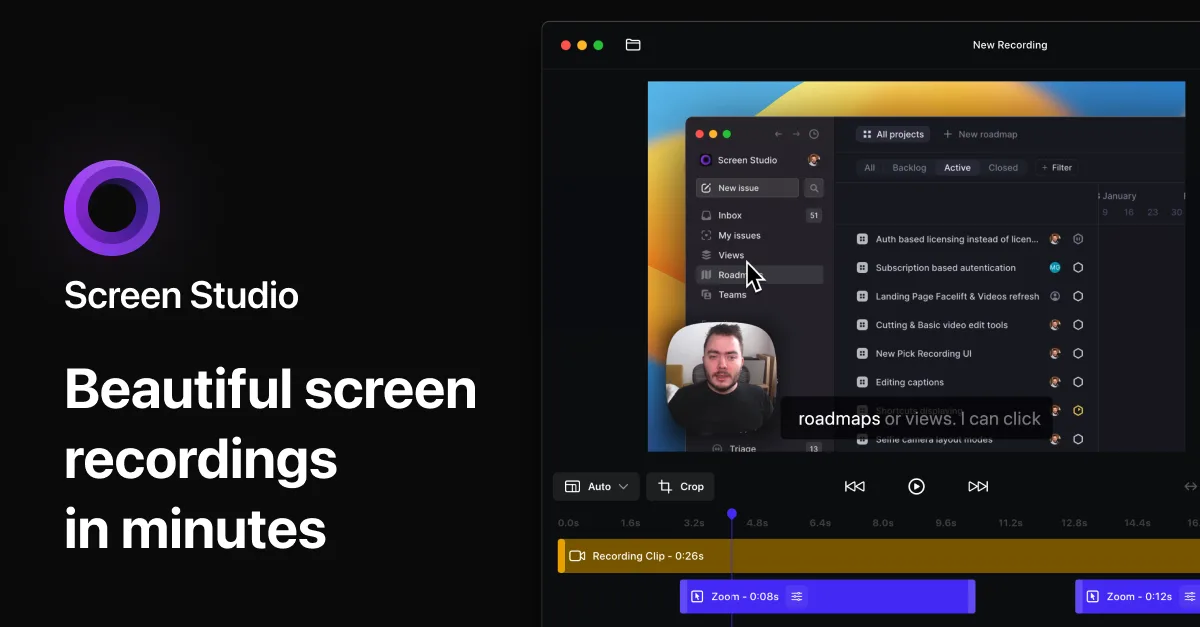
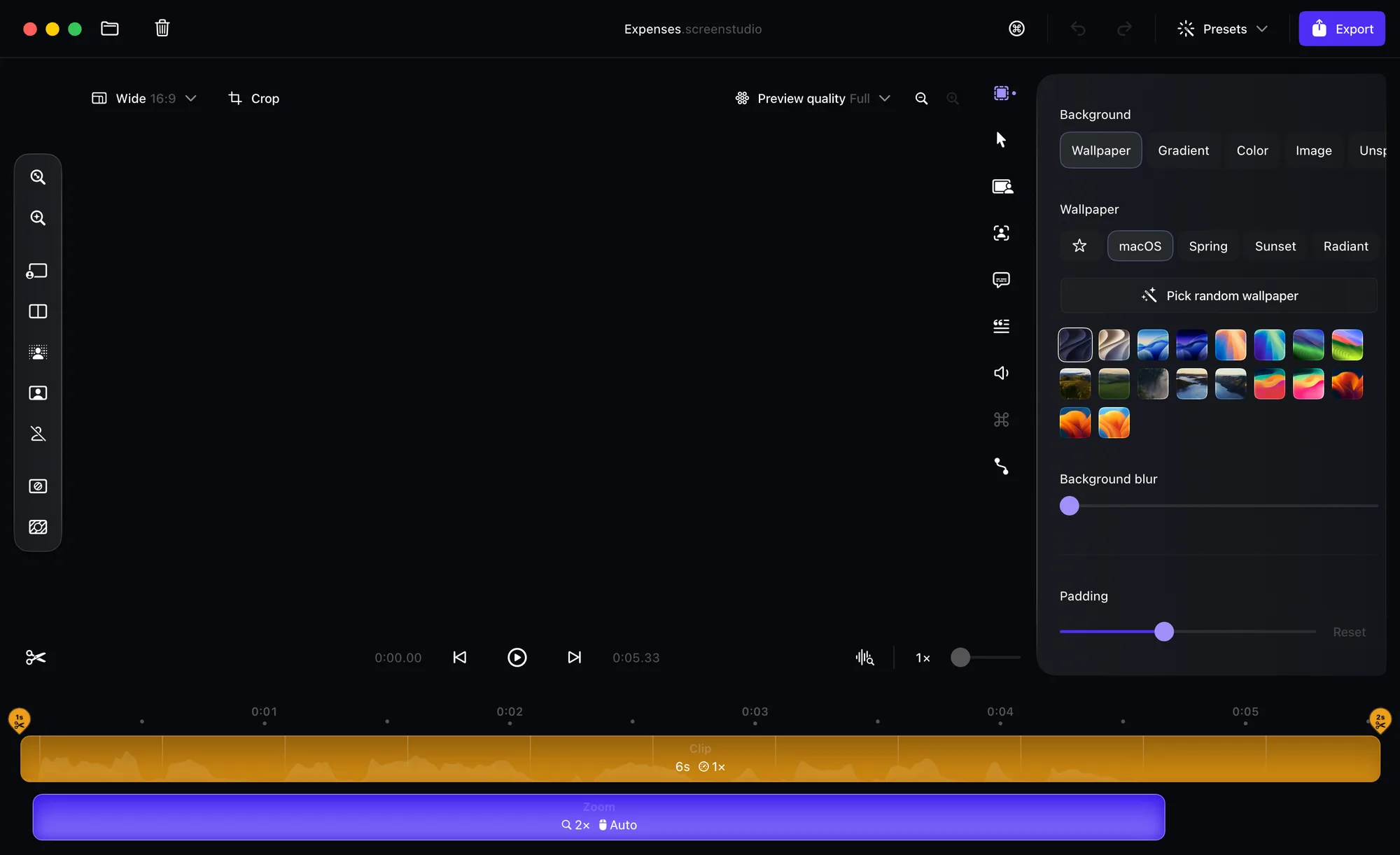
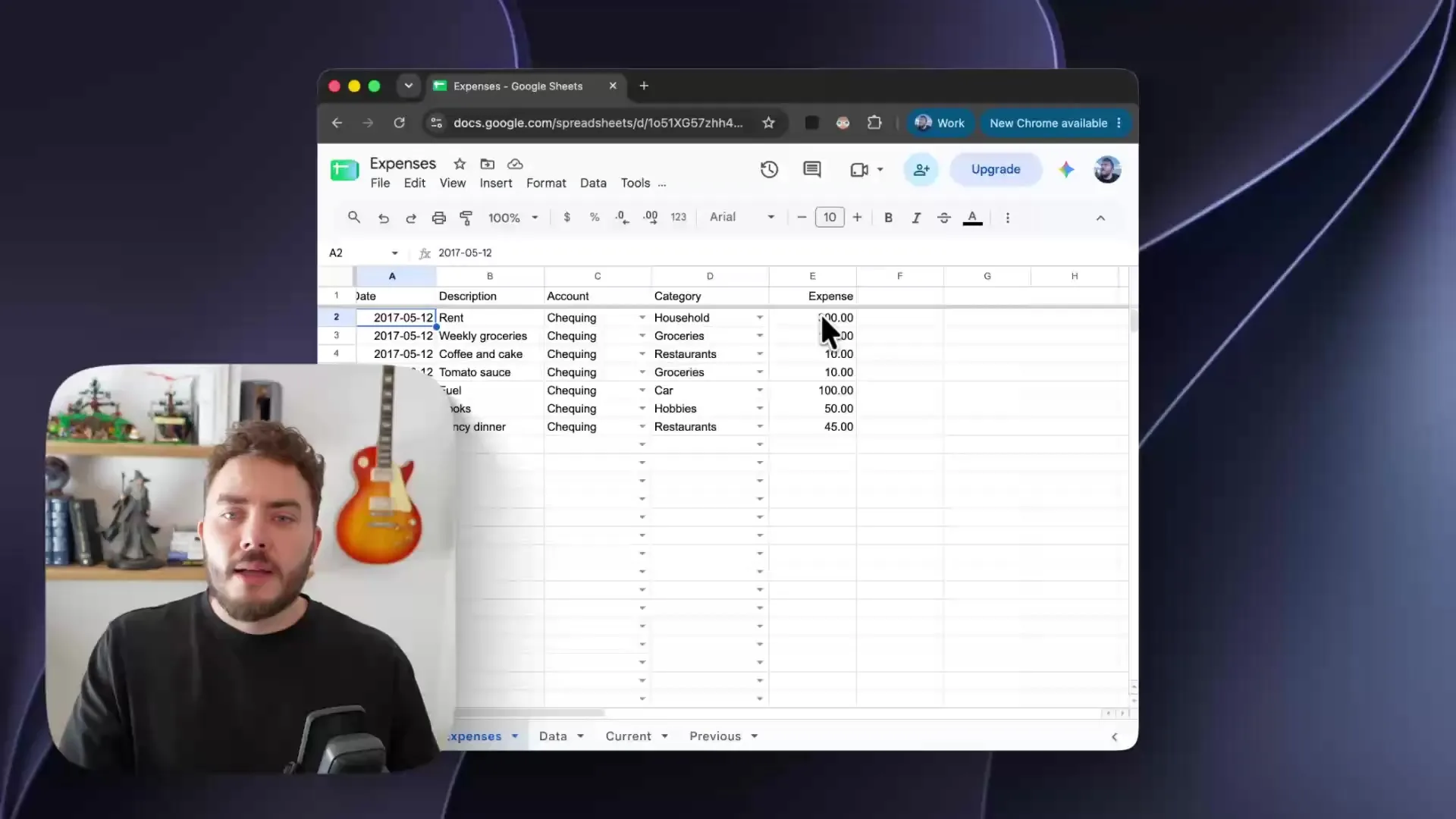
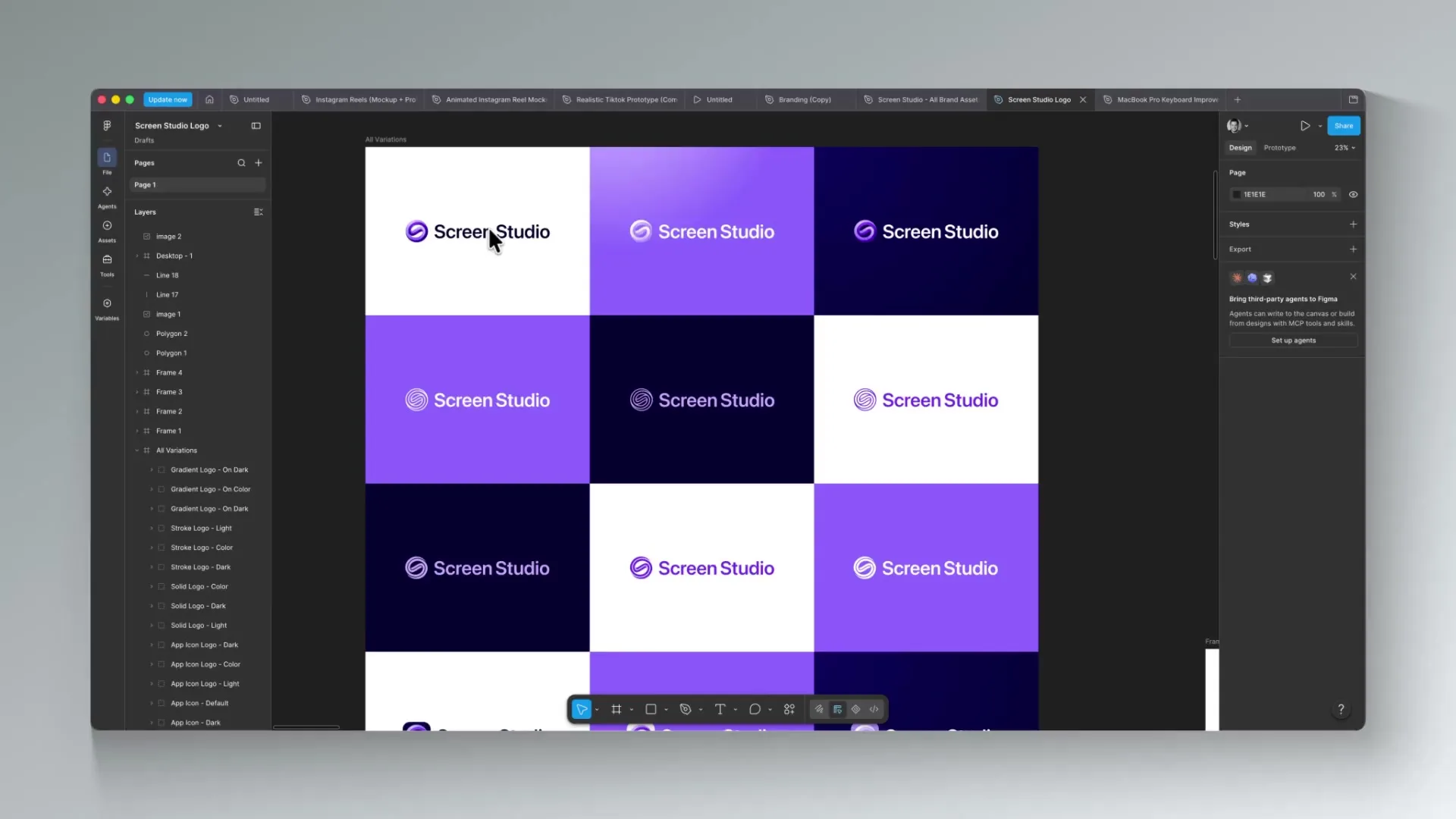
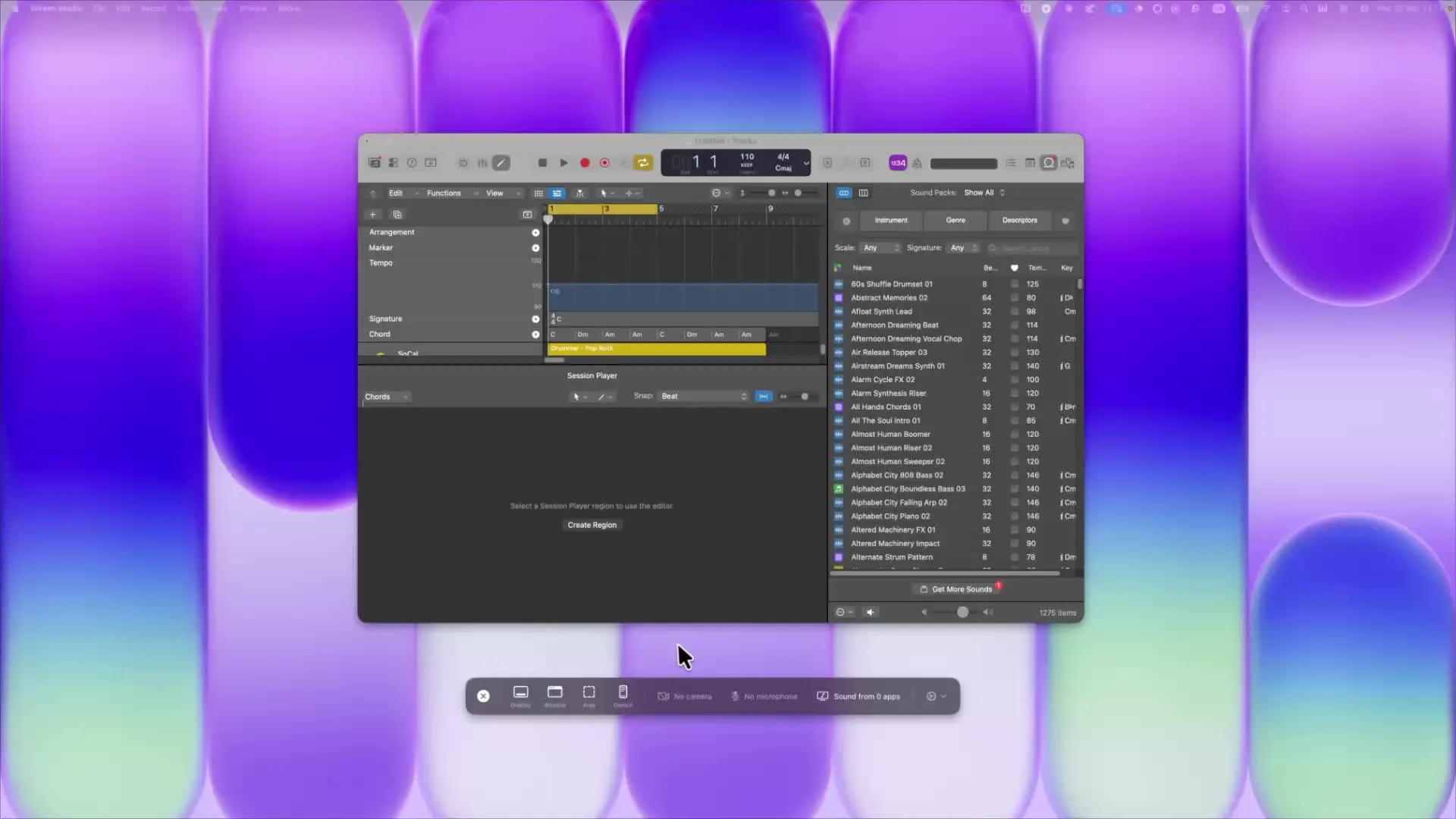
Screen Studio is a screen recorder for Mac that handles zooms, motion, sound and framing for you. It's built for product demos, tutorials, courses and social posts that need to look polished.
Key features:
- Zoom in automatically where you click, or drop manual zooms on the timeline.
- Smooth cursor paths and add motion blur and click effects, then change the cursor style after recording.
- Switch between camera layouts such as fullscreen, split screen, overlay and a cutout with the background removed.
- Edit by transcript, deleting sentences and trimming filler words and pauses.
- Generate captions and reduce microphone noise, with processing done on your Mac.
- Reframe one recording as 16:9, 1:1 or 9:16, with zooms and layouts adjusting automatically.
- Record an iPhone or iPad over USB with a matching device frame, then share a link or export MP4 up to 4K or a GIF.
Screen Studio is built on Apple's ScreenCaptureKit, works offline first and saves your take every two seconds while recording. macOS 13.1 or later is recommended.