Dropover
Floating shelf for collecting dragged files, then moving, sharing or processing them at once
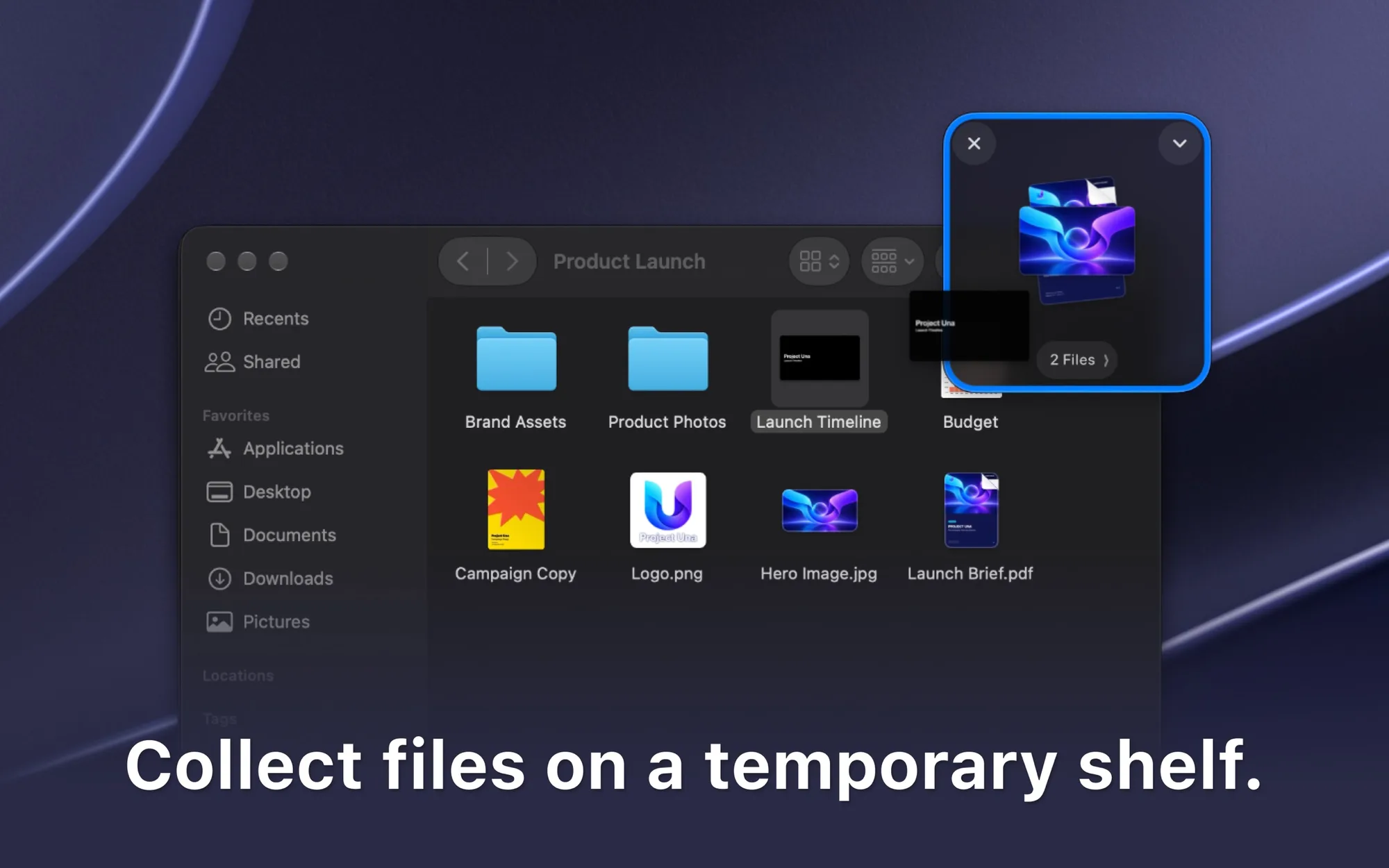
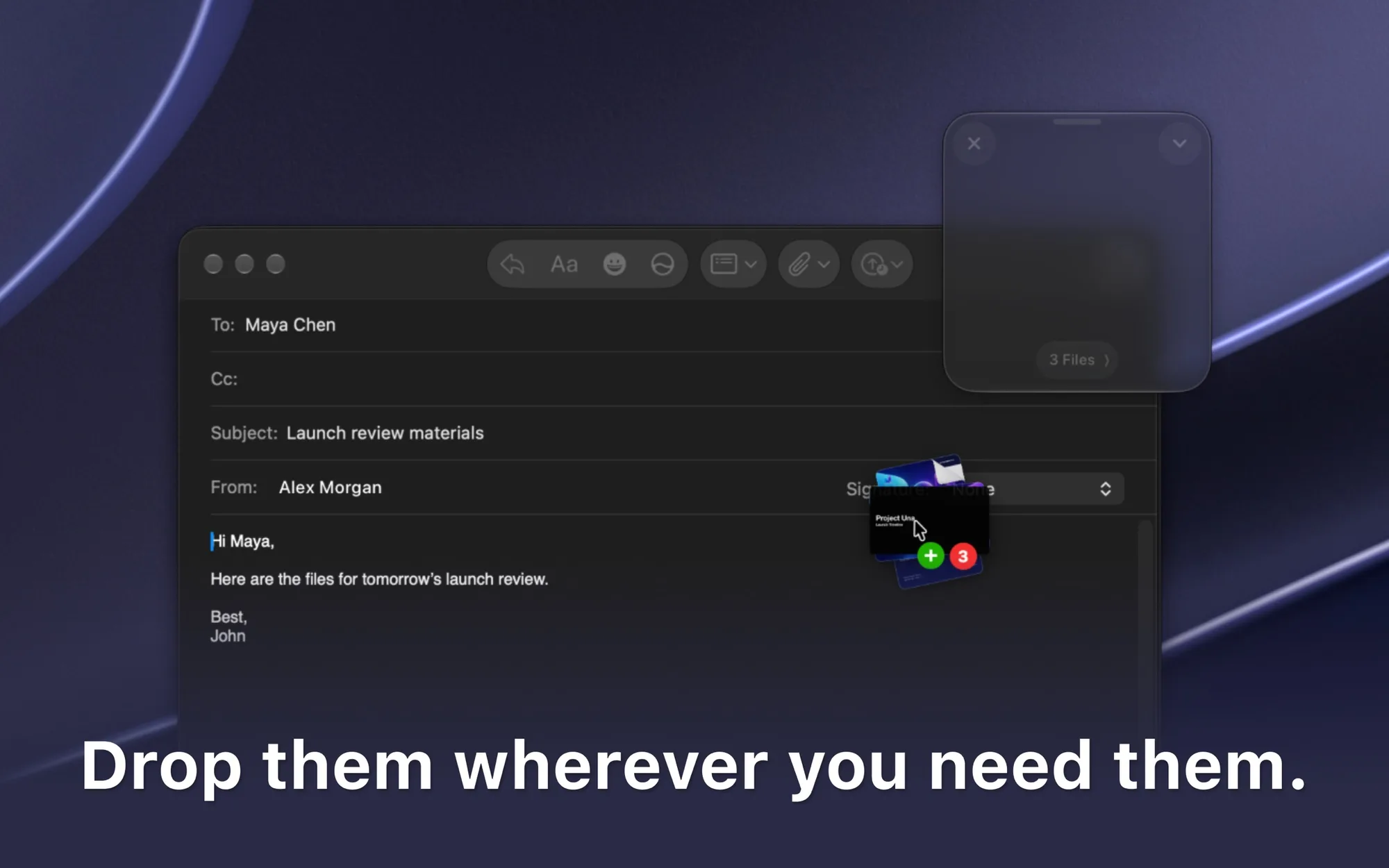
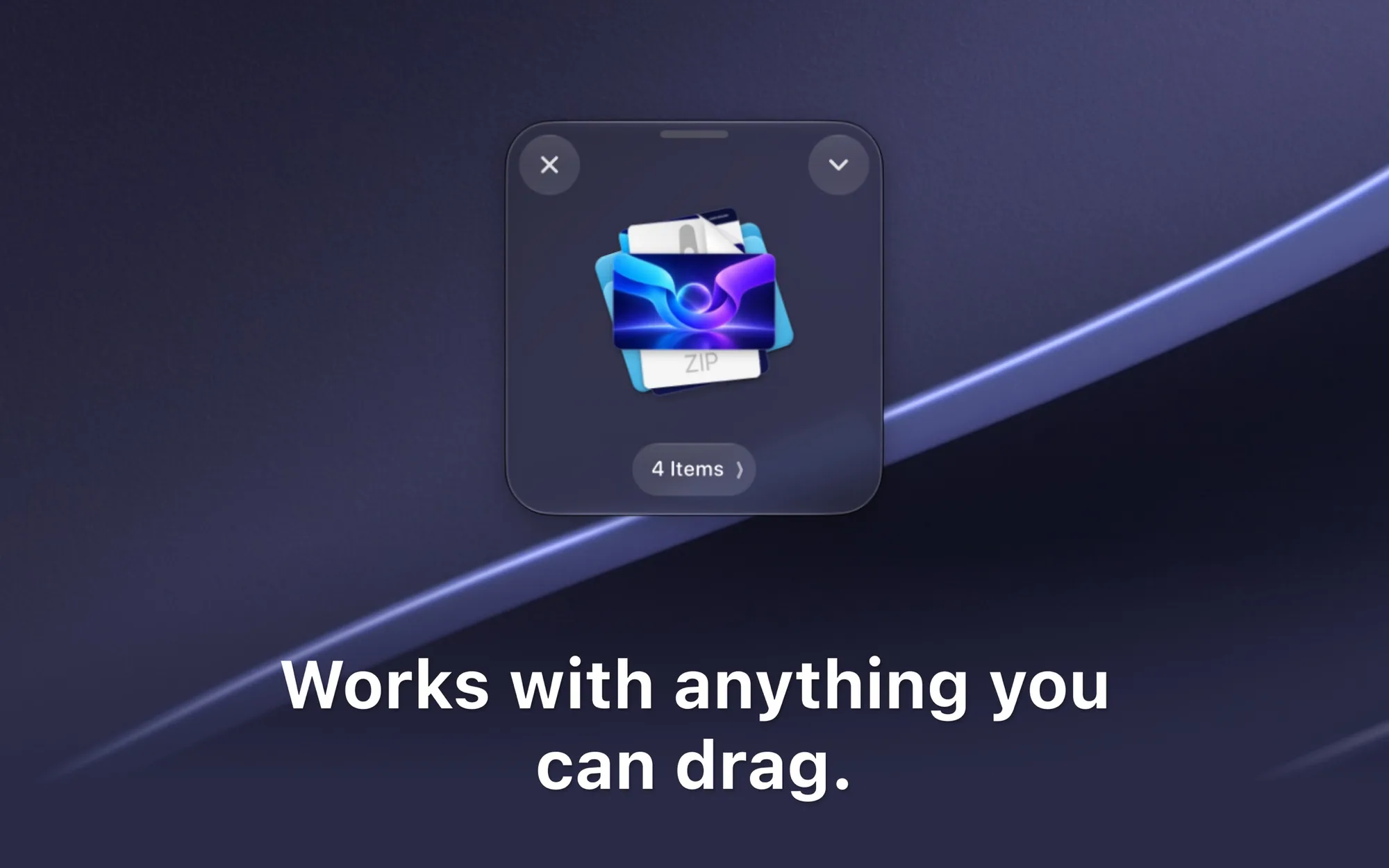
Dropover makes drag and drop easier on a Mac. Gather files, folders, images, links and text on a temporary floating shelf, then drop everything where you need it.
Key features:
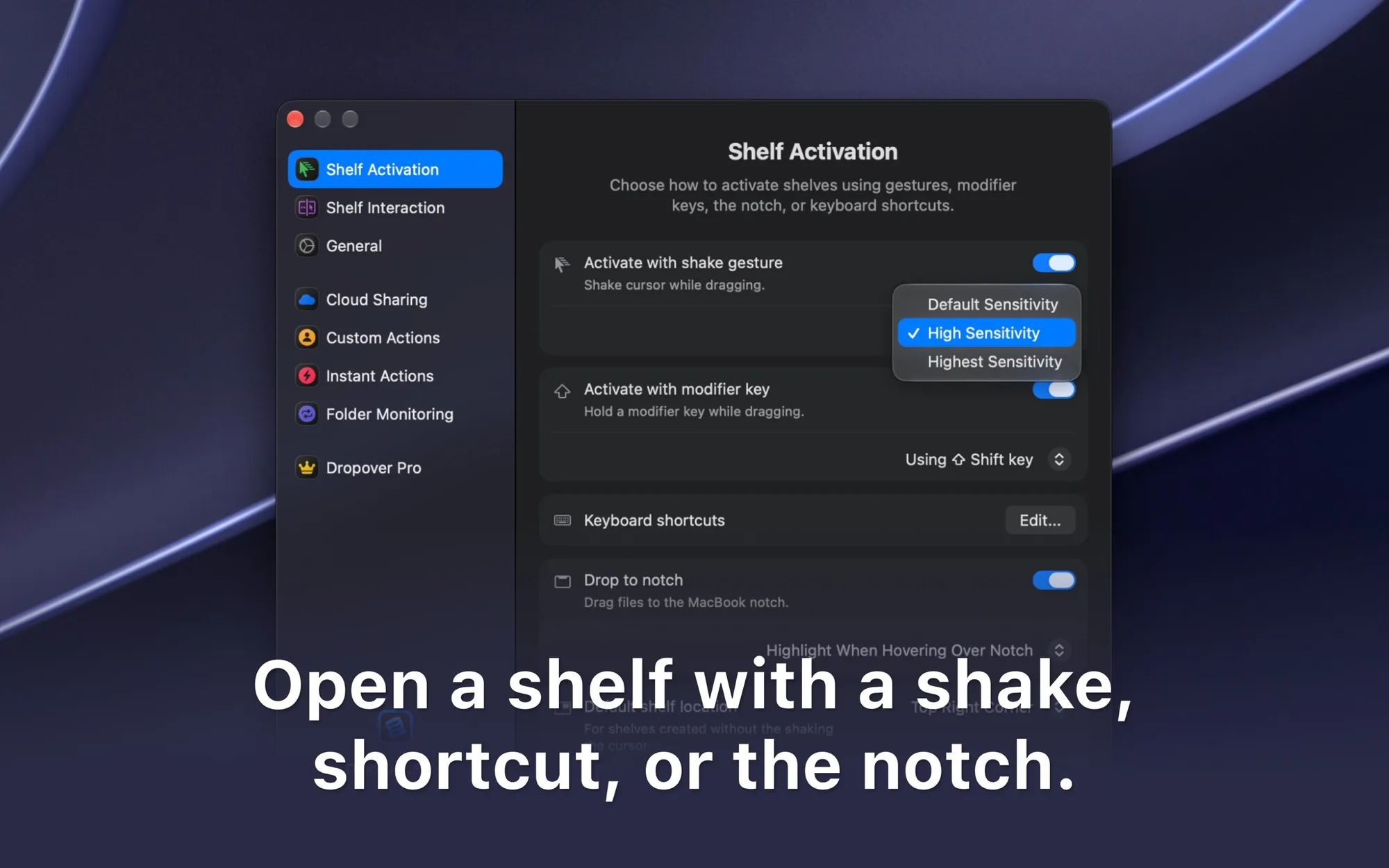
- Shake the pointer while dragging, use a shortcut, or drop on the menu bar icon or notch to open a shelf.
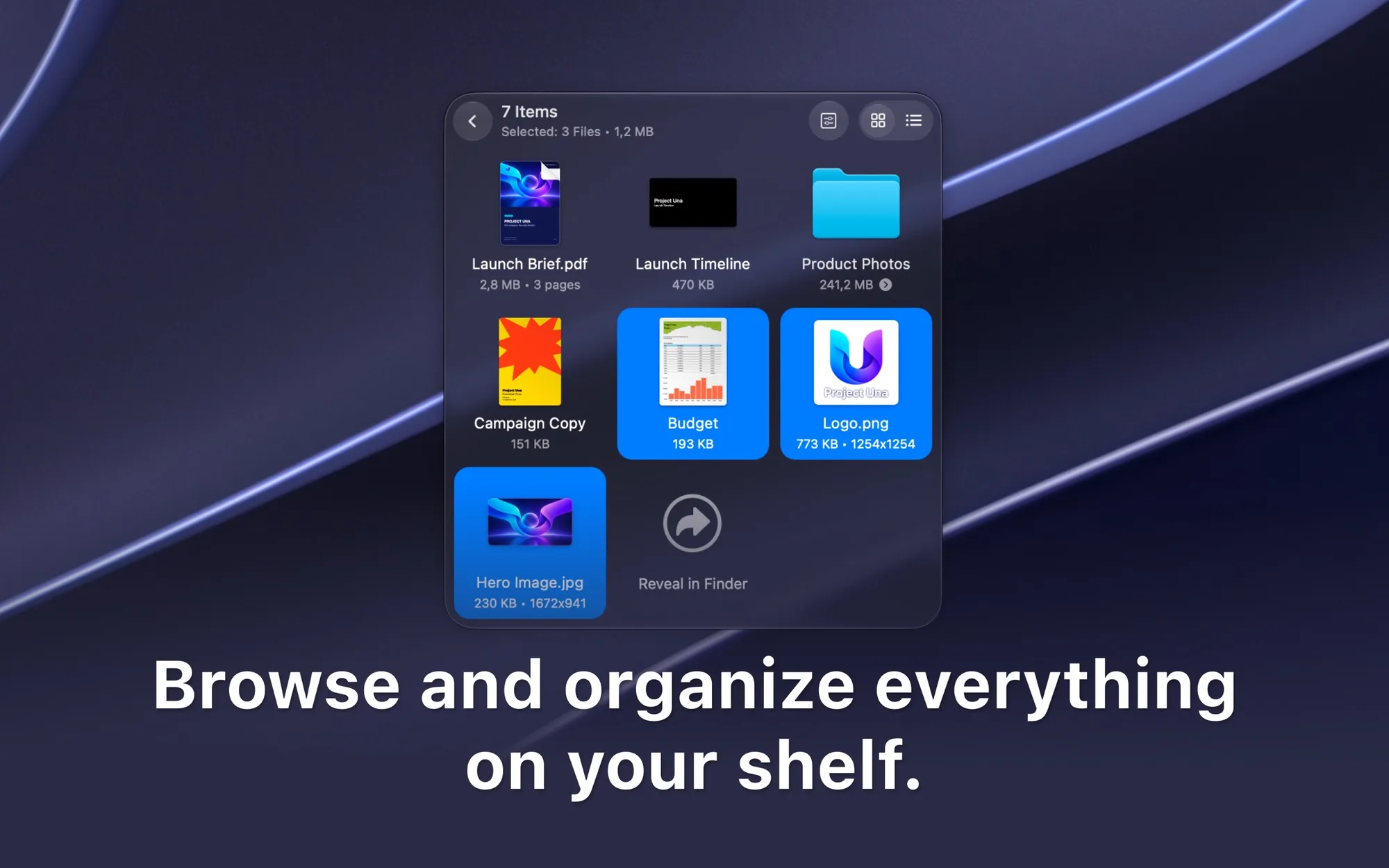
- Preview, rename, reorder and remove items directly on the shelf.
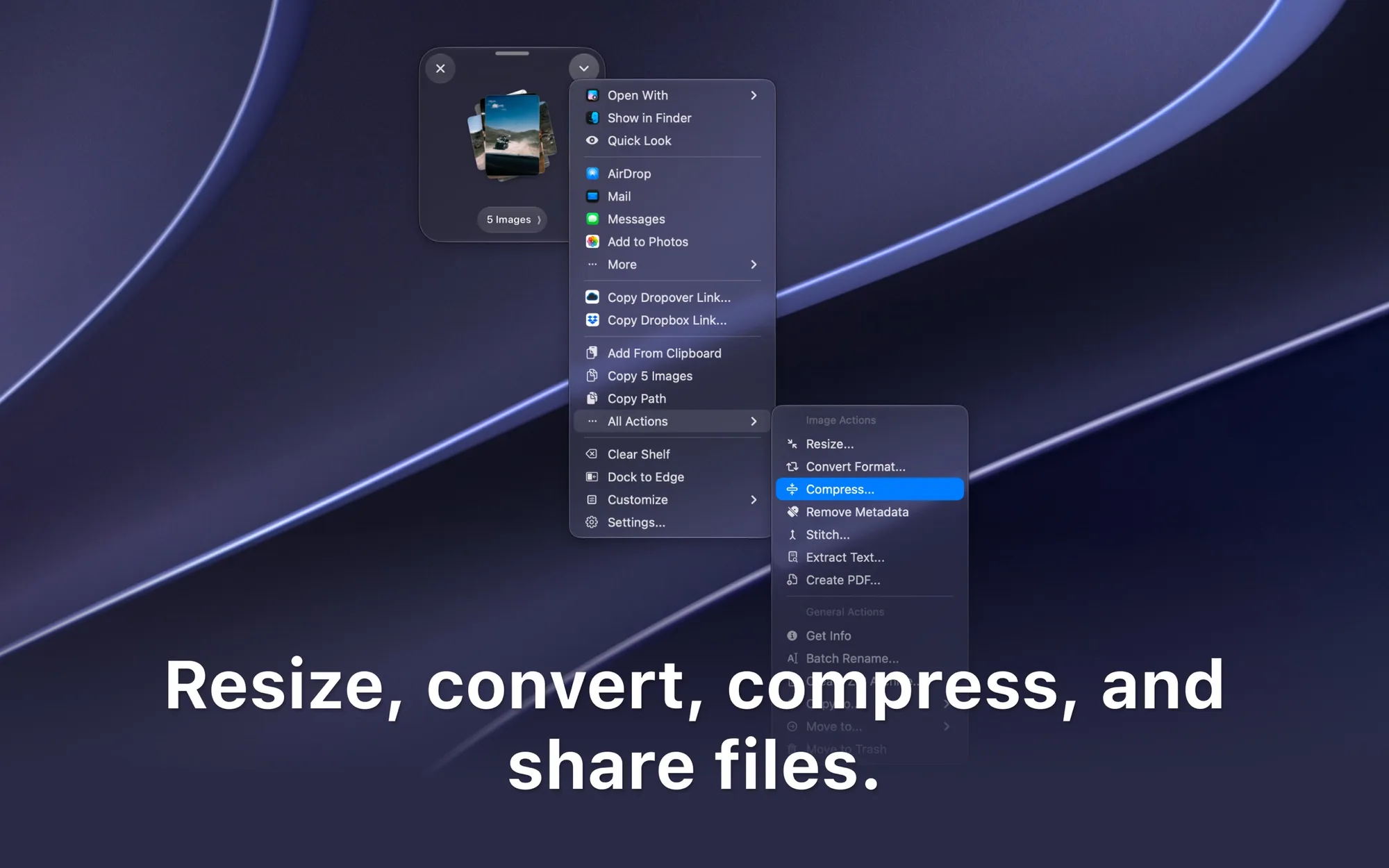
- Resize and convert images, extract text and create ZIP archives with built-in actions.
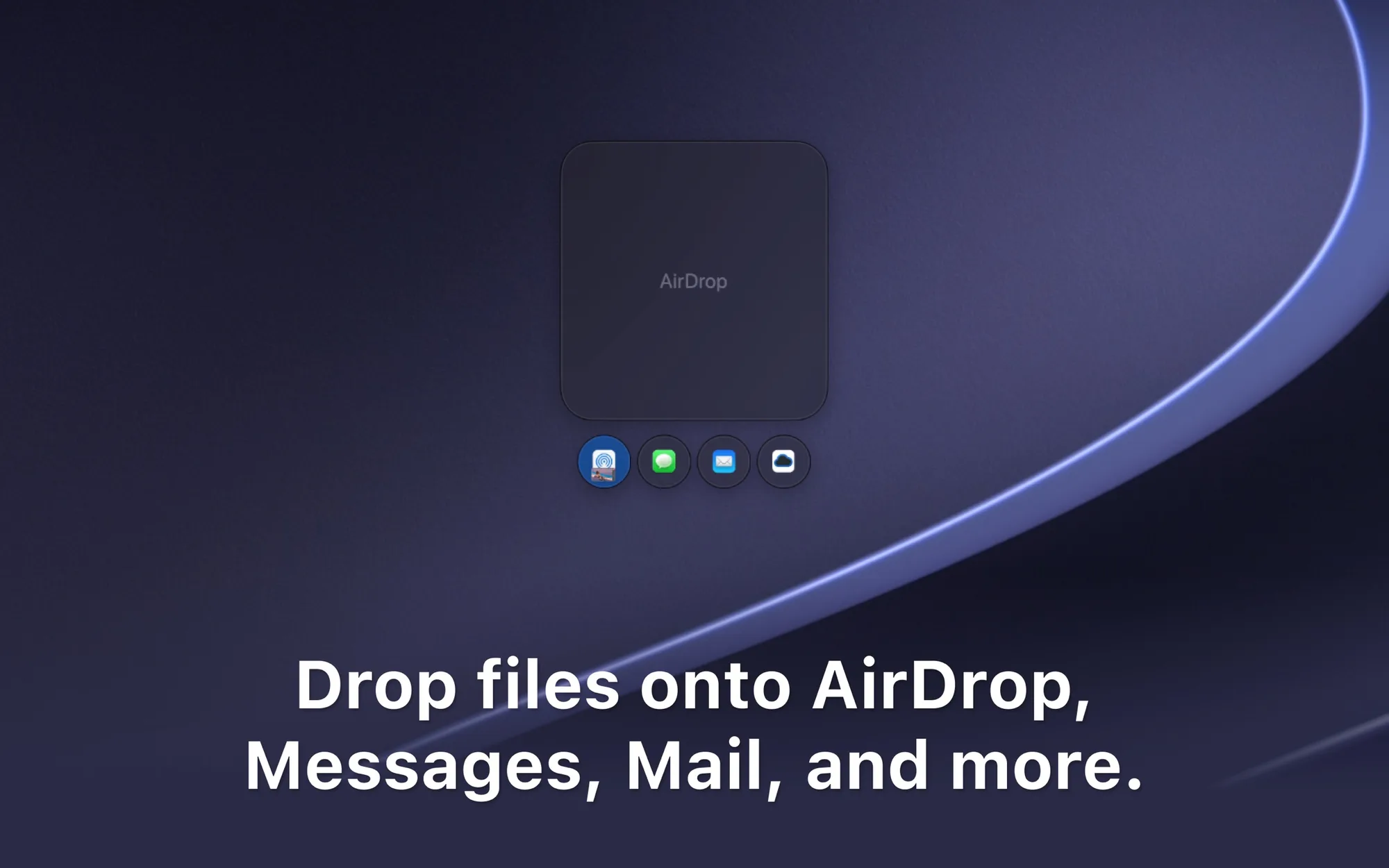
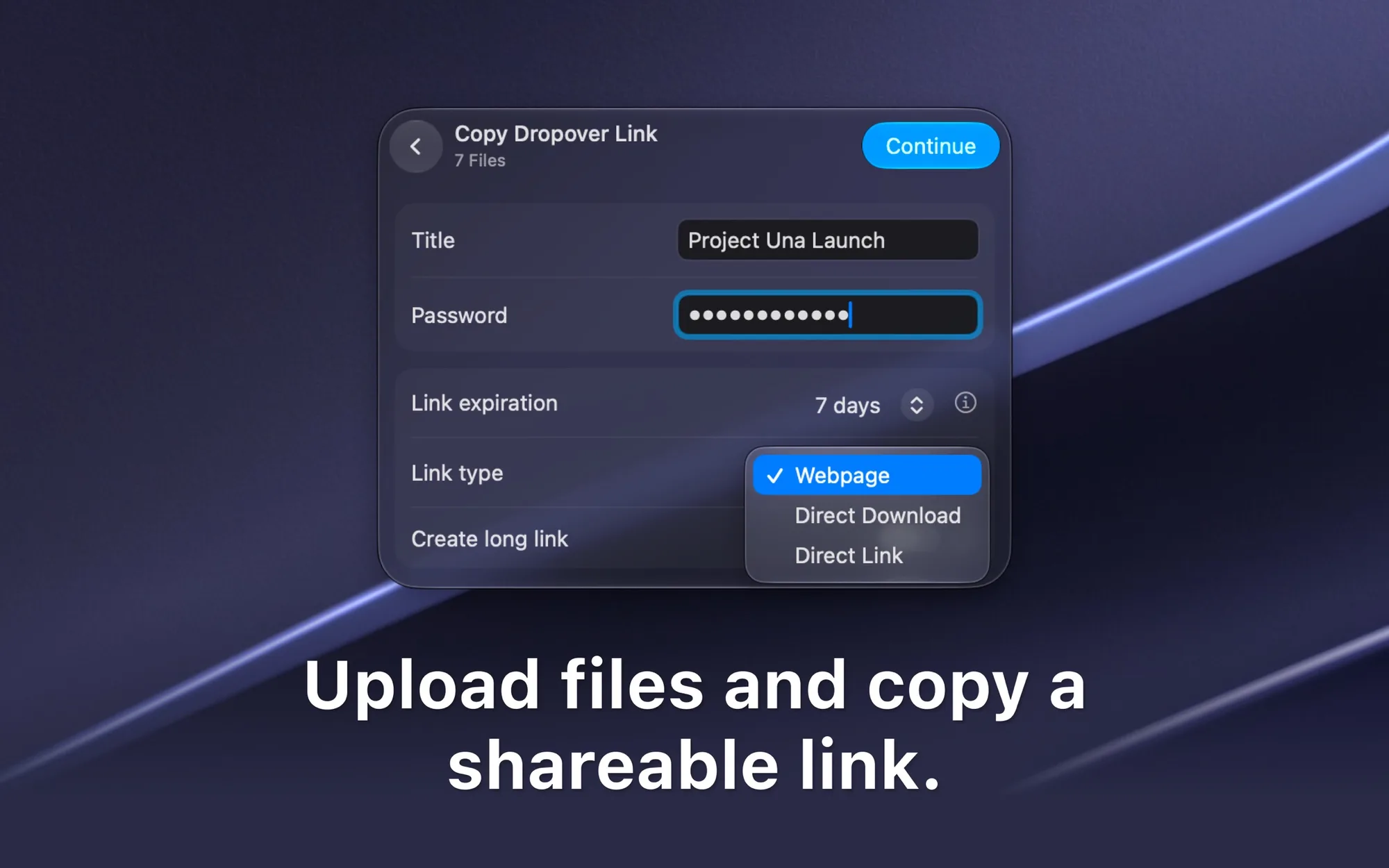
- Upload to Dropover Cloud, iCloud Drive, Google Drive, OneDrive, Amazon S3 or Imgur and copy a link.
- Collect new screenshots and files from watched folders automatically.
- Automate tasks with custom actions, scripts and Shortcuts.
Dropover is on the Mac App Store and requires macOS 13.0 or later. Dropover Cloud uploads are anonymous, need no registration and are free, with optional passwords and expiration dates.