
Logo of Transmit: File transfer app for FTP, SFTP, WebDAV, S3 and cloud services, with sync

Transmit

File transfer app for FTP, SFTP, WebDAV, S3 and cloud services, with sync
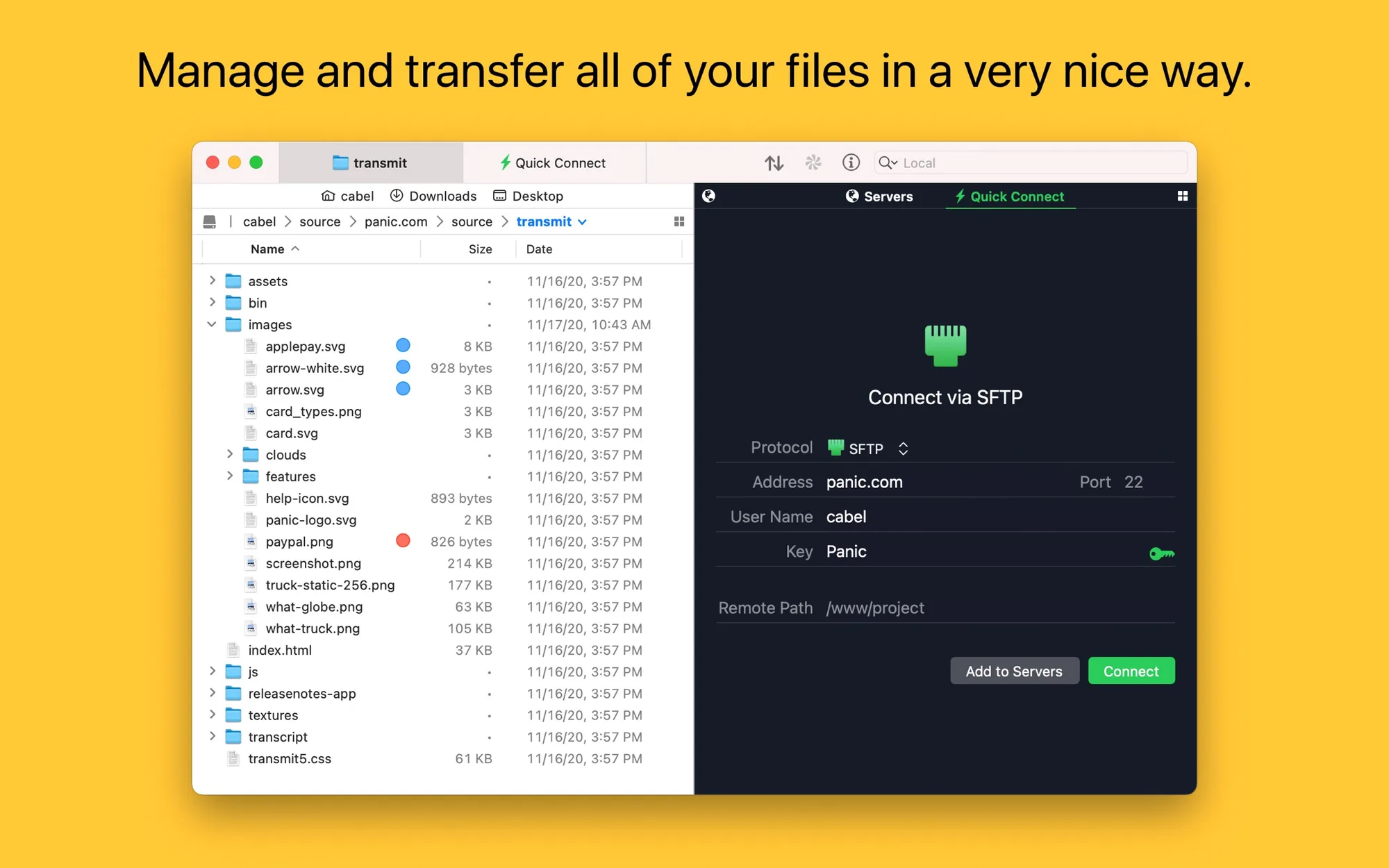
Visit panic.com
Transmit: File transfer app for FTP, SFTP, WebDAV, S3 and cloud services, with sync
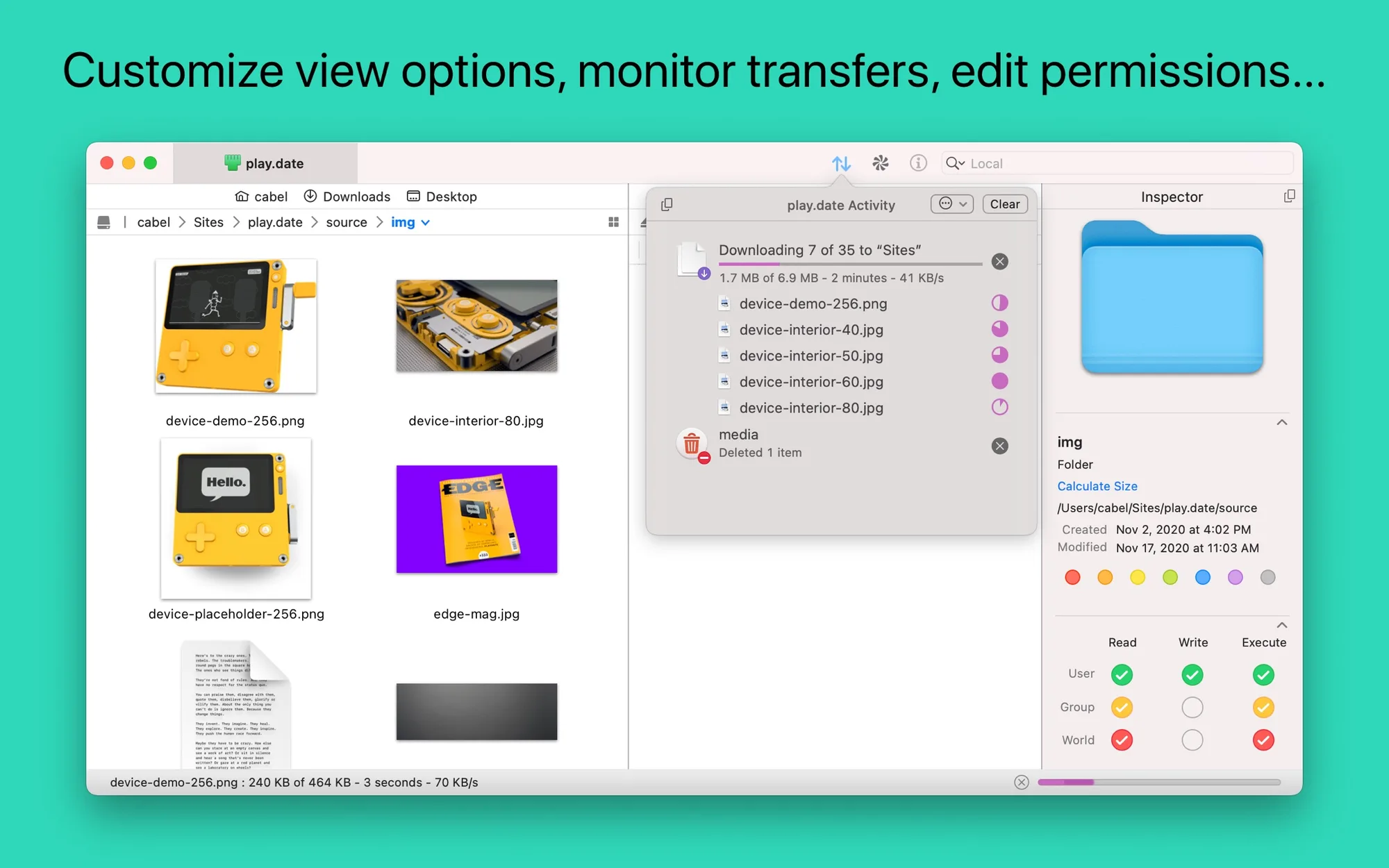
Transmit: File transfer app for FTP, SFTP, WebDAV, S3 and cloud services, with sync (2 of 8)
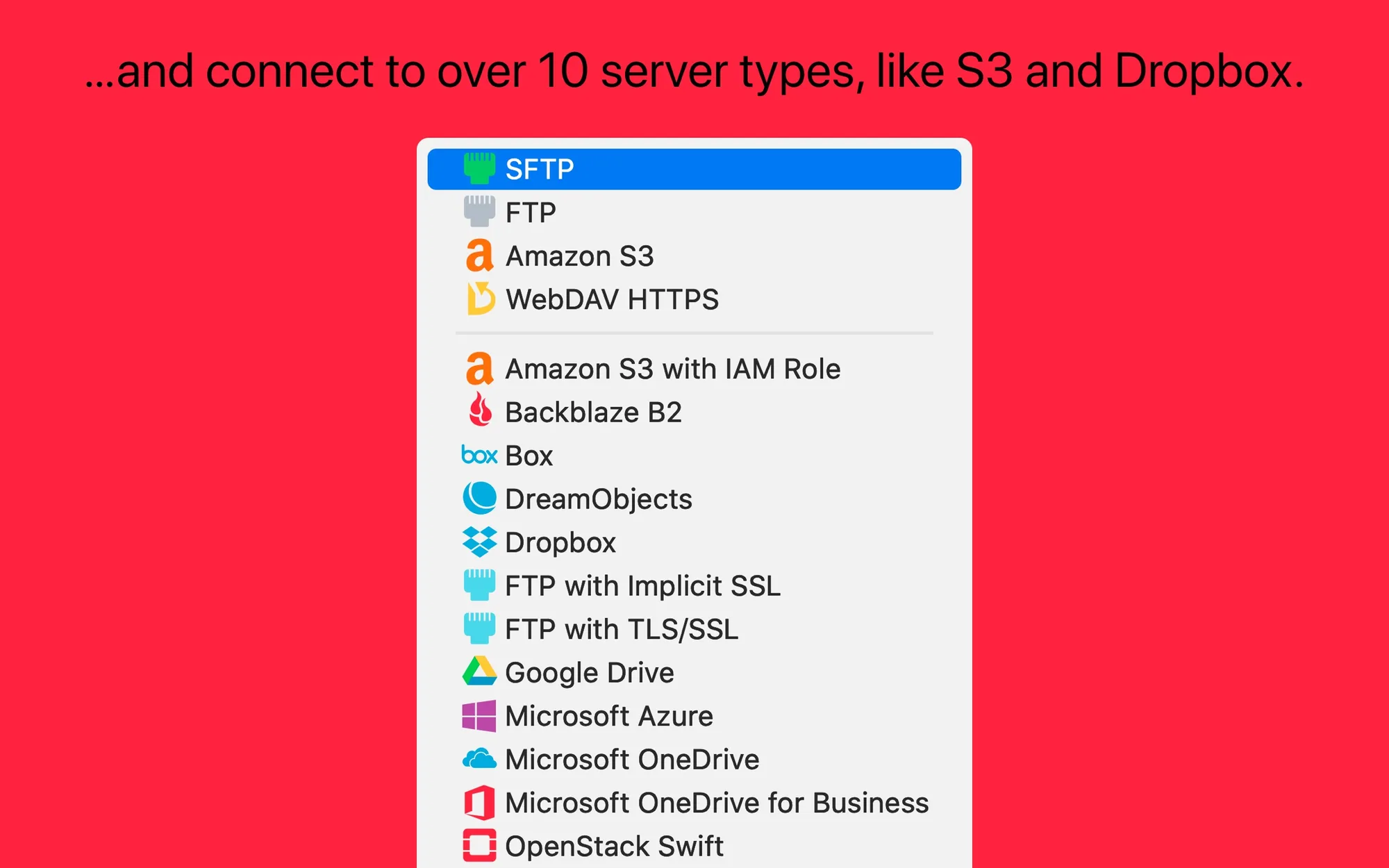
Transmit: File transfer app for FTP, SFTP, WebDAV, S3 and cloud services, with sync (3 of 8)
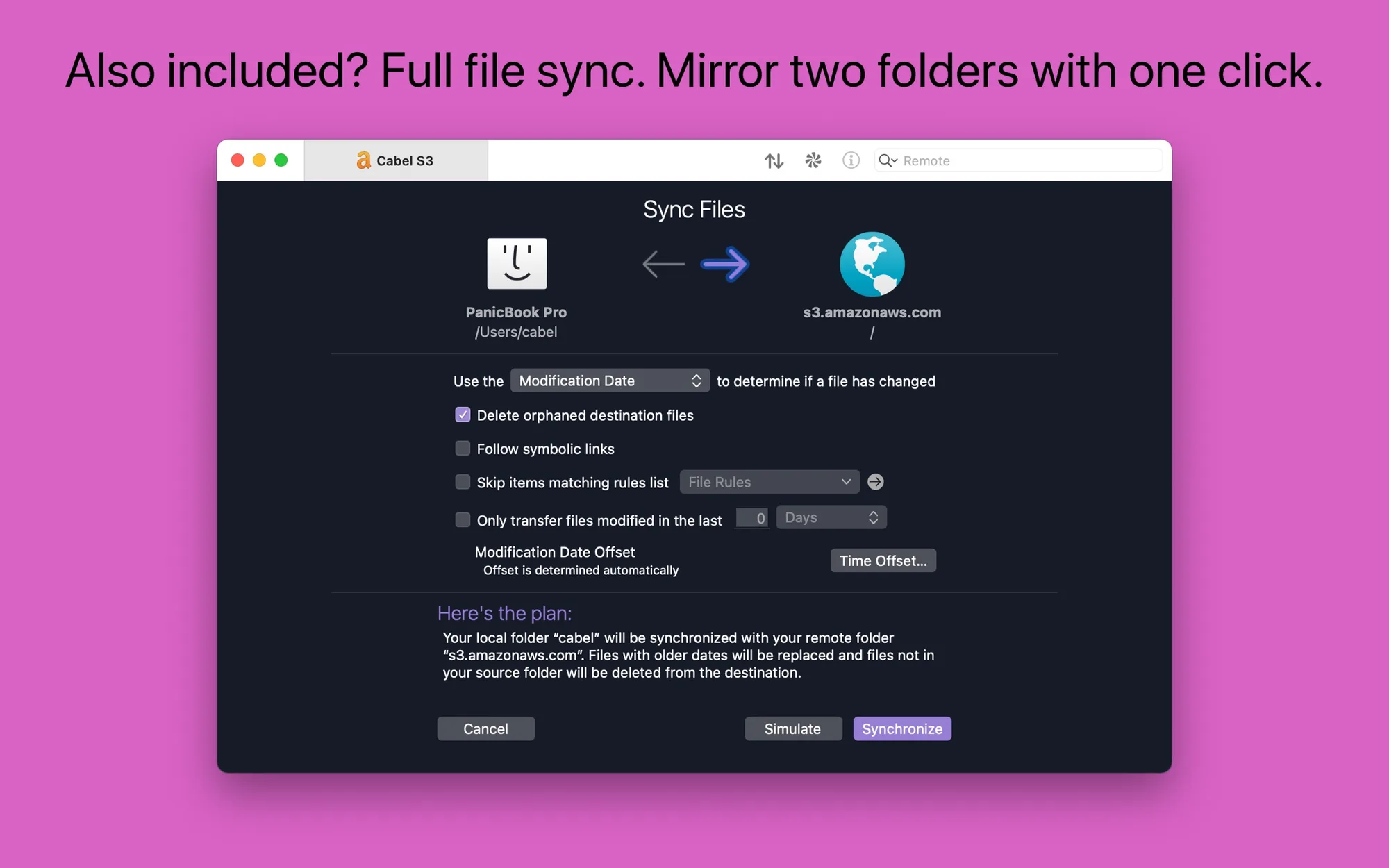
Transmit: File transfer app for FTP, SFTP, WebDAV, S3 and cloud services, with sync (4 of 8)
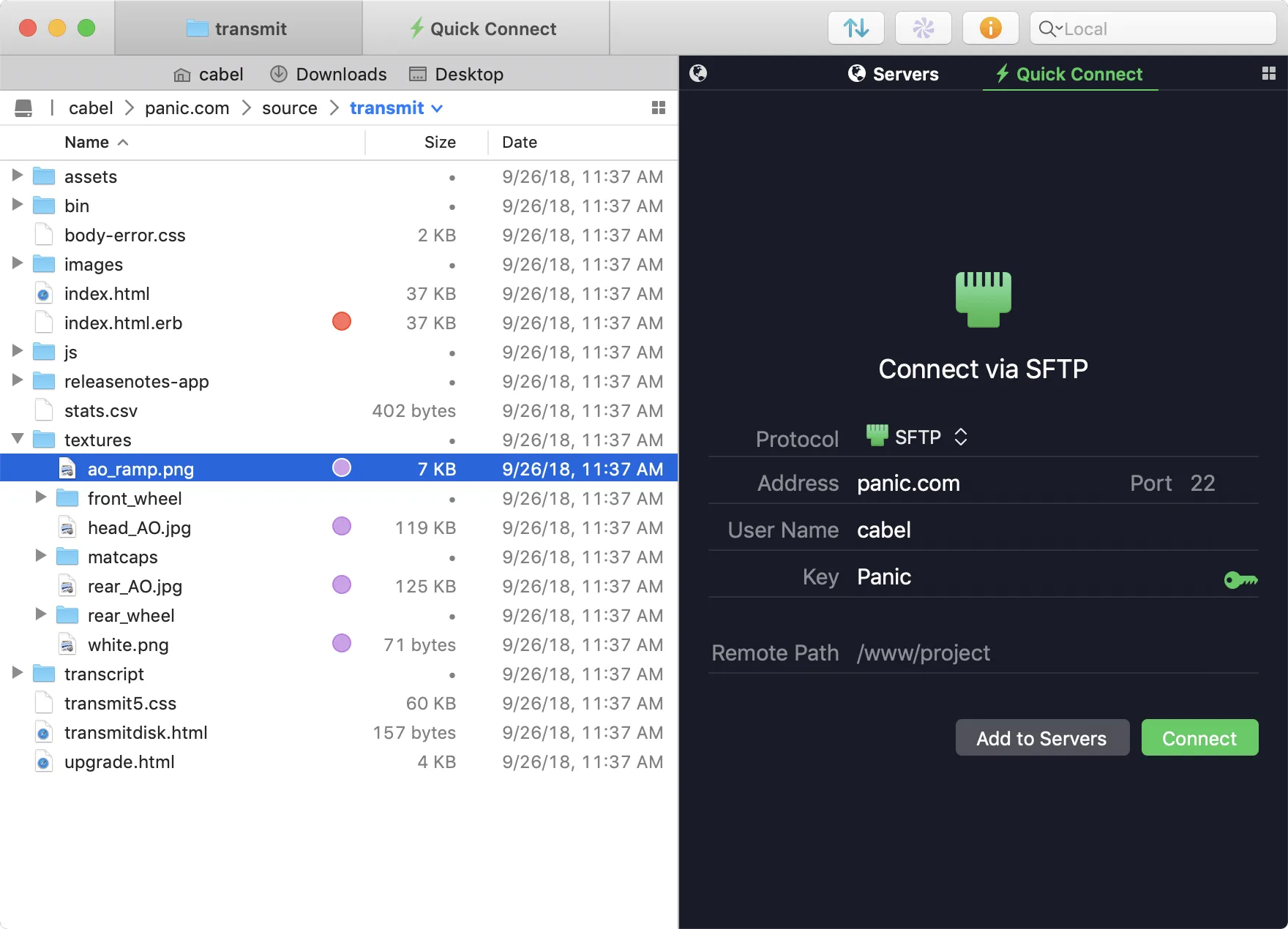
Transmit: File transfer app for FTP, SFTP, WebDAV, S3 and cloud services, with sync (5 of 8)
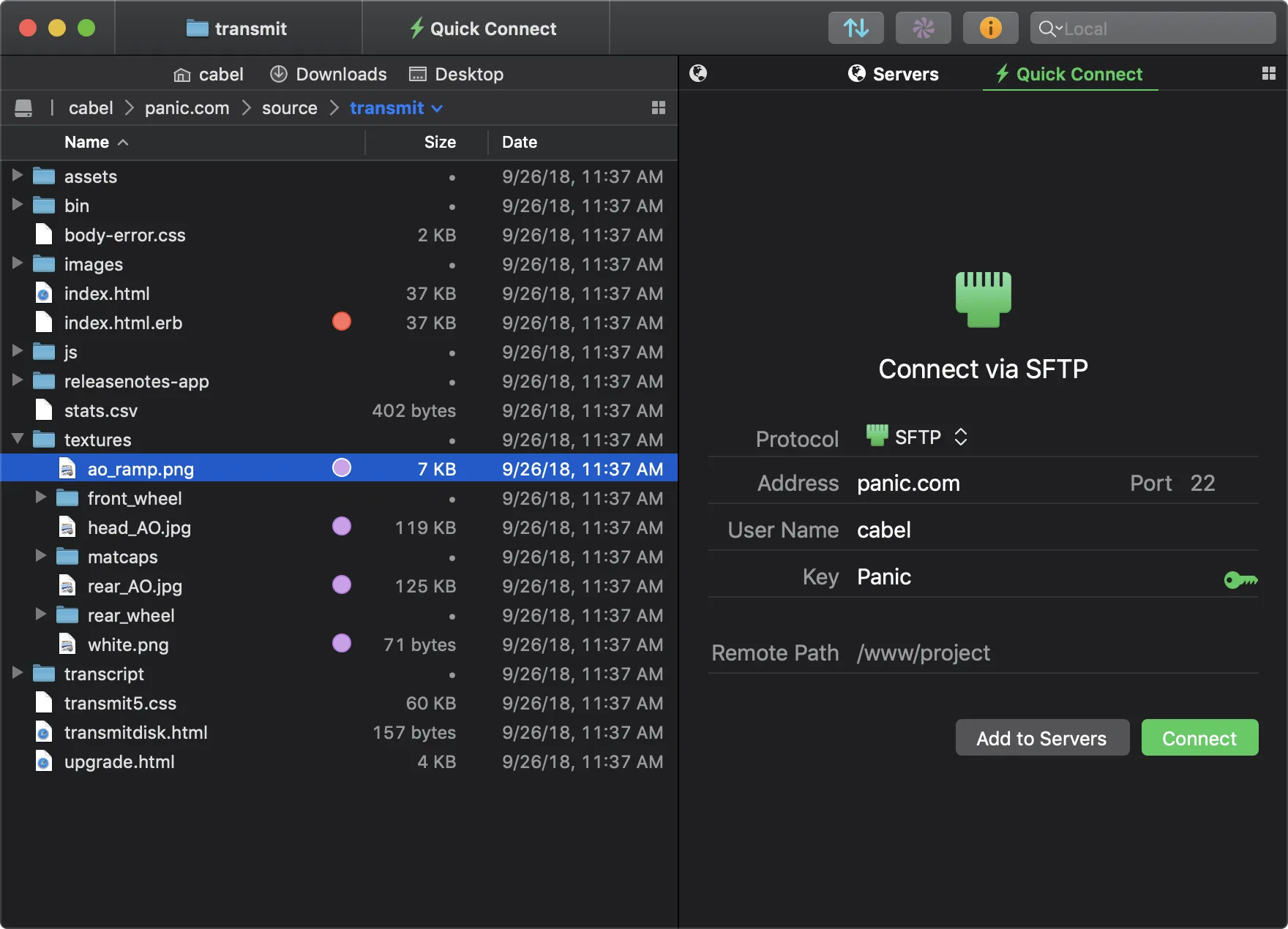
Transmit: File transfer app for FTP, SFTP, WebDAV, S3 and cloud services, with sync (6 of 8)

Transmit: File transfer app for FTP, SFTP, WebDAV, S3 and cloud services, with sync (7 of 8)
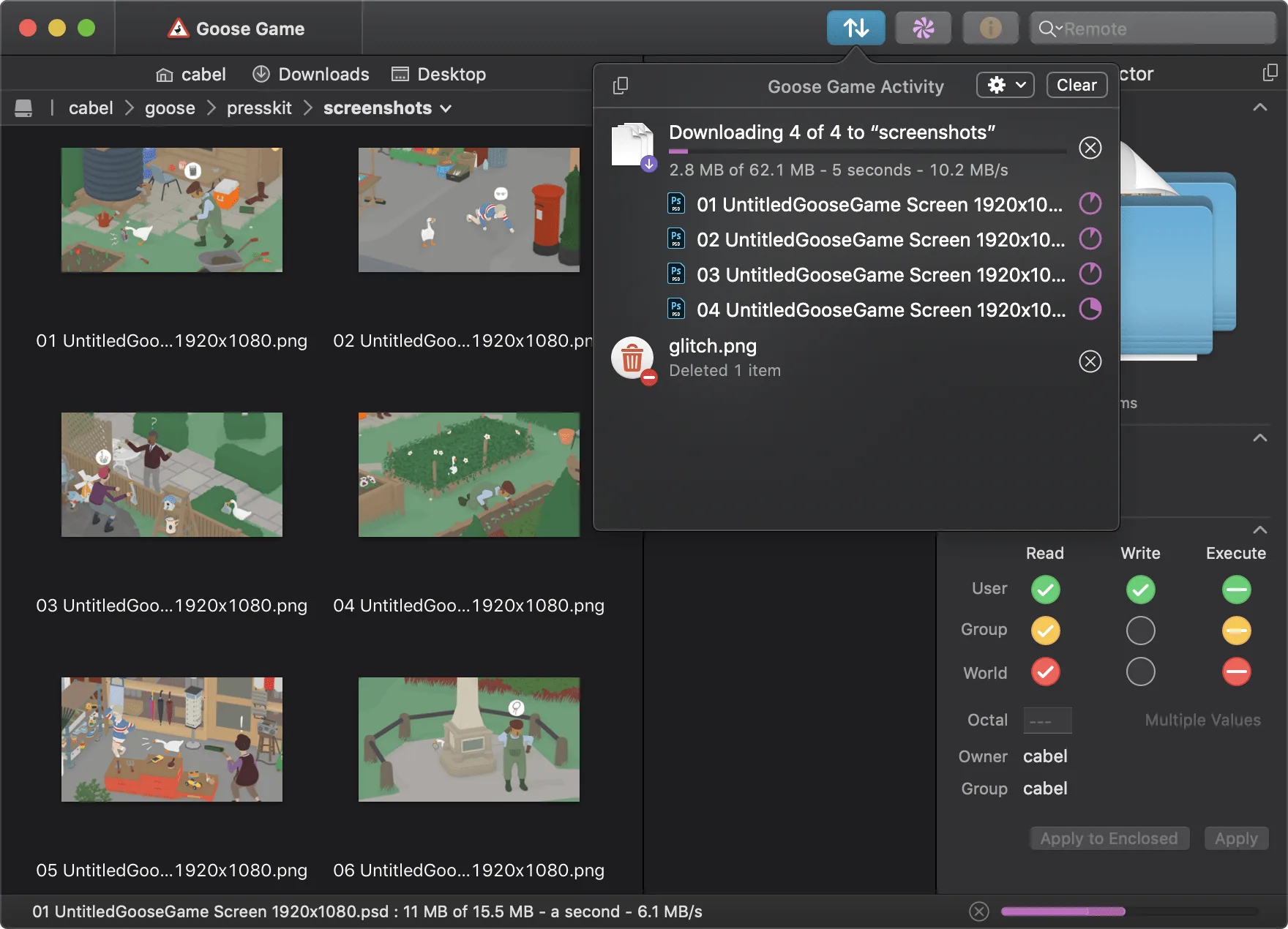
Transmit: File transfer app for FTP, SFTP, WebDAV, S3 and cloud services, with sync (8 of 8)

Transmit 5 is Panic's file transfer app for Mac. Developers, sysadmins and freelancers use it to upload, download and manage files on servers and cloud services in a dual-pane interface.

Key features:

  • Connect to FTP, SFTP, WebDAV and Amazon S3, plus Backblaze B2, Box, Google Drive, Dropbox, Microsoft Azure and more.
  • Mirror local and remote folders with File Sync, including local-to-local and remote-to-remote.
  • Sync your saved servers across Macs with Panic Sync.
  • Batch rename local or remote files.
  • Inspect items as you browse in the Get Info sidebar.
  • Manage and generate SSH keys inside the app.

Transmit requires macOS 13.0 or later. Bought directly from Panic it is $45 to keep forever after a seven-day free trial. The Mac App Store version is a $24.99-a-year subscription, also with a seven-day trial.

Press the keys to navigate to the next or previous product.