
Logo of LinearMouse: Mouse and trackpad utility for per-device scrolling direction, acceleration and button remapping

LinearMouse

Mouse and trackpad utility for per-device scrolling direction, acceleration and button remapping
Visit linearmouse.app
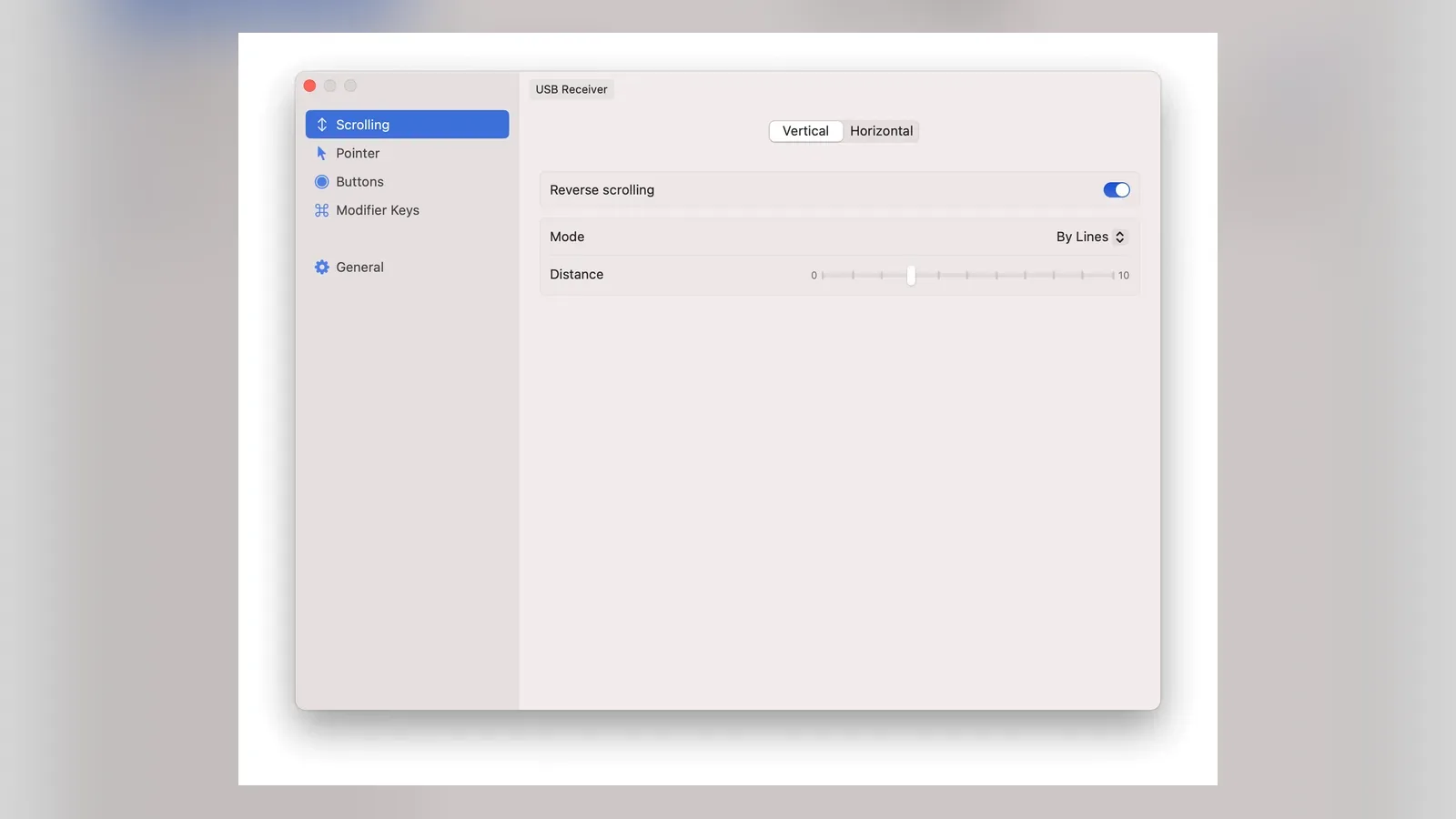
LinearMouse: Mouse and trackpad utility for per-device scrolling direction, acceleration and button remapping
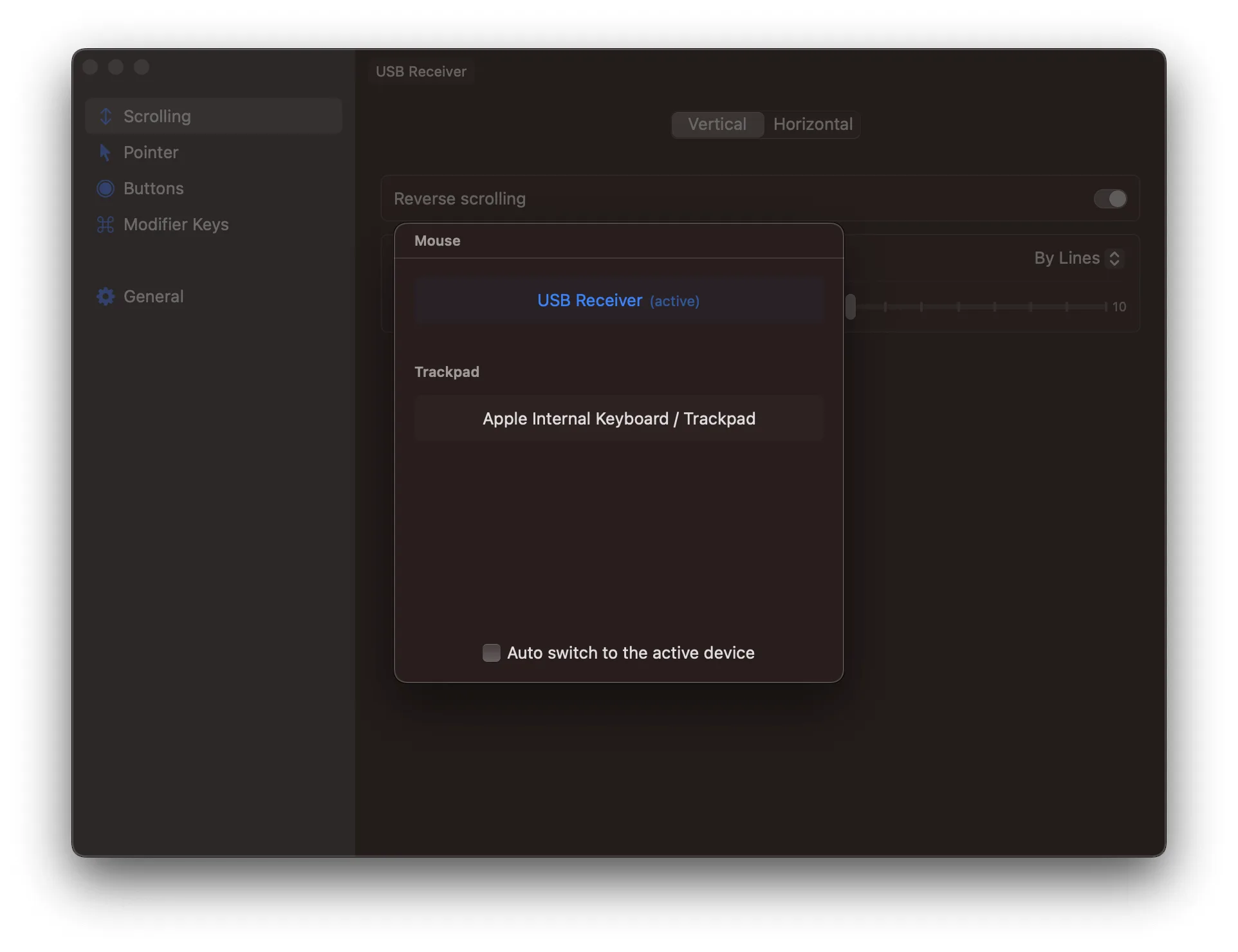
LinearMouse: Mouse and trackpad utility for per-device scrolling direction, acceleration and button remapping (2 of 5)
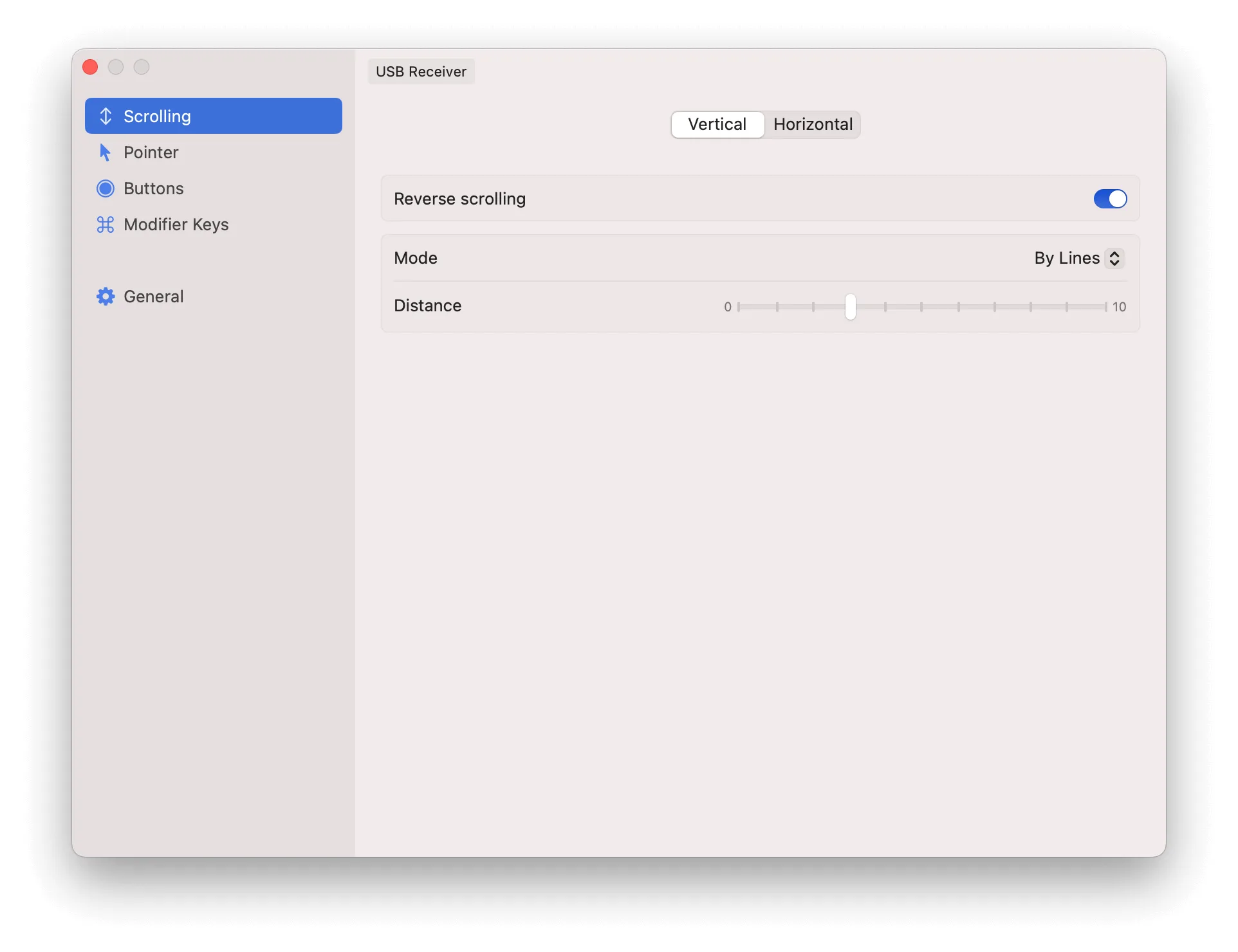
LinearMouse: Mouse and trackpad utility for per-device scrolling direction, acceleration and button remapping (3 of 5)
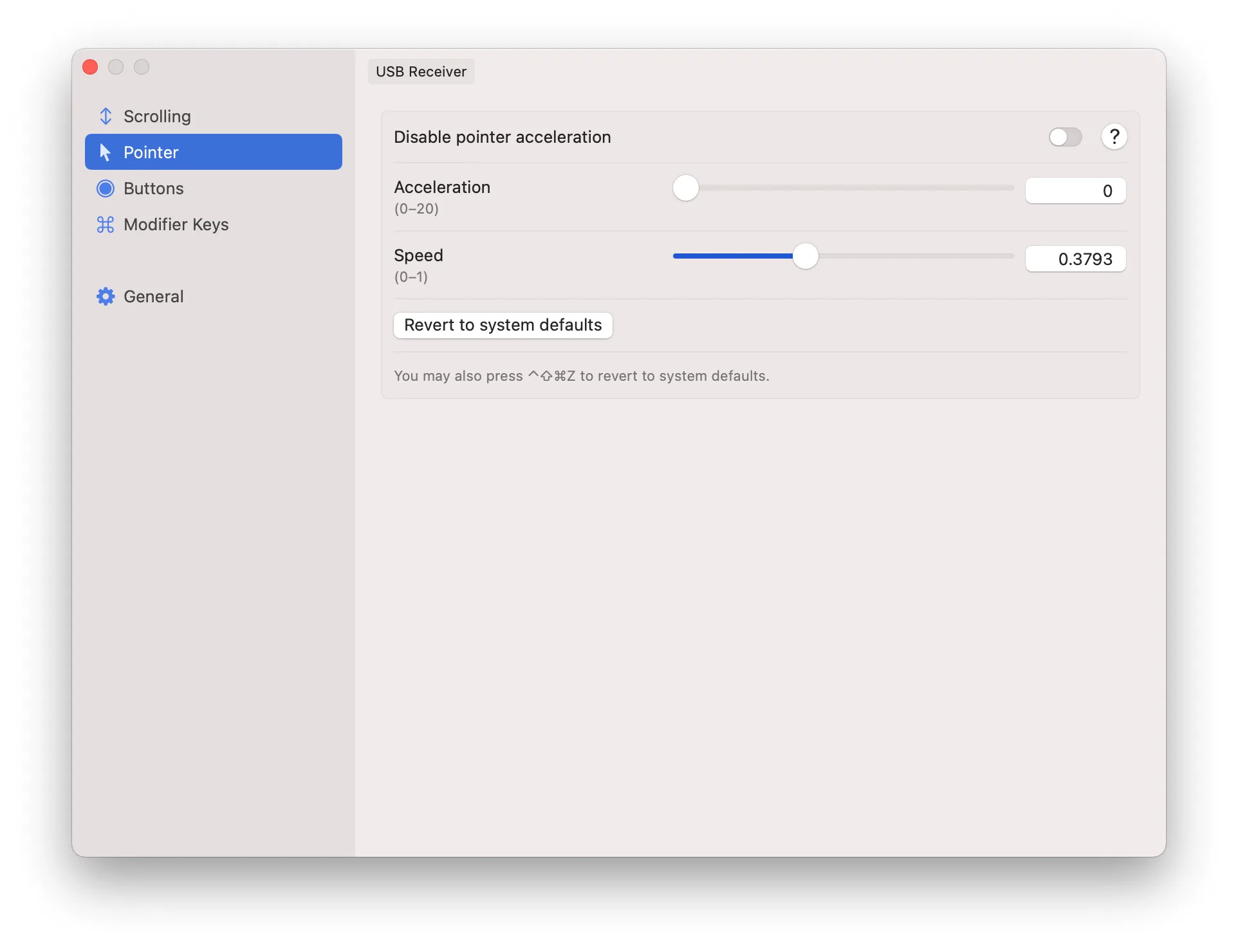
LinearMouse: Mouse and trackpad utility for per-device scrolling direction, acceleration and button remapping (4 of 5)
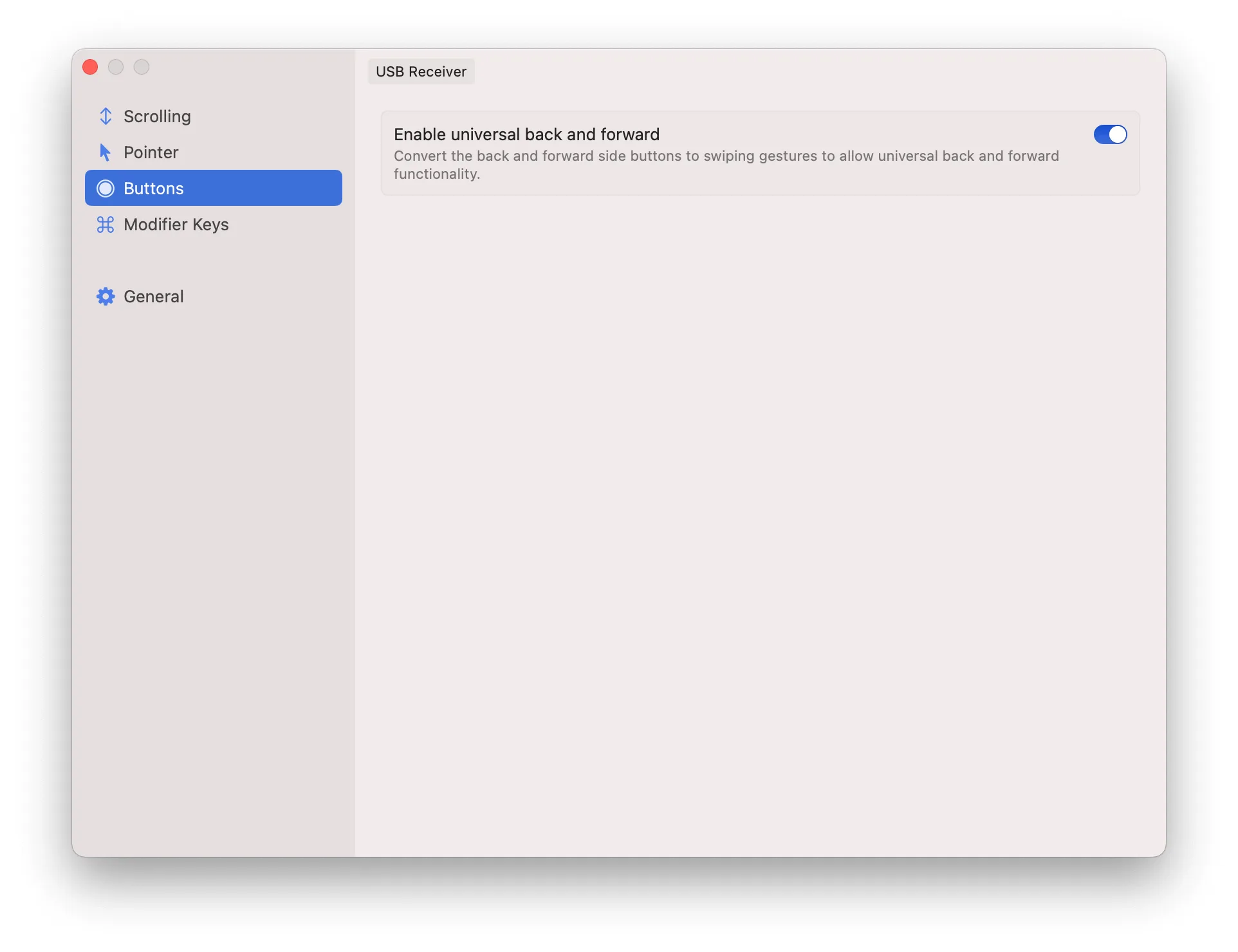
LinearMouse: Mouse and trackpad utility for per-device scrolling direction, acceleration and button remapping (5 of 5)

LinearMouse is a utility for tuning how your mouse and trackpad behave on a Mac. It's popular with people who want linear scrolling or no pointer acceleration, as on Windows.

Key features:

  • Keep natural scrolling on the trackpad while reversing it on a mouse.
  • Tune scrolling separately for each direction.
  • Adjust or turn off pointer acceleration, or reset to system defaults.
  • Remap buttons and scroll actions to shortcuts, media controls, and Mission Control.
  • Use profiles that apply different settings per device, app, or display.

LinearMouse can be downloaded from its site or installed with Homebrew using brew install --cask linearmouse.

Press the keys to navigate to the next or previous product.