
Little Snitch
Network monitor and application firewall that alerts you when an app connects and lets you allow or deny it
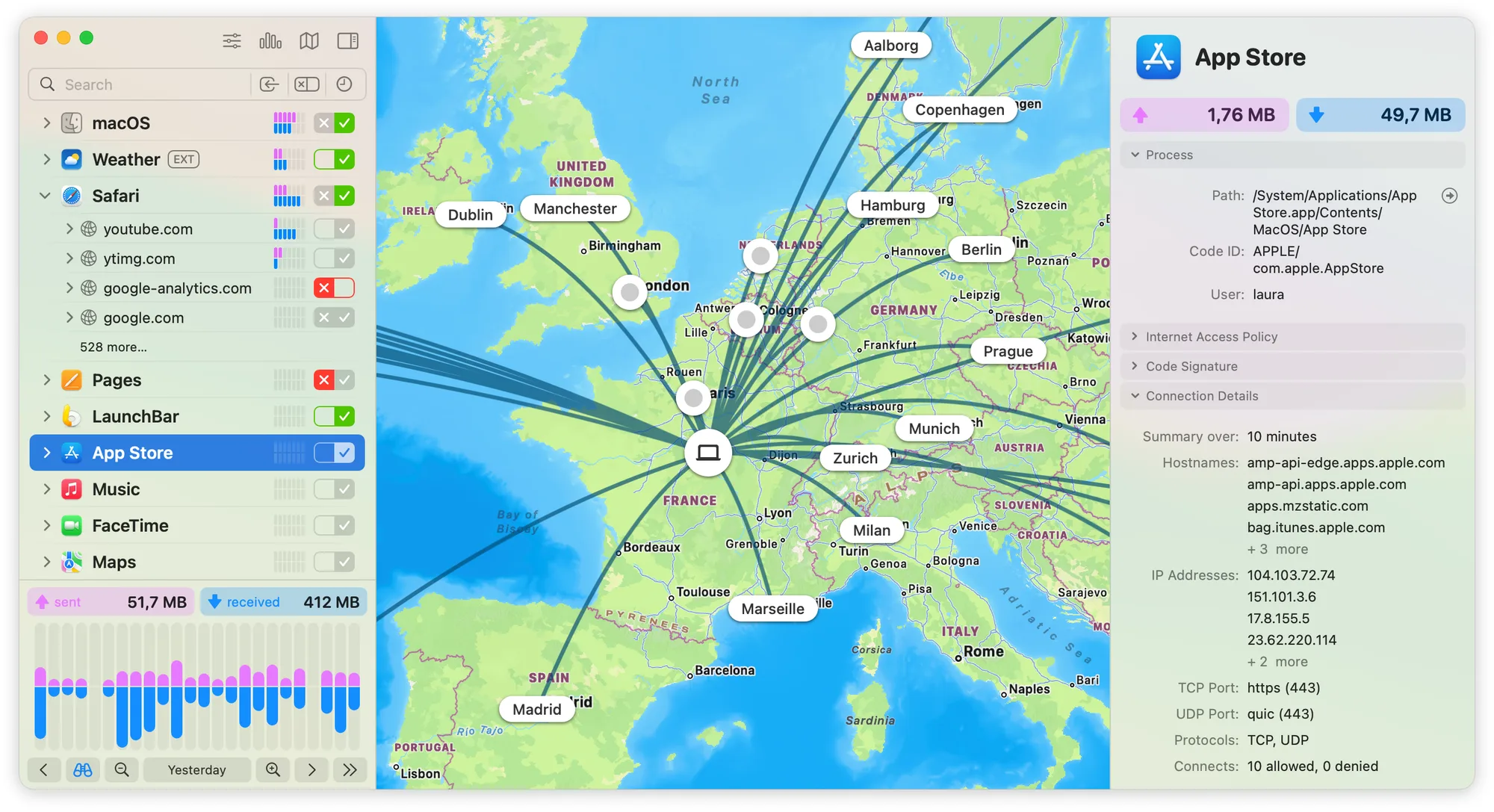
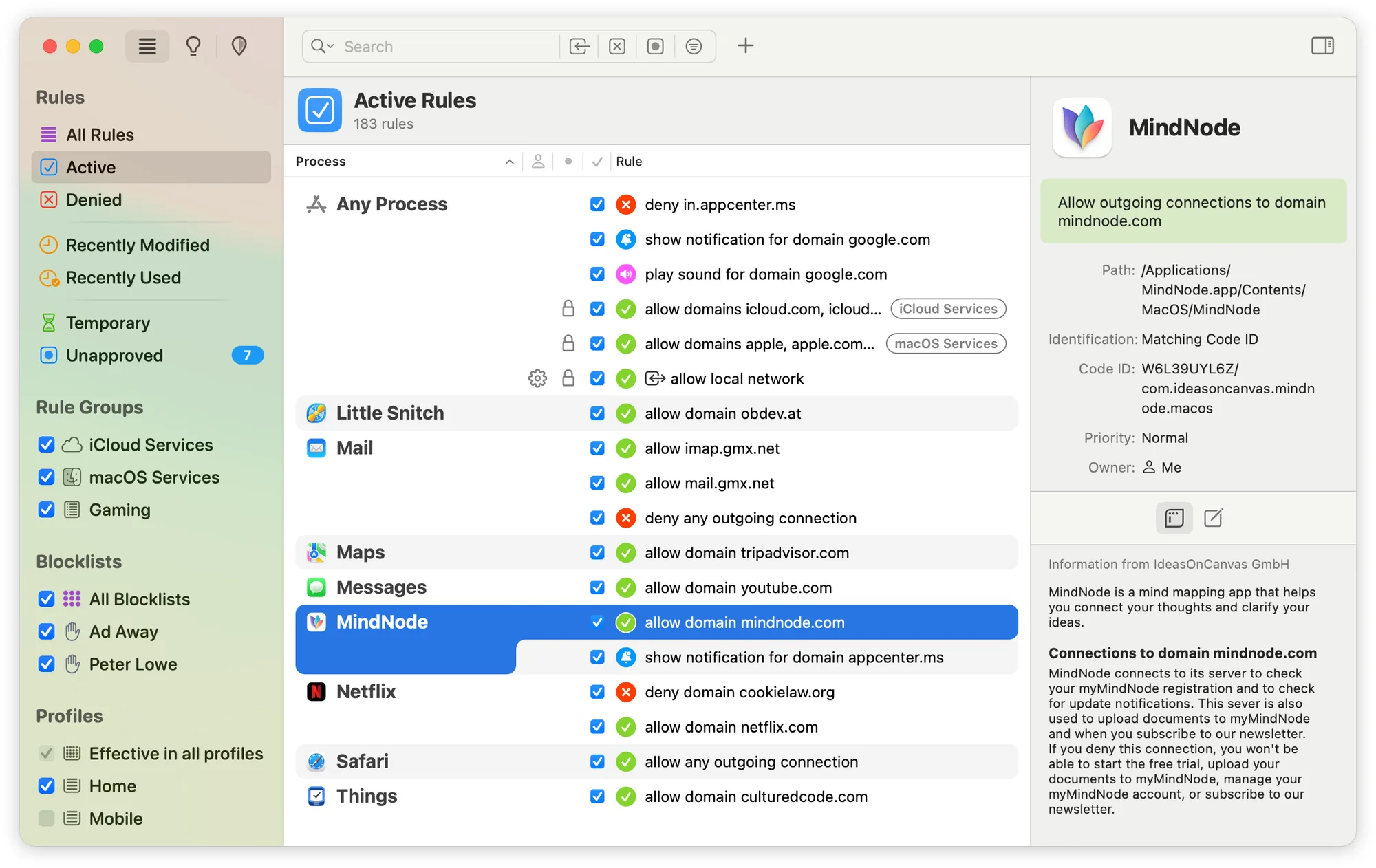
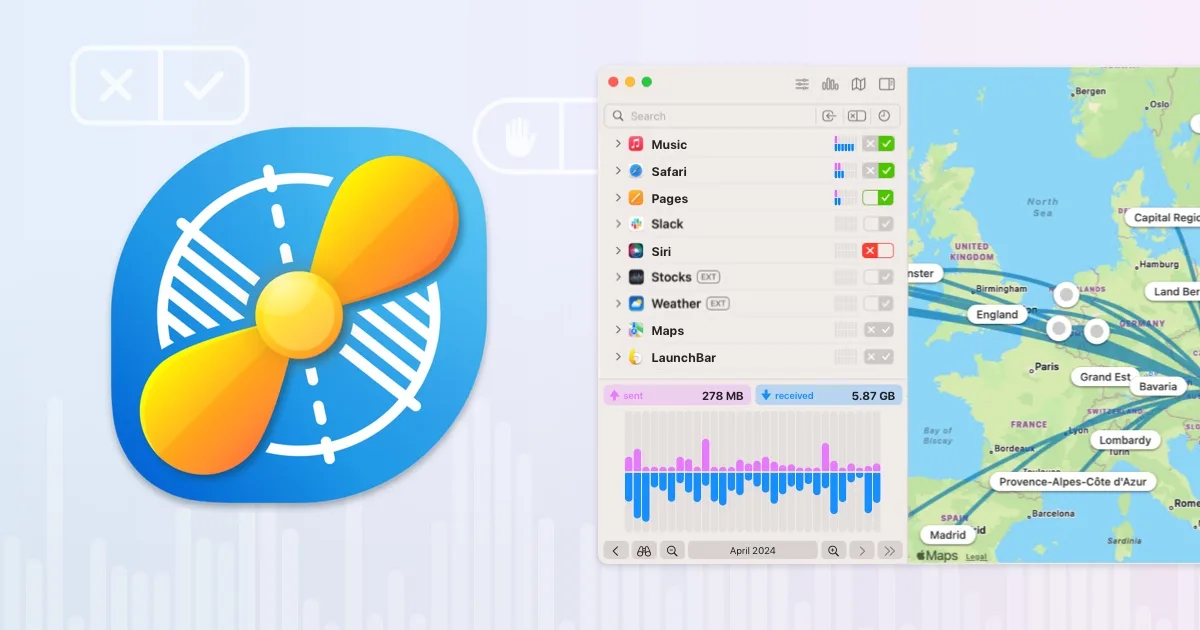
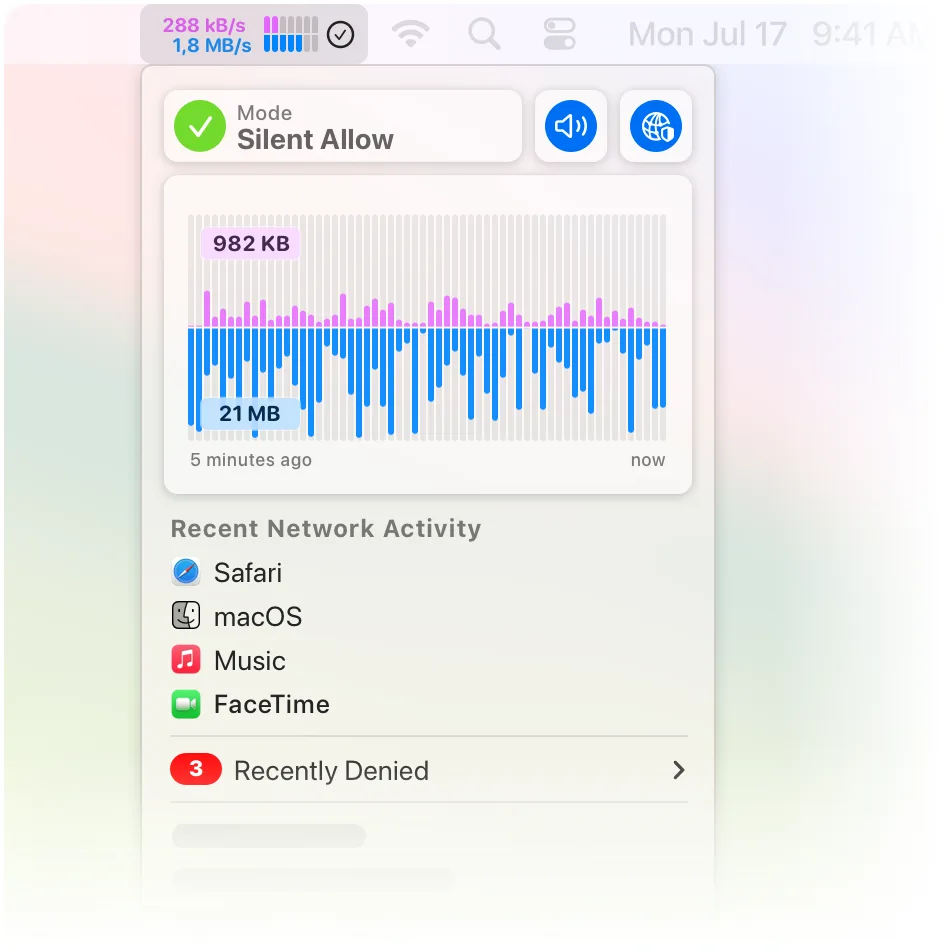
Little Snitch is a network monitor and personal application firewall for Mac. It shows where your Mac connects to on the internet and asks you to allow or deny each new connection.
Key features:
- Connection alerts appear whenever an app tries to connect, and Silent Mode allows new connections at first so you can decide later.
- The Network Monitor groups traffic by app, domain or country and shows data volumes, server locations, ports and protocols.
- An interactive traffic chart covers up to twelve months of network activity.
- Rules can be limited to specific servers, domains, ports or protocols, organized into rule groups, and switched automatically with profiles per Wi-Fi network.
- Curated blocklists, including IP-based lists, can be turned on in a few clicks and update daily.
- DNS requests are encrypted with DoH, DoT or DoQ through trusted services such as Quad9.
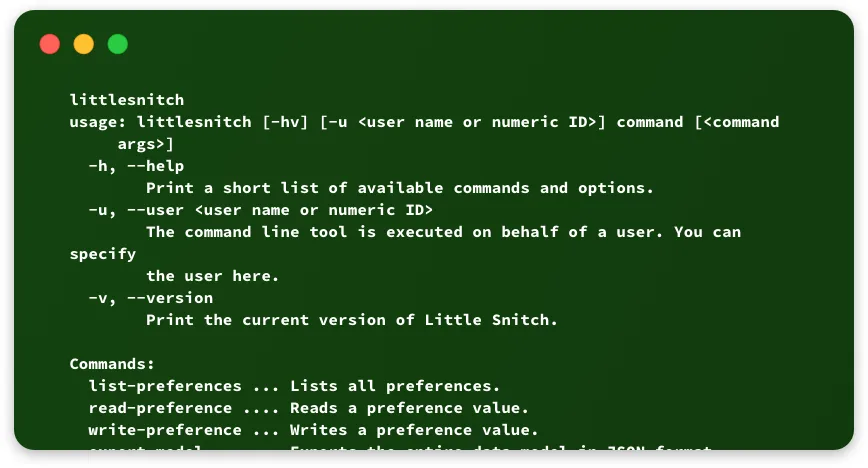
- A command line utility can change settings, export rules, respond to alerts and log allow and deny events.
Little Snitch is available as a free download from Objective Development, and a license key turns it into the full version. Without a key it runs in demo mode with full protection for three hours at a time, as often as you like, while the Network Monitor expires after 30 days.