
LuLu
Free, open-source firewall that blocks unknown outgoing connections and asks before new apps go online
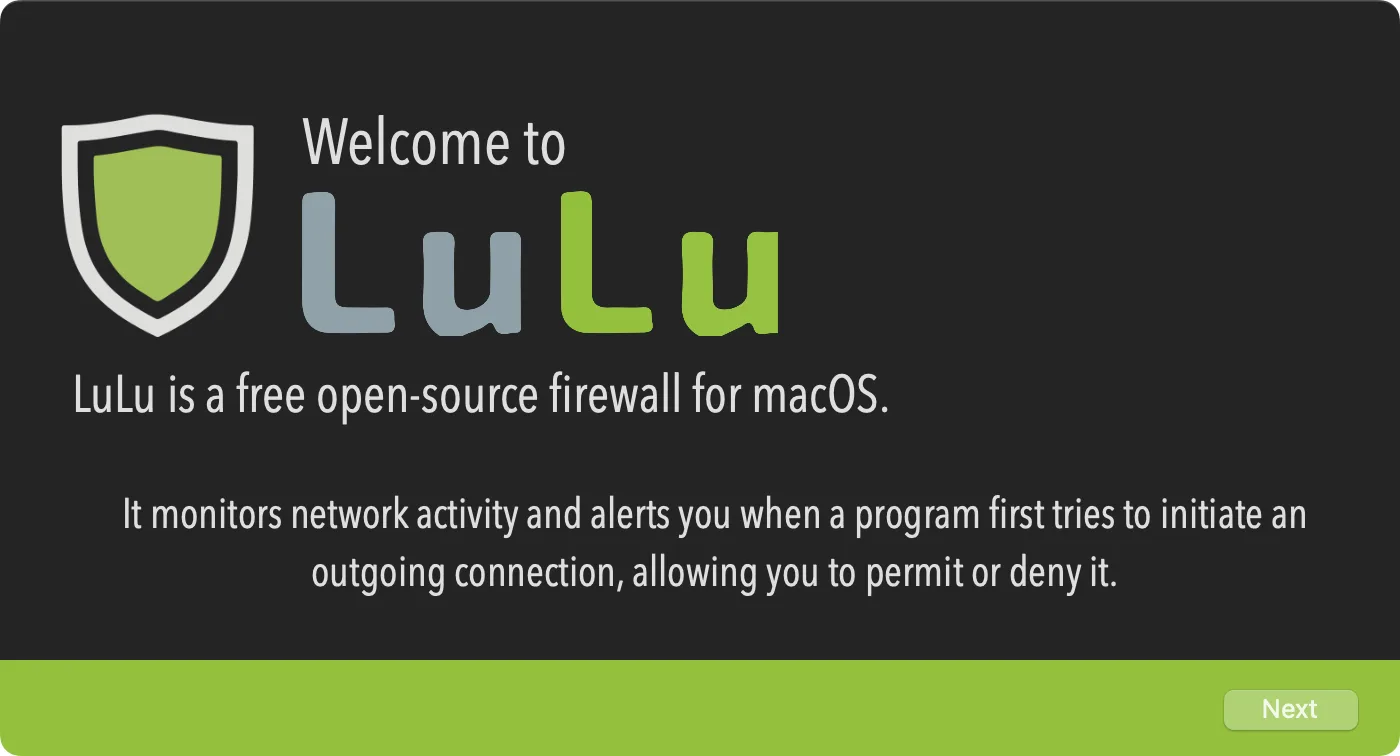
LuLu is Objective-See's free, open-source firewall for Mac. It blocks unknown outgoing network connections and alerts you when a new app or process tries to reach the network.
Key features:
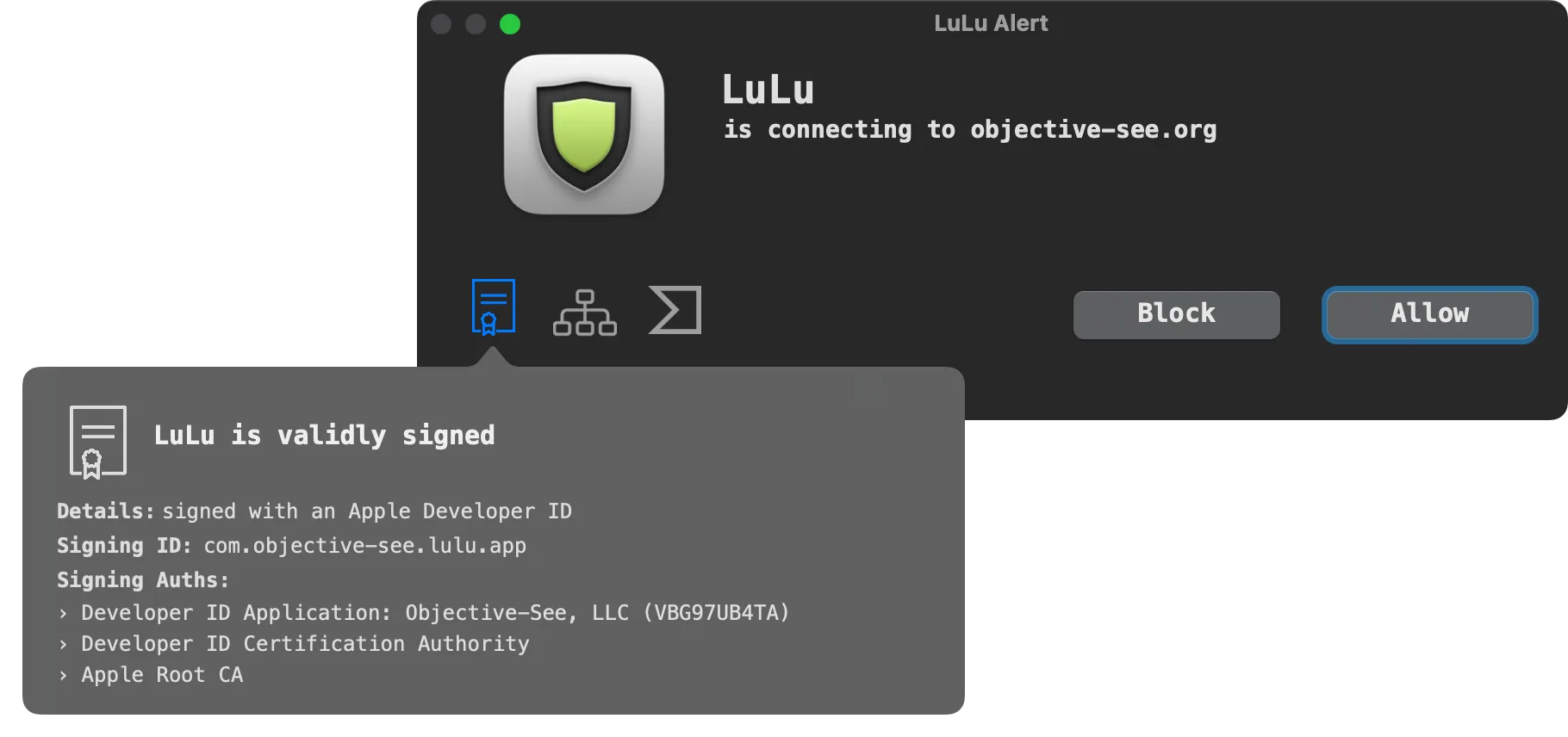
- Alerts show the process and destination, with code signing details, the process hierarchy and a VirusTotal lookup.
- Rules can cover a whole program or one remote endpoint, and can last always, for the process lifetime or until a set time.
- Programs are identified by their code signing identifier, so rules still apply after an app is moved or updated.
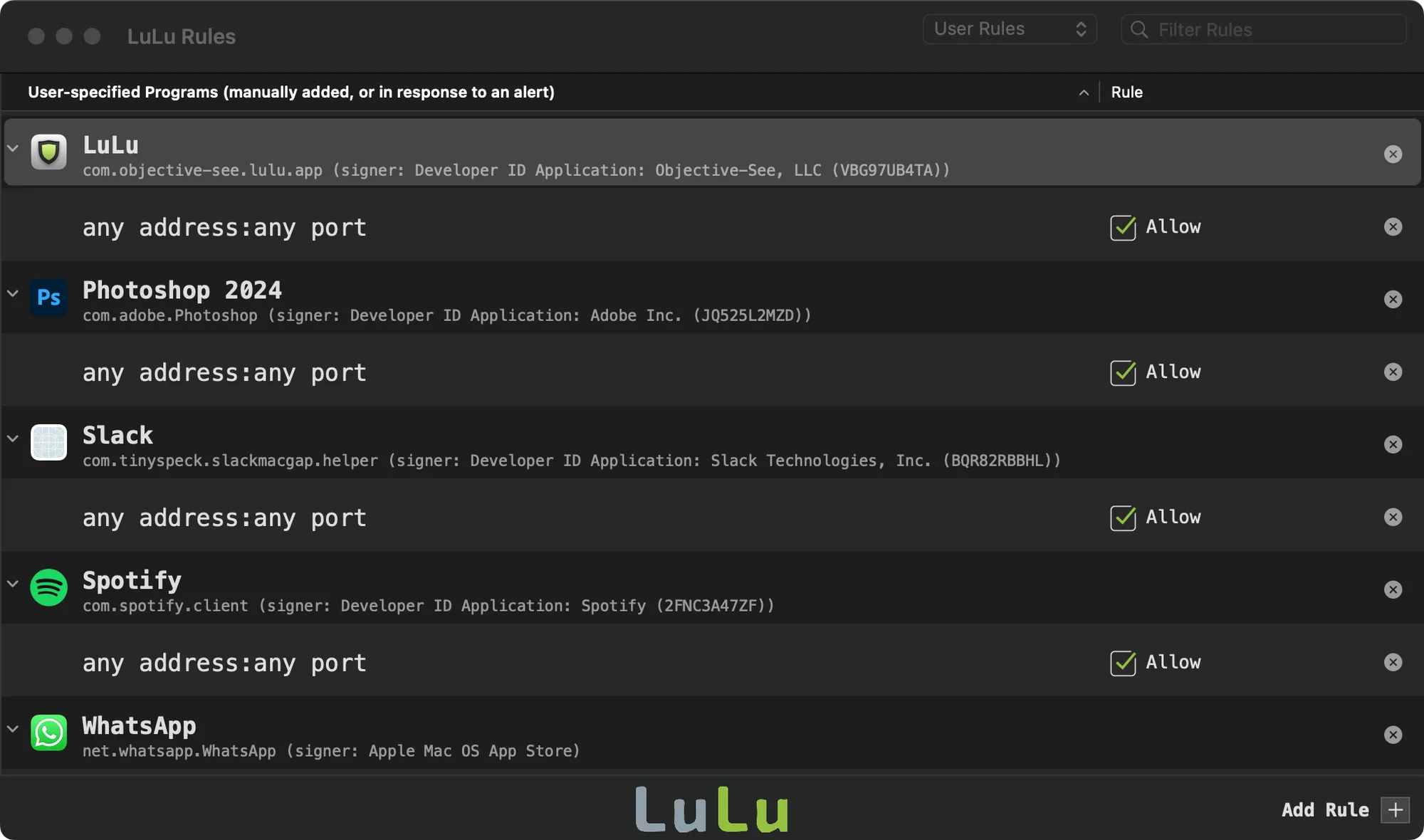
- A Rules window filters default, Apple, third-party, user and recent rules, with a text filter for names and endpoints.
- Rules can be added manually with wildcards or regular expressions for the remote address.
- Rules can be exported and imported, including only user-created rules.
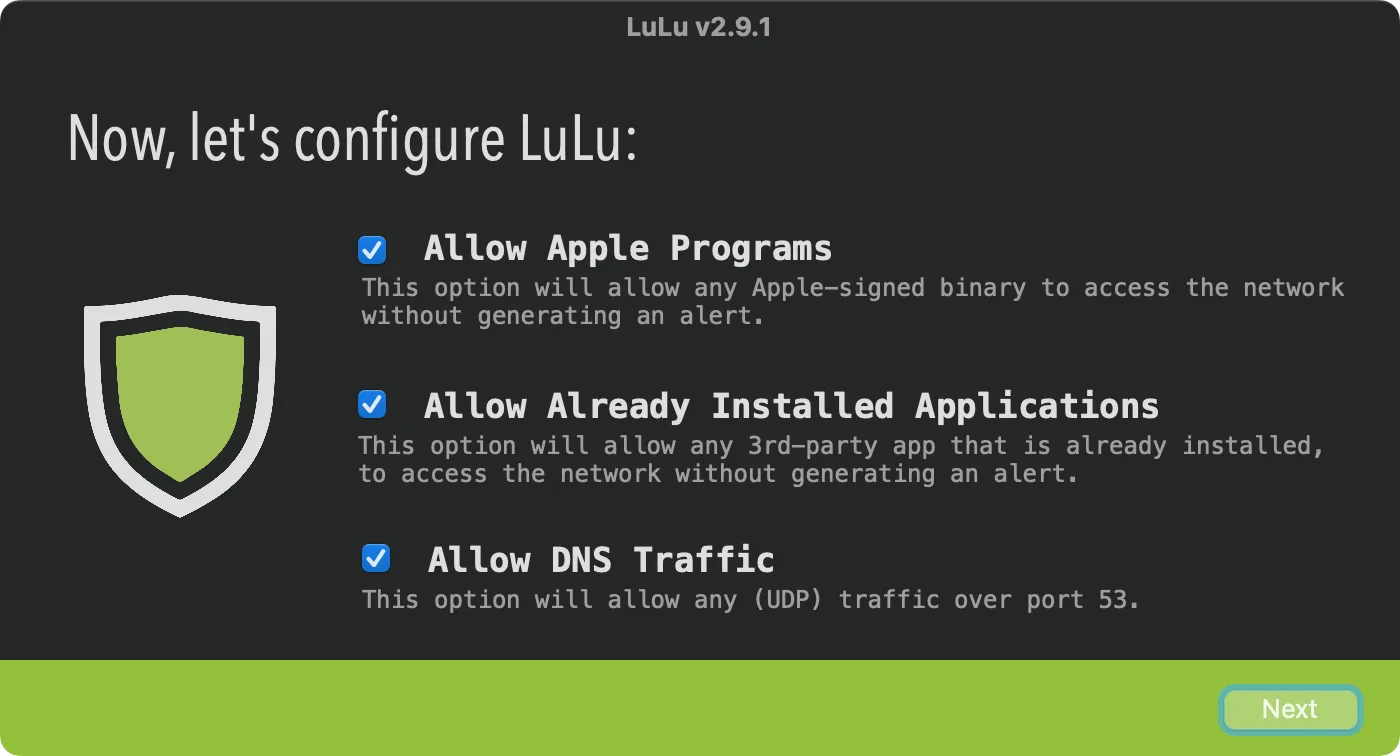
- Default settings allow Apple and already installed programs so you are not flooded with alerts at first.
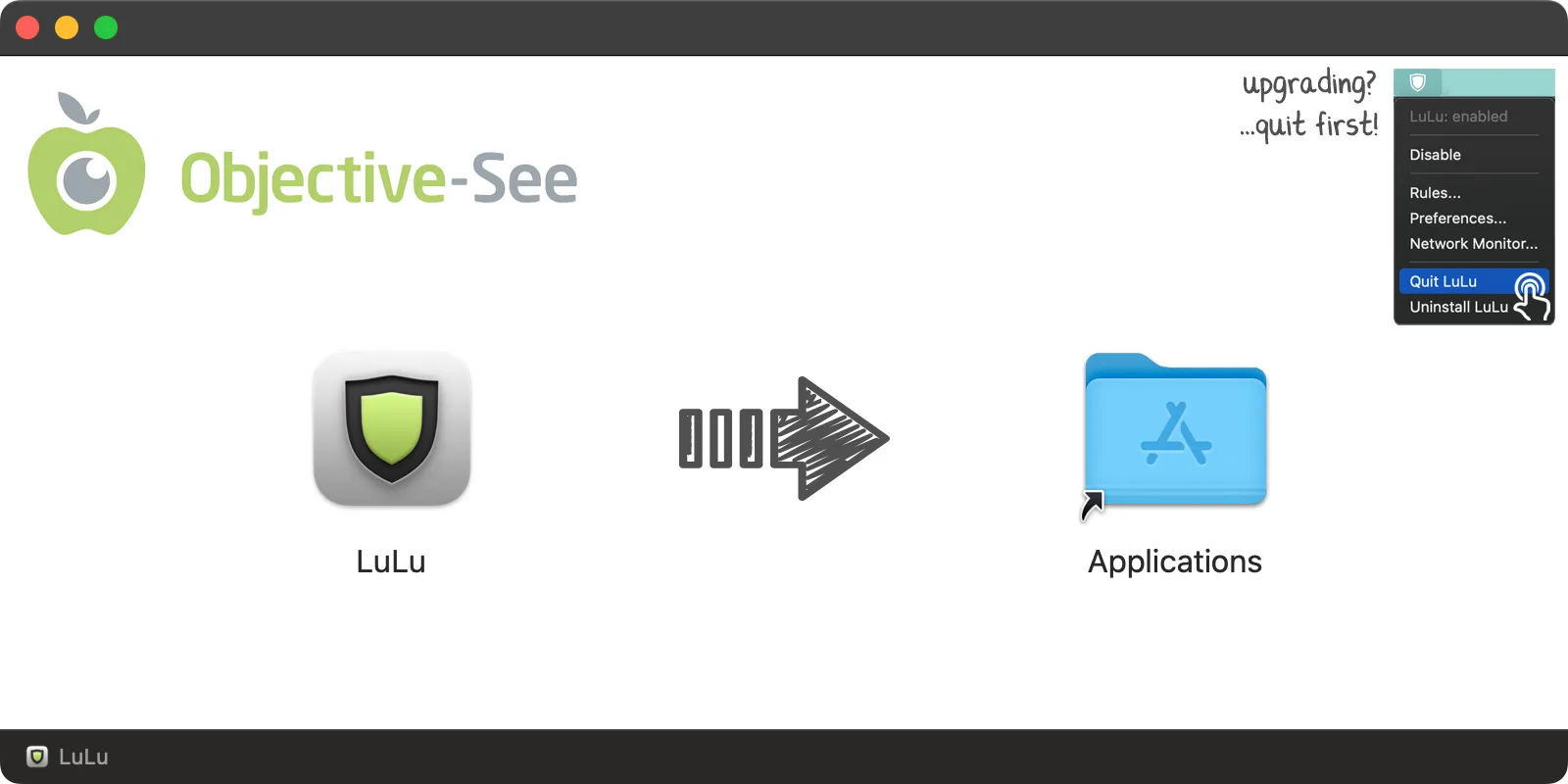
LuLu requires macOS 10.15 or later and installs as a System Extension and Network Filter that you approve in System Settings. It only monitors outgoing traffic. Version 4.5.3 is a free download from Objective-See, a non-profit foundation, with source code published.