
Moom
Window manager for moving, resizing and saving layouts with a pop-up palette, snaps and shortcuts

Moom is a window manager for Mac that makes moving and resizing windows fast. It works with the mouse or entirely from the keyboard.
Key features:
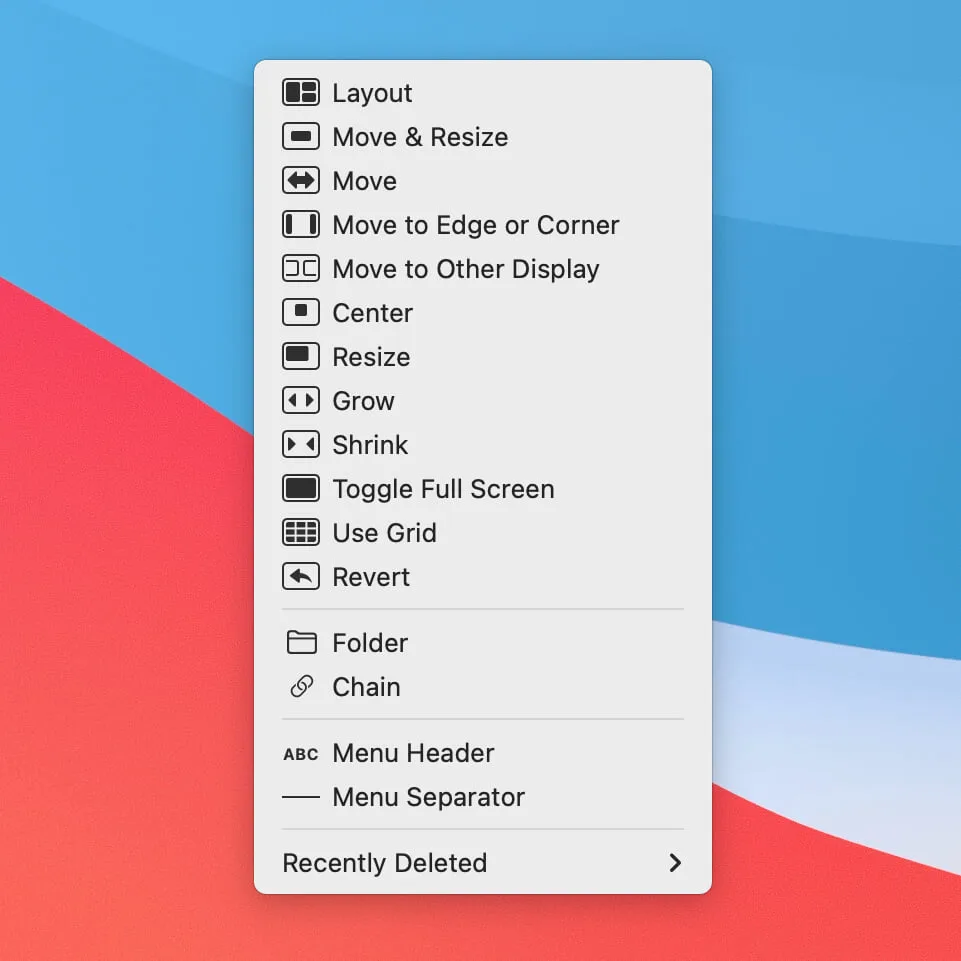
- Hover over a window's green button to open a pop-up palette with up to 61 actions.
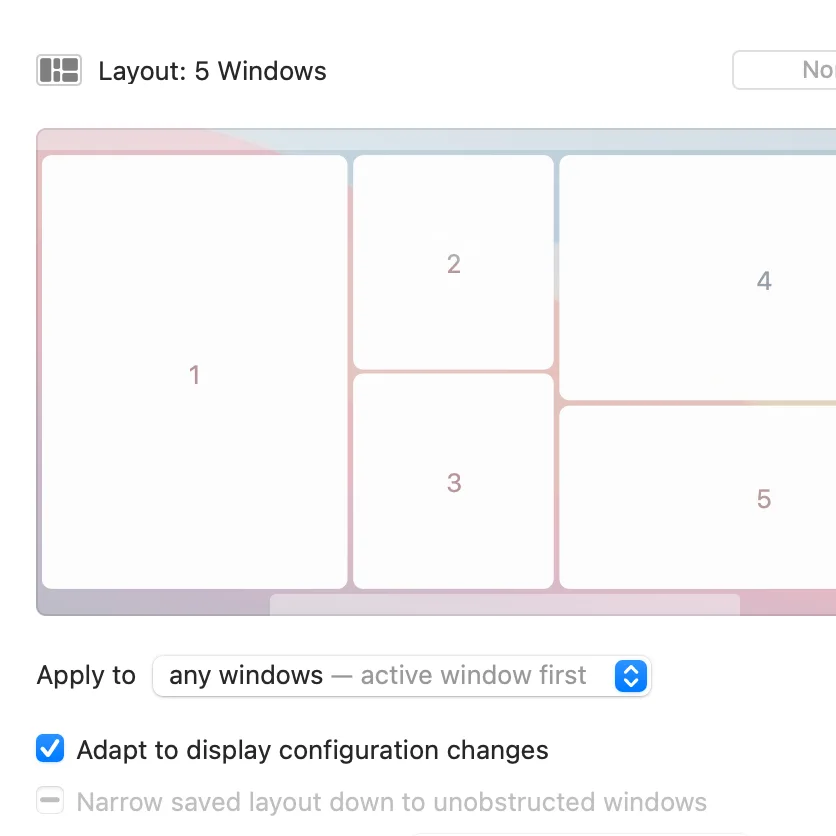
- Save window layouts and restore them, including layouts for whichever windows you used most recently.
- Drag windows to snap zones, or drop them into positions from a saved layout.
- Chain actions together, for example to move a window to another display and resize it in one step.
- Move and resize the window under the pointer by holding modifier keys.
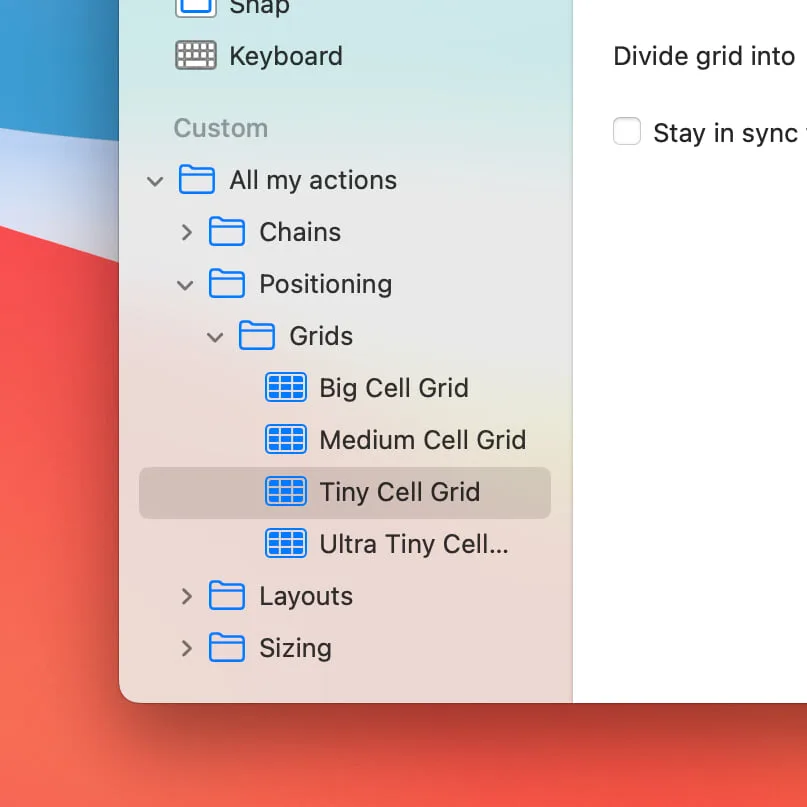
- Move, resize and center windows from the keyboard with an on-screen grid and controller.
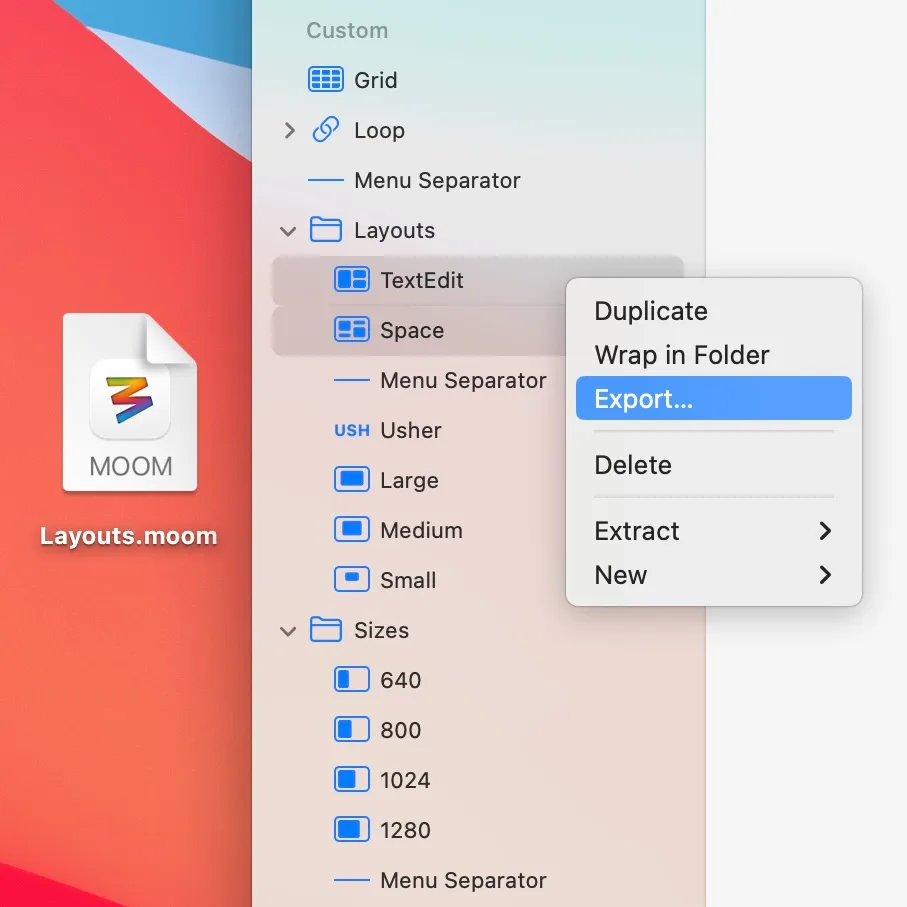
- Export and import your custom actions to share setups between Macs.
Moom 4.6 requires macOS 10.13 High Sierra or newer. You can try it for free, and owners of Moom 3 (Classic) can upgrade at a discount. Moom Classic is still available on the Mac App Store.