
Swish
Trackpad gestures for snapping, closing, minimizing and moving windows between screens and Spaces
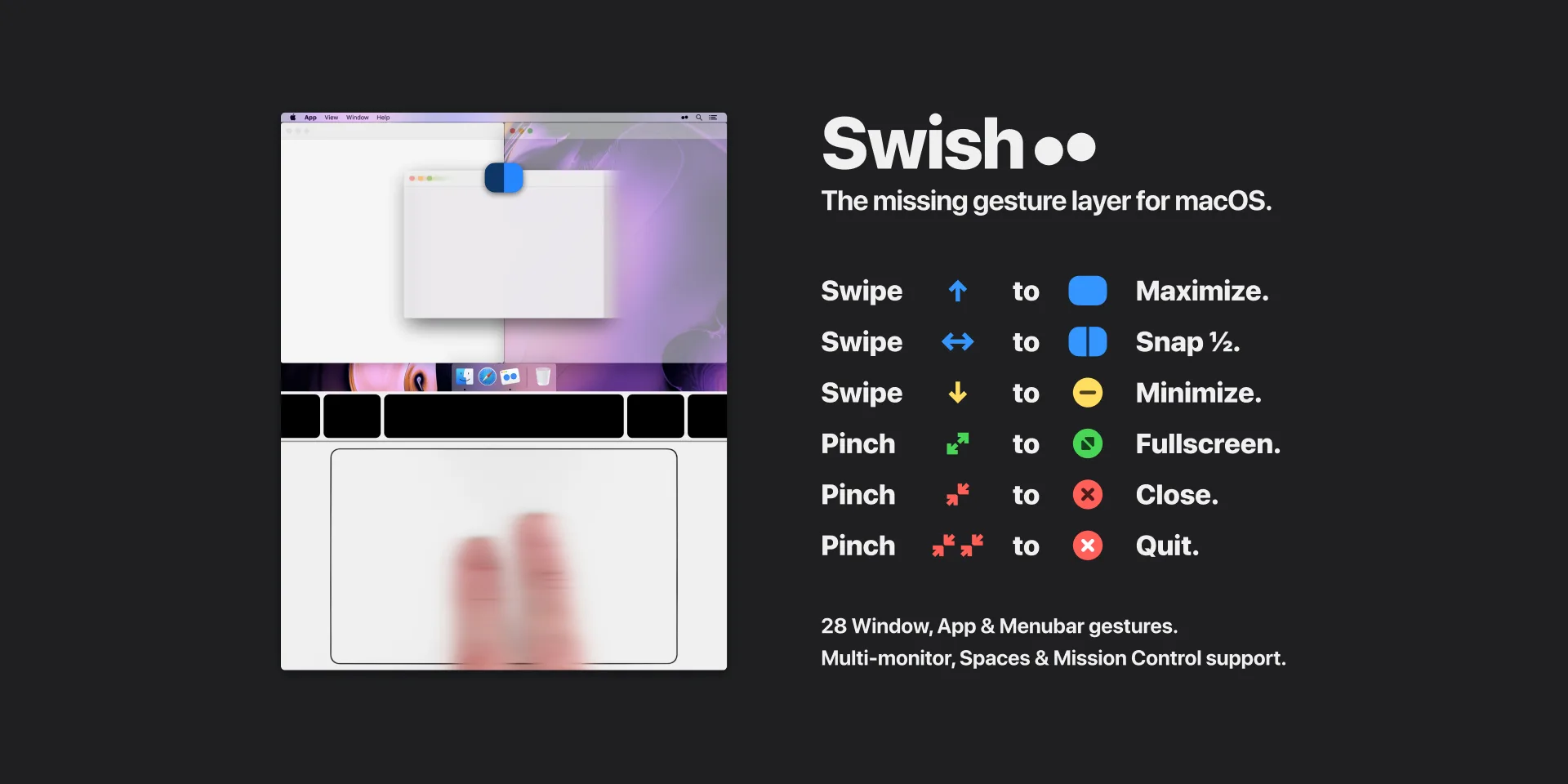
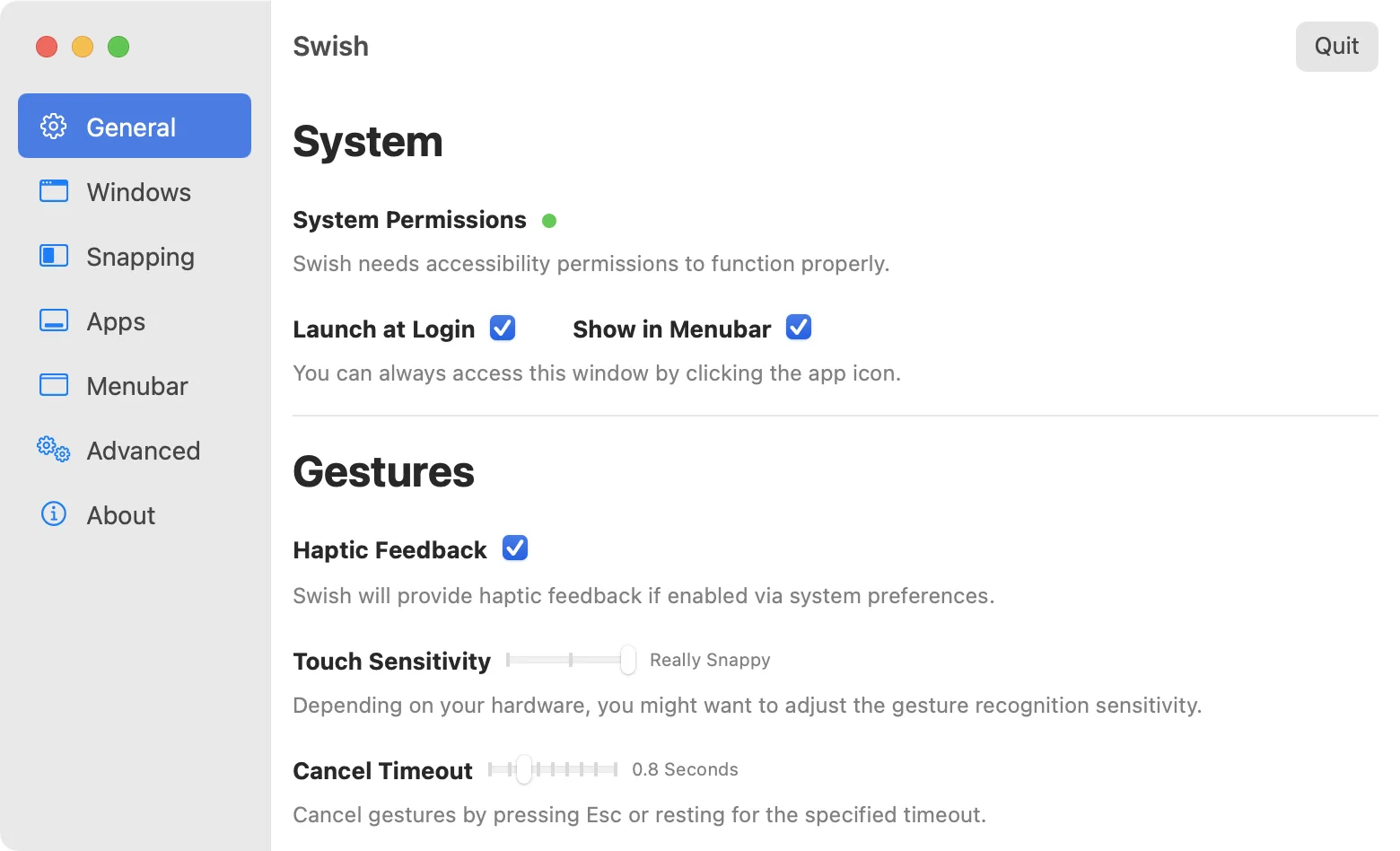
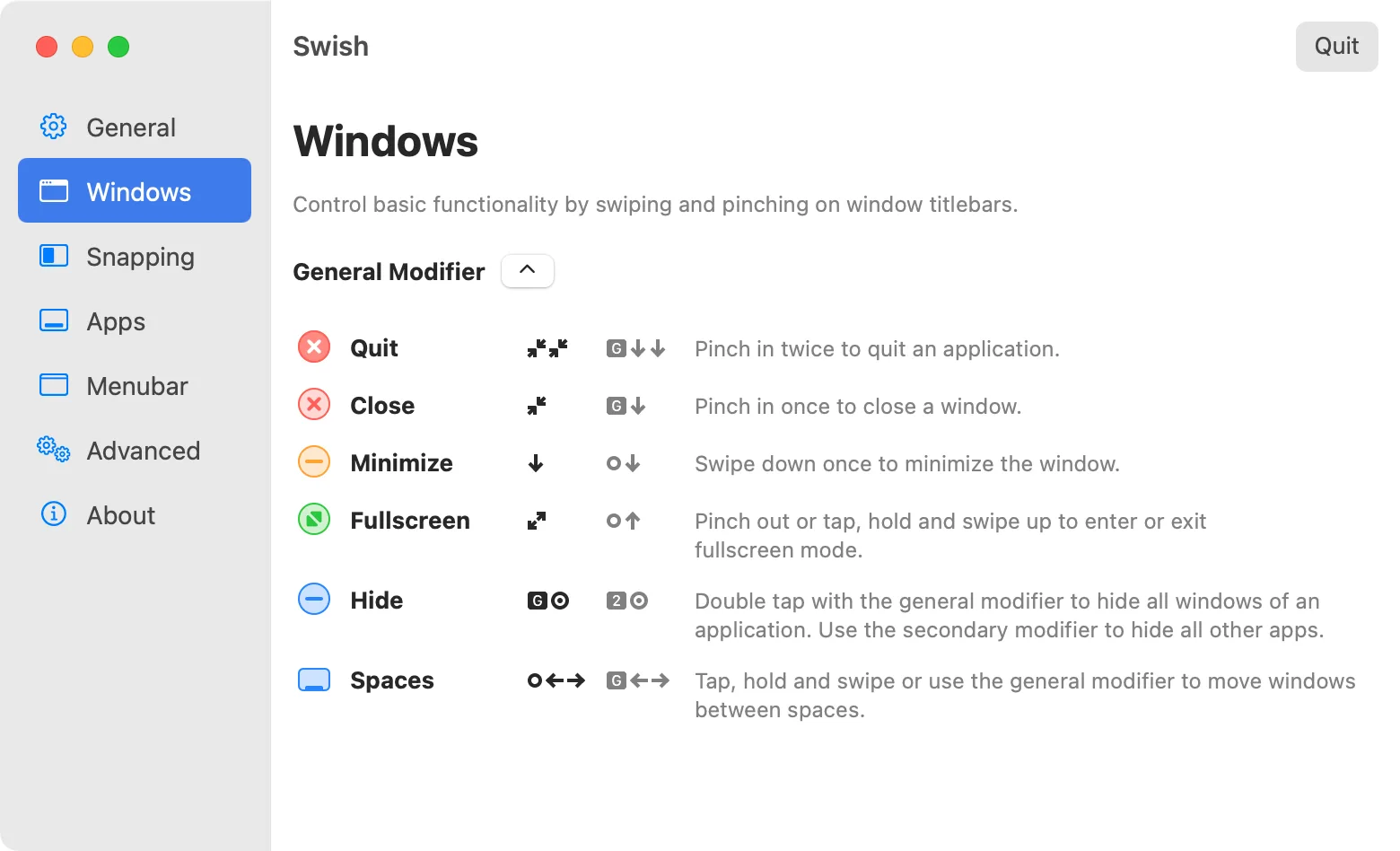
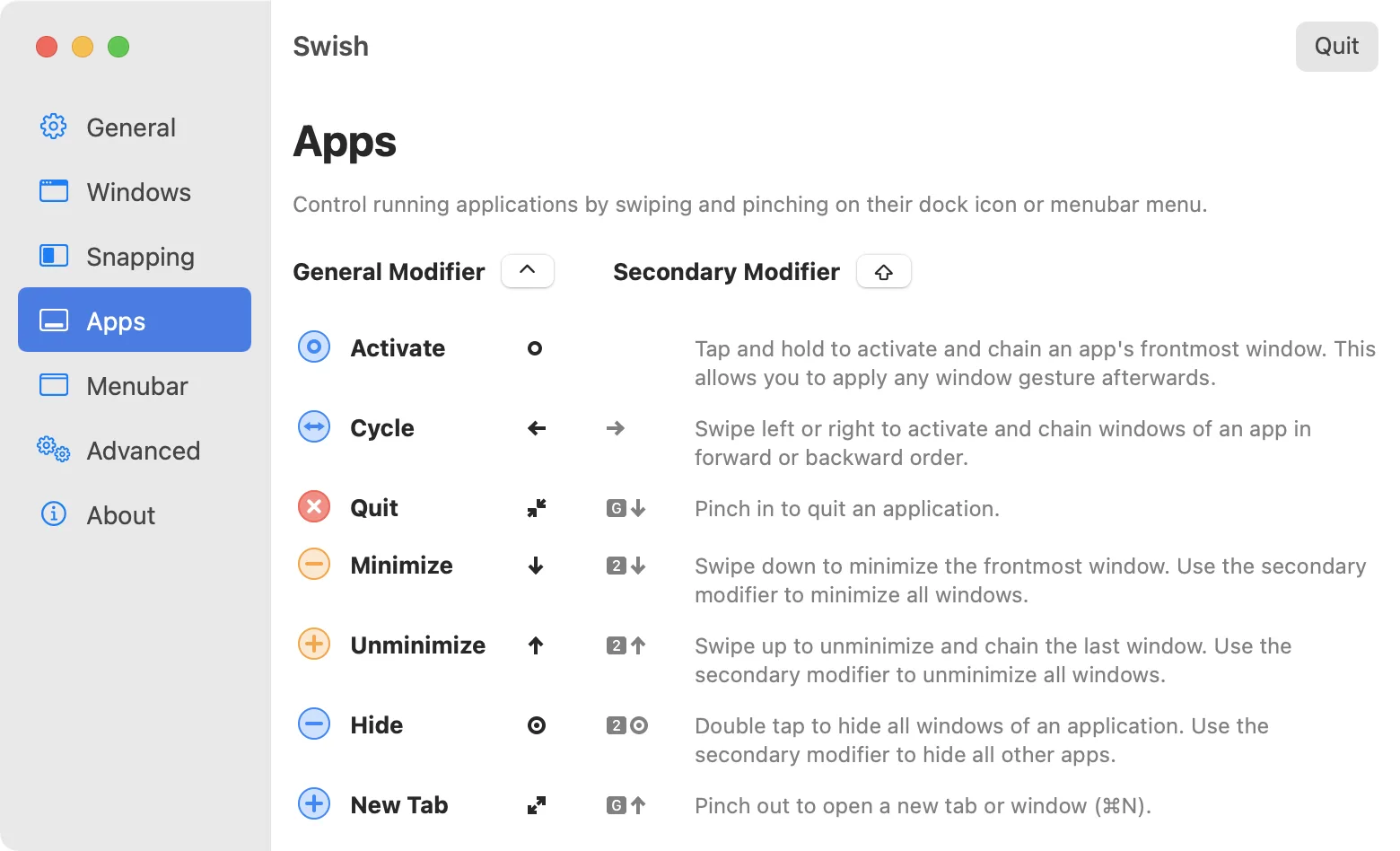
Swish adds window management gestures to your Mac's trackpad. You swipe or pinch on a window's title bar to snap, close, minimize, or move it, instead of clicking buttons or dragging to edges.
Key features:
- Use 30 gestures for windows, the Dock, and the menu bar.
- Snap windows by swiping on their title bar, with 2x2, 3x2, and 3x3 grids.
- Pinch in to close, swipe down to minimize, and pinch out to go full screen.
- Move windows between screens based on their physical layout, and between Spaces.
- Resize several snapped windows at once by dragging the divider between them.
- Trigger snapping, screen, and Spaces actions with arrow, WASD, IJKL, or Dvorak hotkeys.
Swish works with the Magic Trackpad and Magic Mouse, requires macOS 12 or later, and runs on Intel and Apple silicon Macs. It's sold directly for US$16 as a one-time license for two Macs, with a 14-day trial, and is also on Setapp, but not on the Mac App Store.