
Plash
Sets any website as your desktop wallpaper, from a calendar or dashboard to an animated GIF
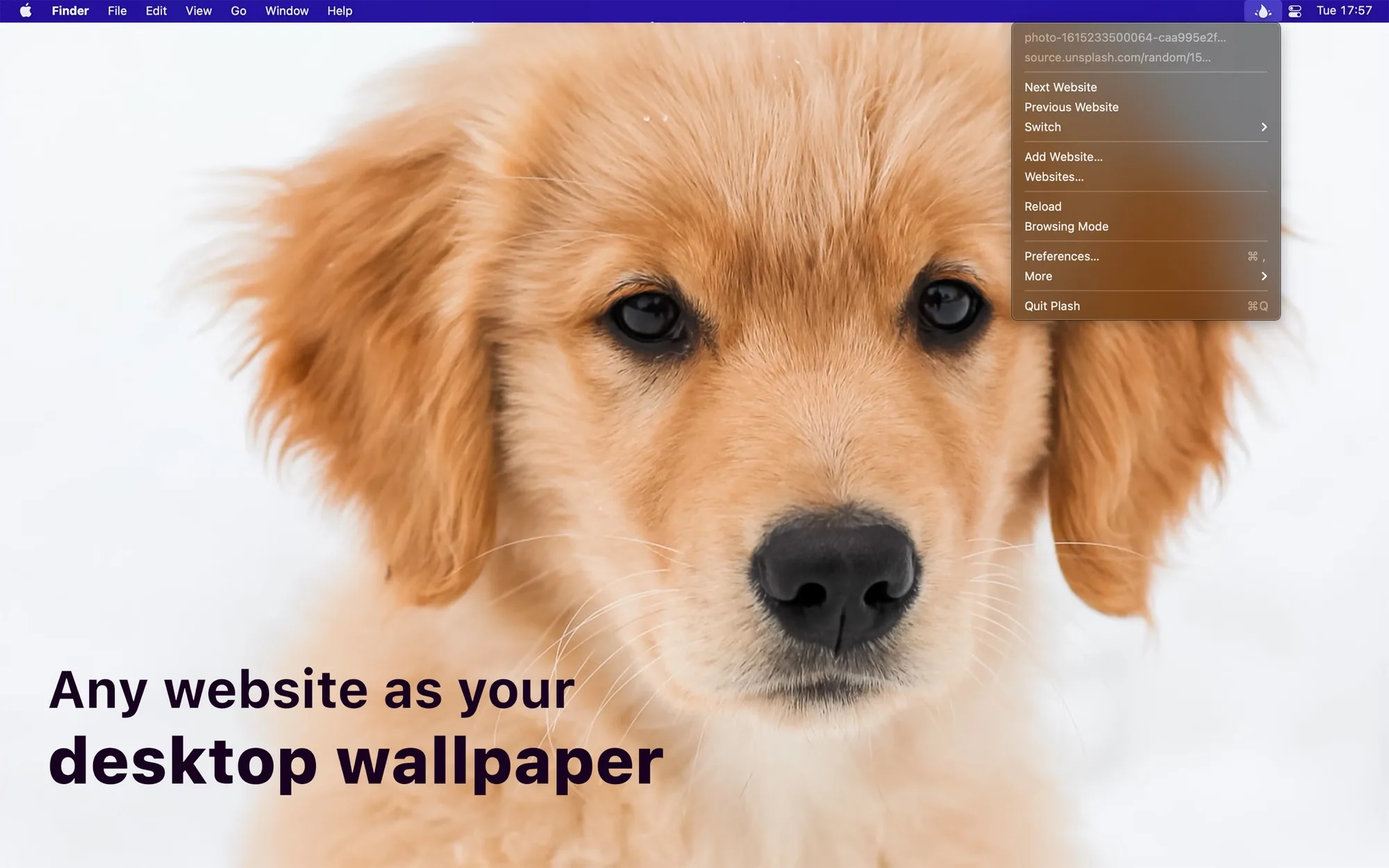
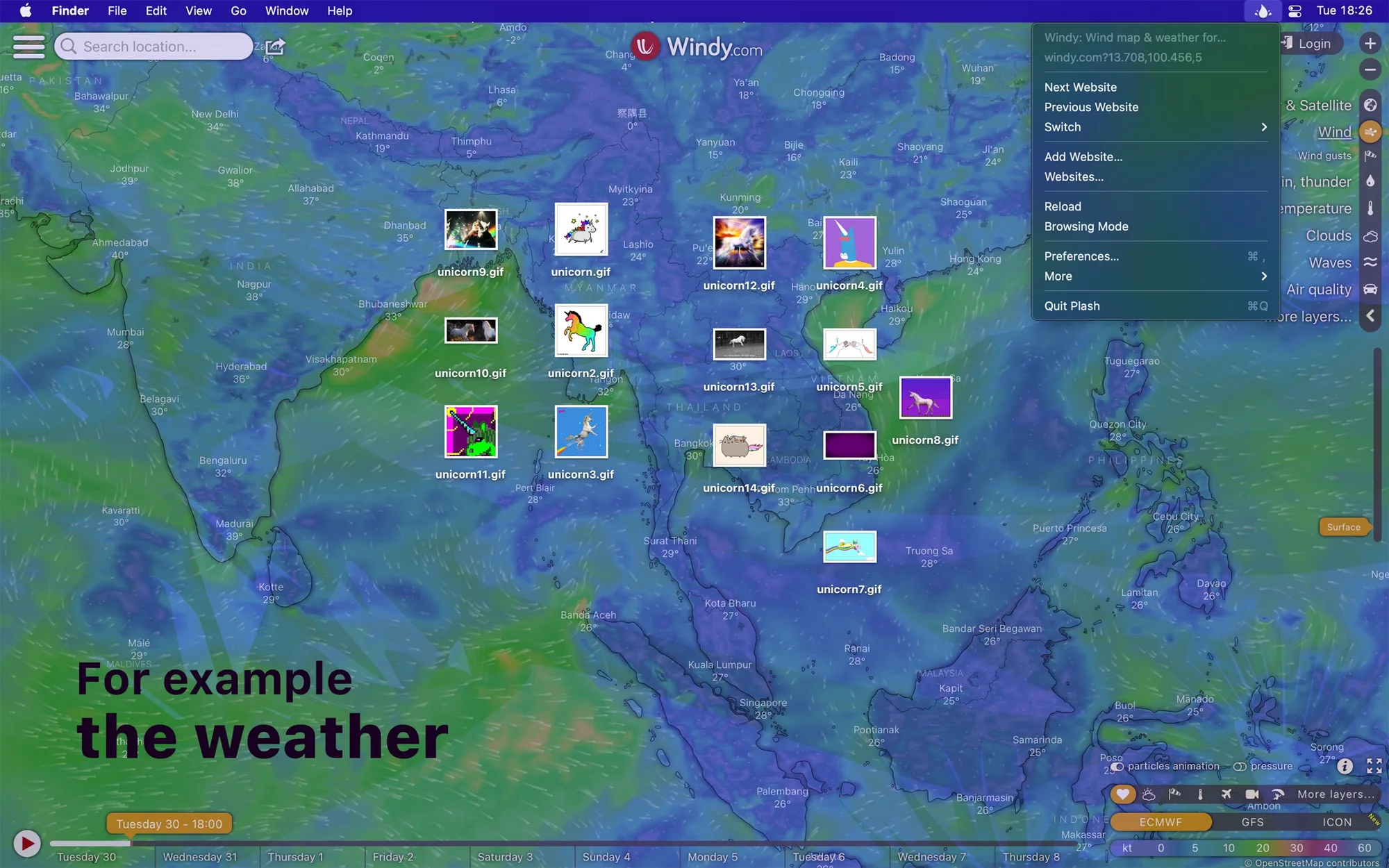
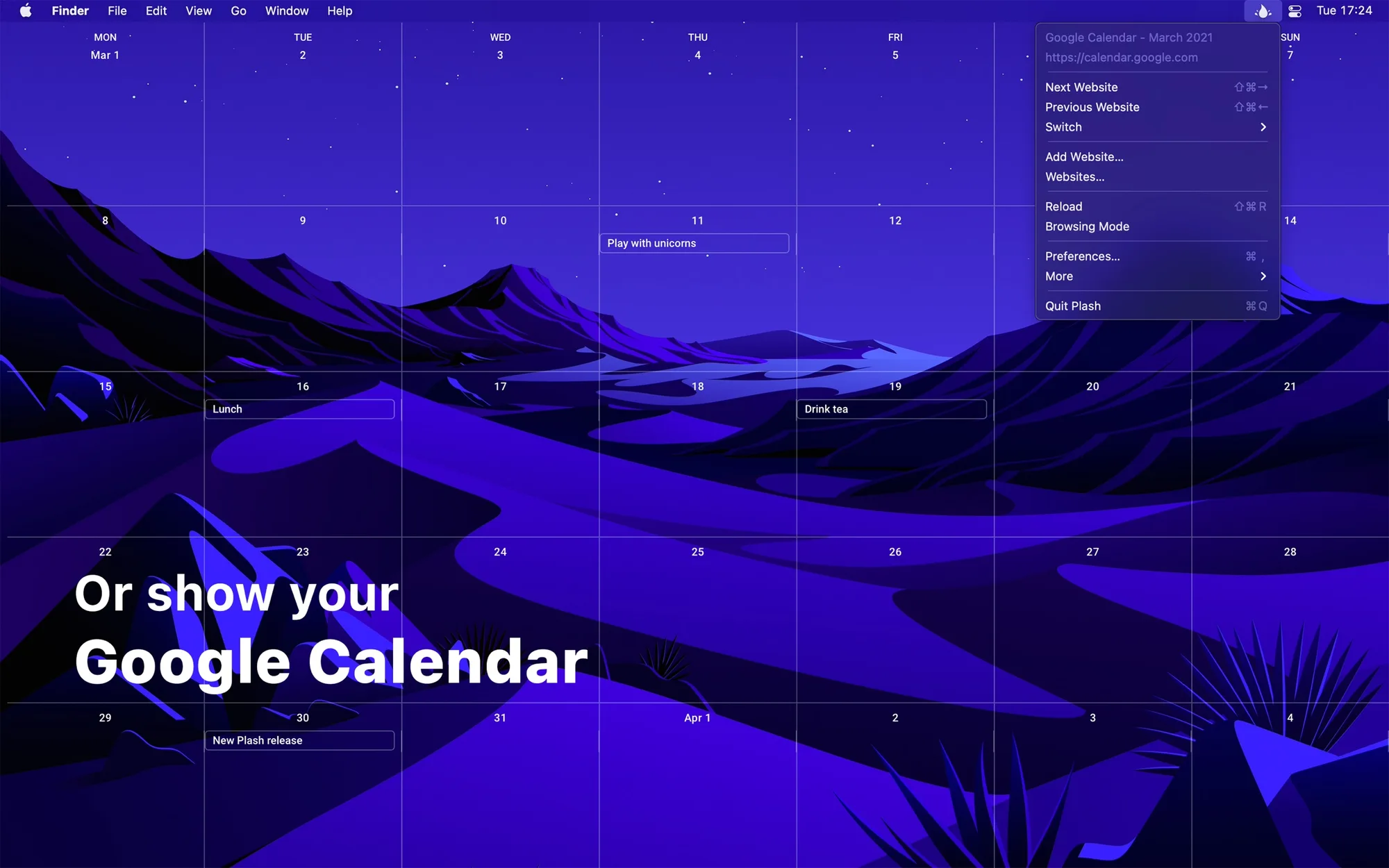
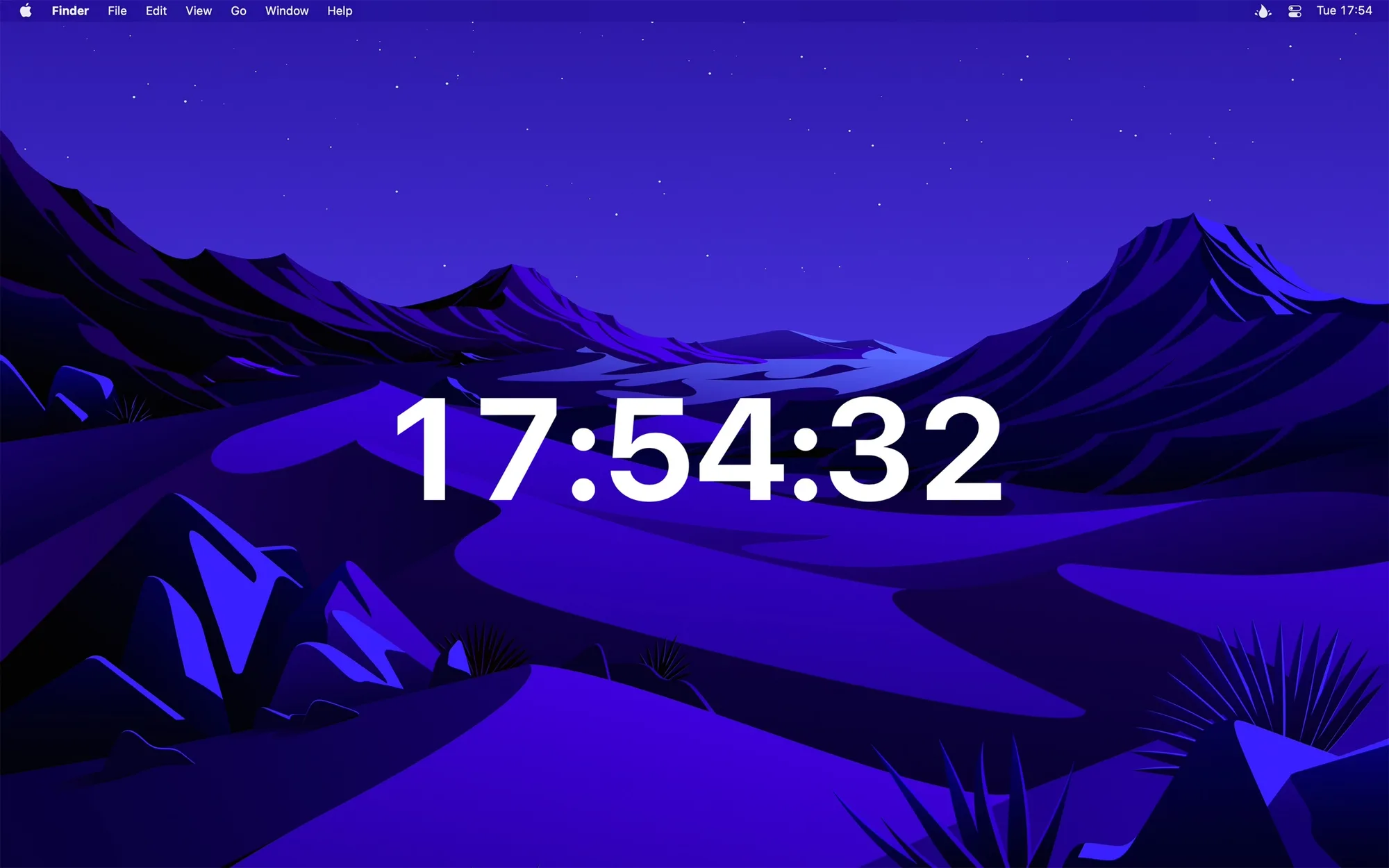
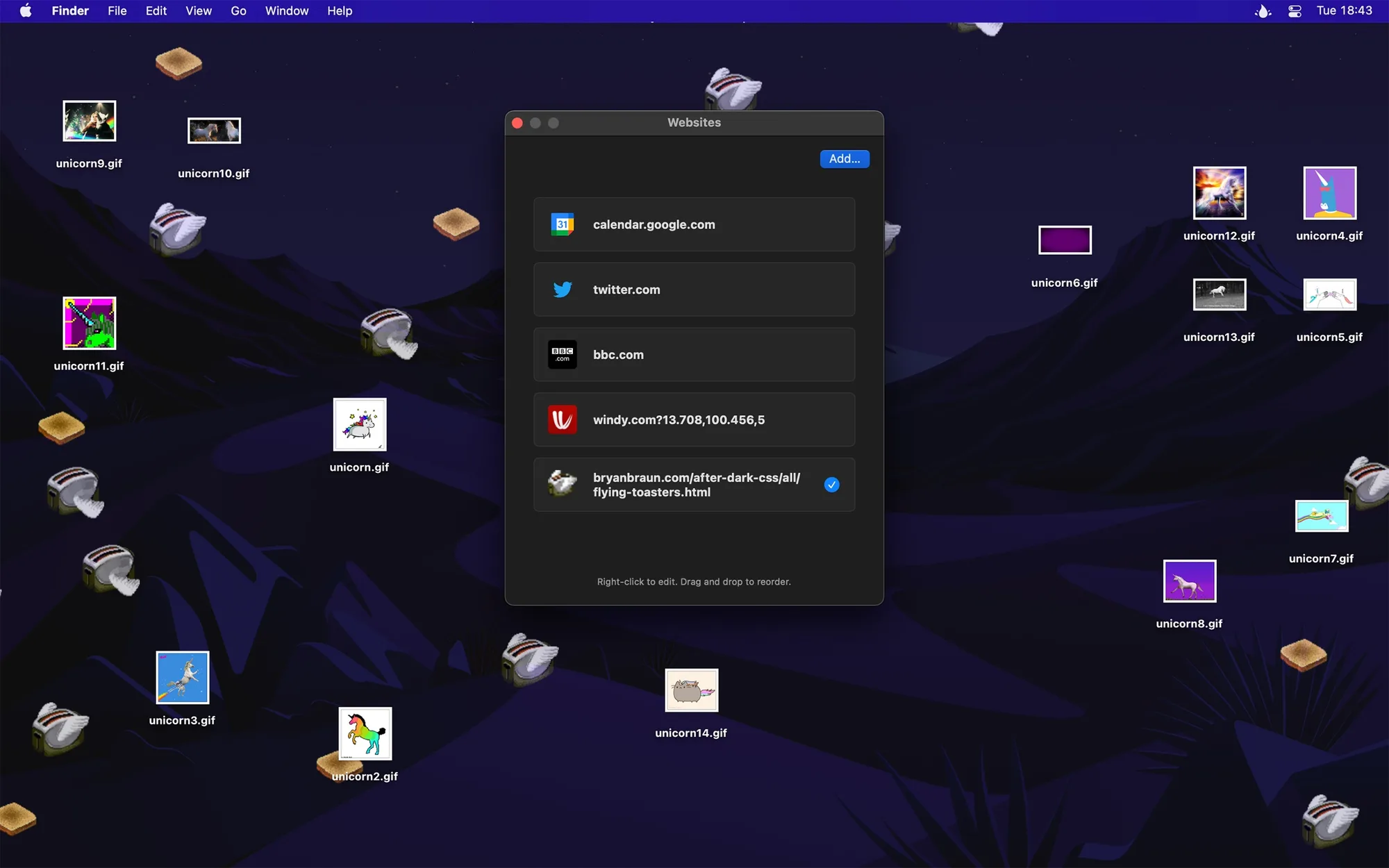
Plash is a Mac app by Sindre Sorhus that makes any website your desktop wallpaper. It's for people who want a calendar, dashboard, photo of the day, or animated GIF behind their windows instead of a static image.
Key features:
- Show a remote or local website as your wallpaper, and add several websites to switch between.
- Turn on Browsing Mode to click around, go back and forward, and zoom in the page.
- Reload the website automatically at a custom interval.
- Add custom CSS and JavaScript, invert colors for a fake dark mode, or lower the opacity.
- Choose which display shows the website.
- Automate it with Shortcuts actions, scripting, and the Share extension.
- Pause it automatically while on battery, with audio always muted.
Plash is free on the Mac App Store and requires macOS 26.4 or later. It shows one website at a time and can't appear on the Lock Screen.