
Logo of Scrivener: Writing app for novels, scripts and theses that splits long manuscripts into manageable sections

Scrivener

Writing app for novels, scripts and theses that splits long manuscripts into manageable sections
Visit literatureandlatte.com
Scrivener: Writing app for novels, scripts and theses that splits long manuscripts into manageable sections
Scrivener: Writing app for novels, scripts and theses that splits long manuscripts into manageable sections (2 of 8)
Scrivener: Writing app for novels, scripts and theses that splits long manuscripts into manageable sections (3 of 8)
Scrivener: Writing app for novels, scripts and theses that splits long manuscripts into manageable sections (4 of 8)
Scrivener: Writing app for novels, scripts and theses that splits long manuscripts into manageable sections (5 of 8)
Scrivener: Writing app for novels, scripts and theses that splits long manuscripts into manageable sections (6 of 8)
Scrivener: Writing app for novels, scripts and theses that splits long manuscripts into manageable sections (7 of 8)
Scrivener: Writing app for novels, scripts and theses that splits long manuscripts into manageable sections (8 of 8)

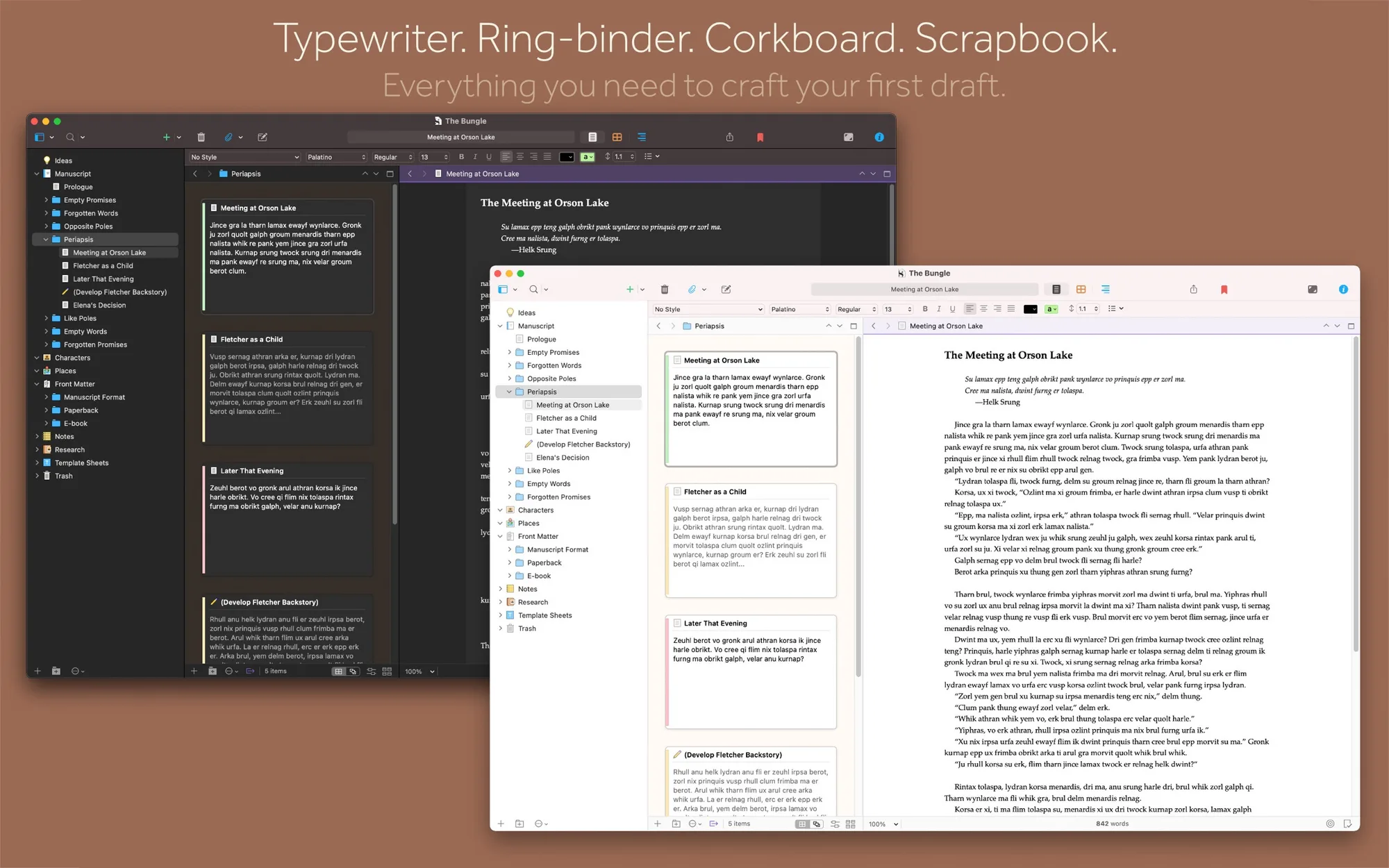
Scrivener is a writing app built for long projects like novels, screenplays, theses and non-fiction books. It keeps your draft, notes and research together in one project.

Key features:

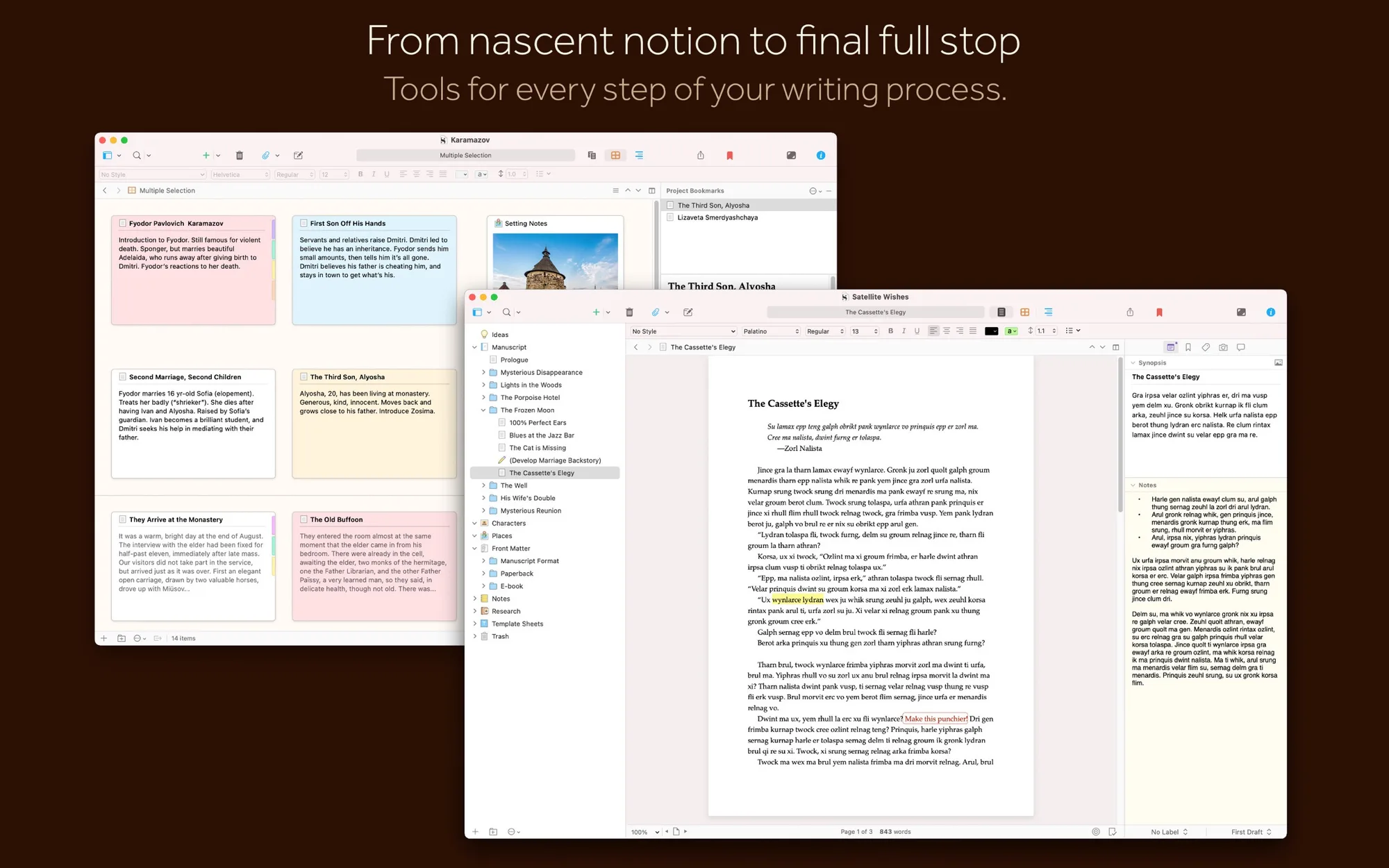
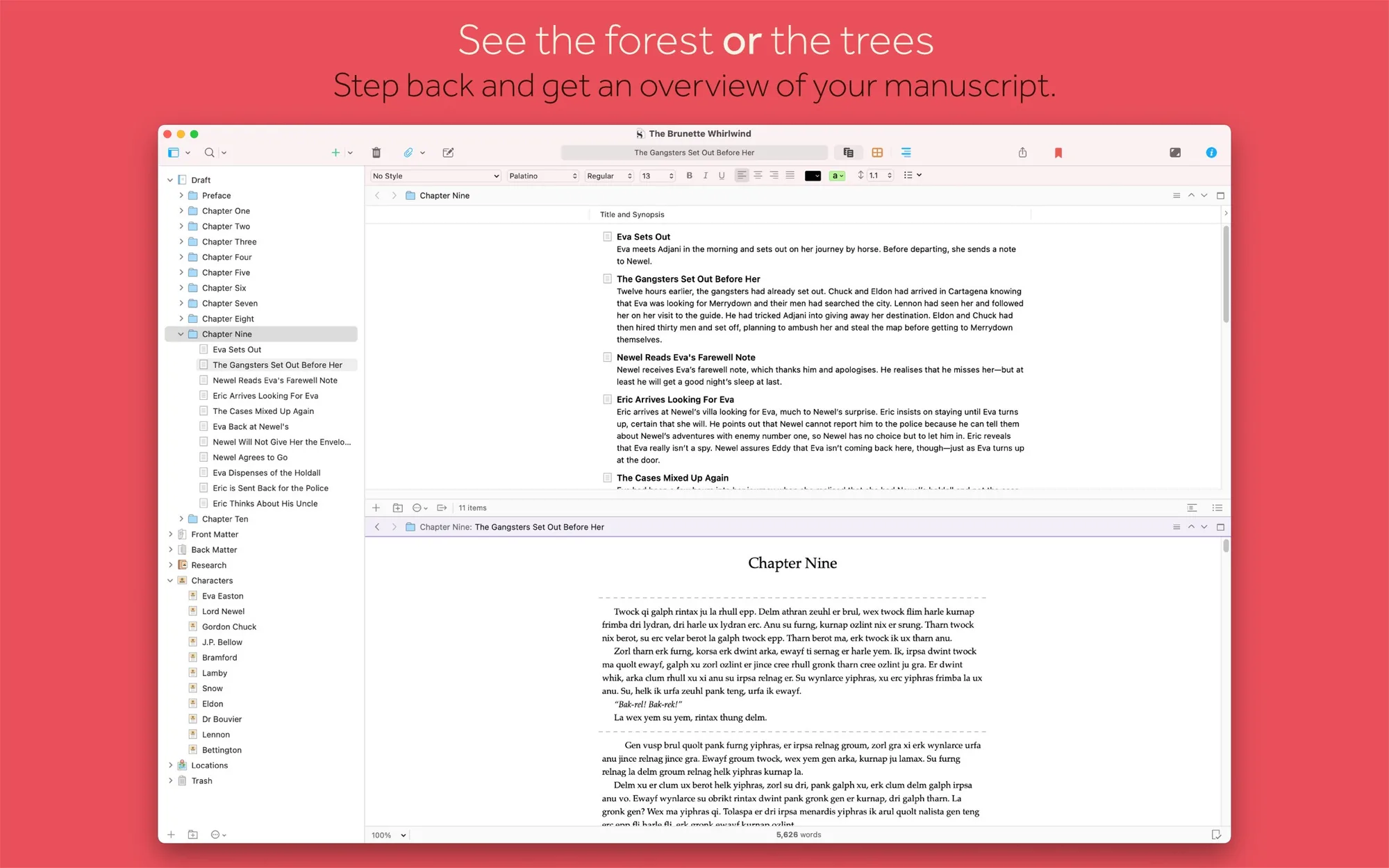
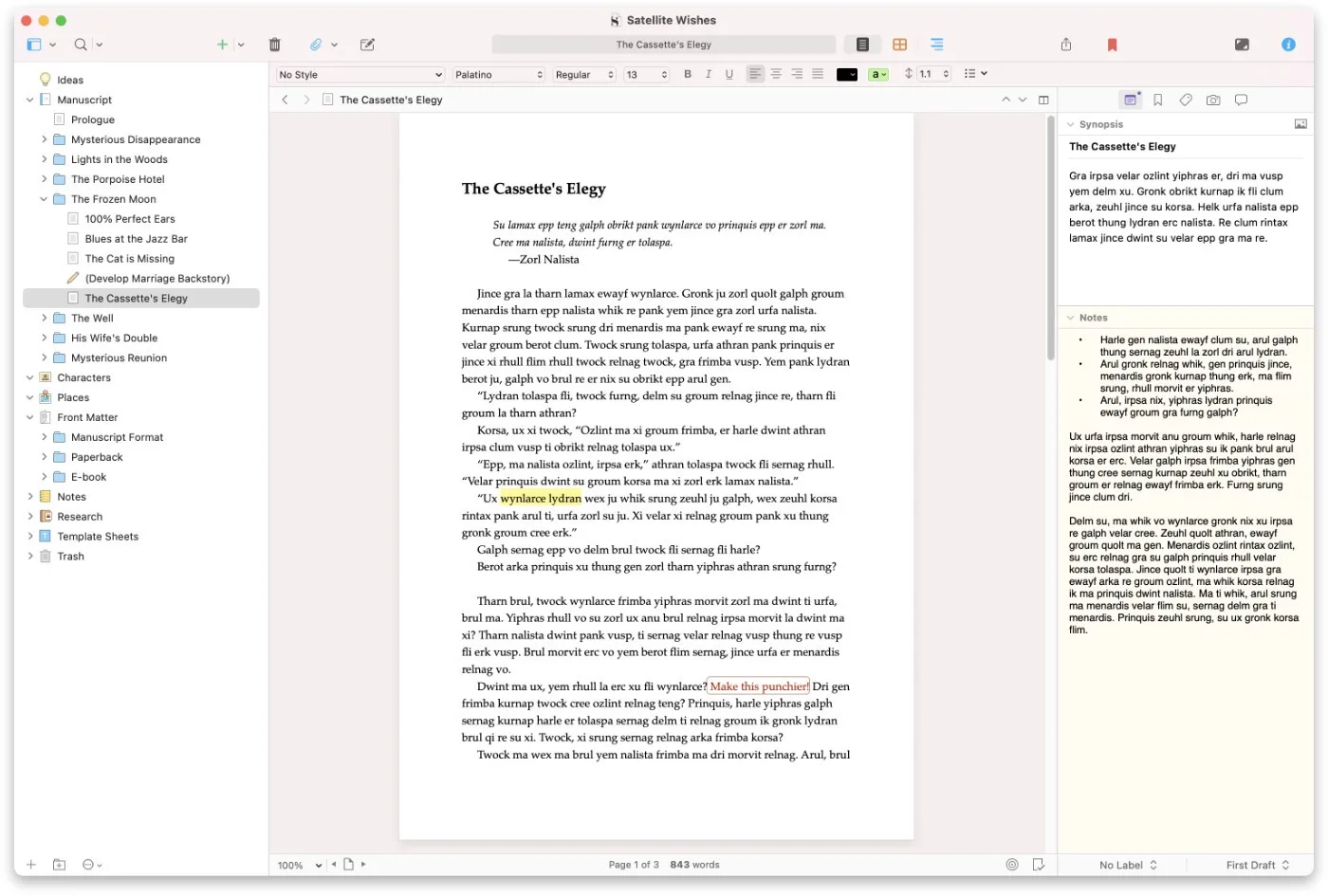
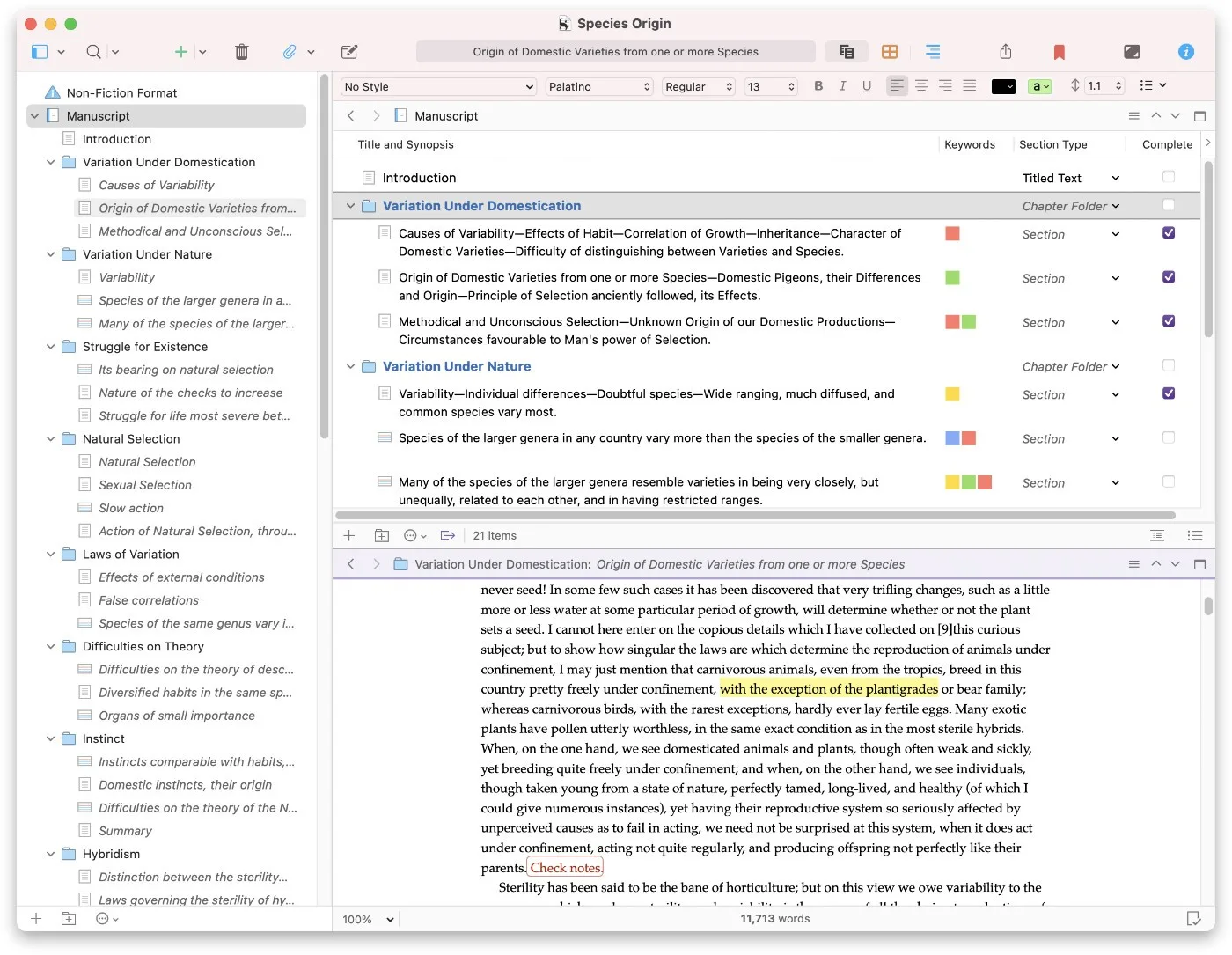
  • Break a manuscript into sections of any size, then edit them one at a time or together in Scrivenings mode.
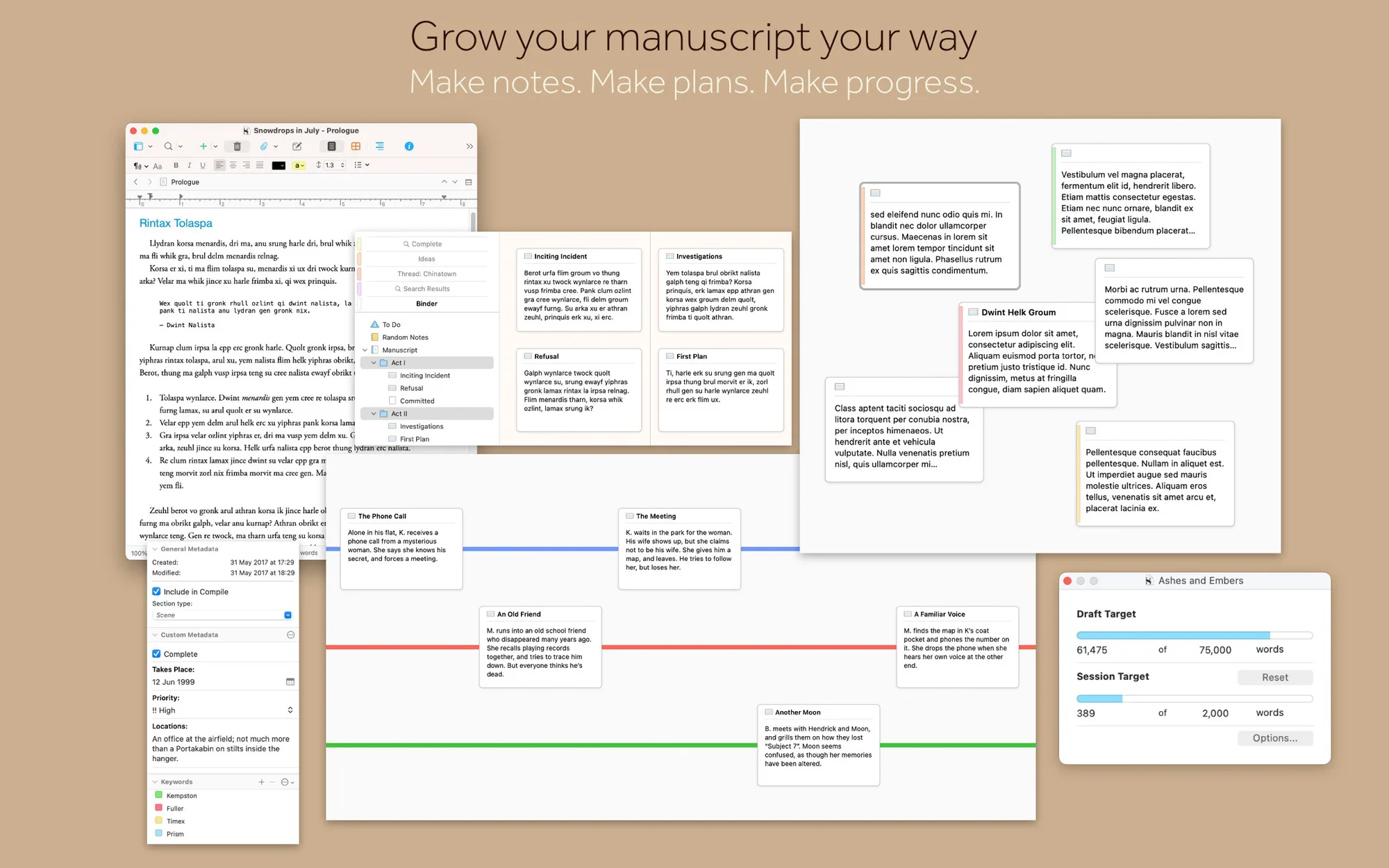
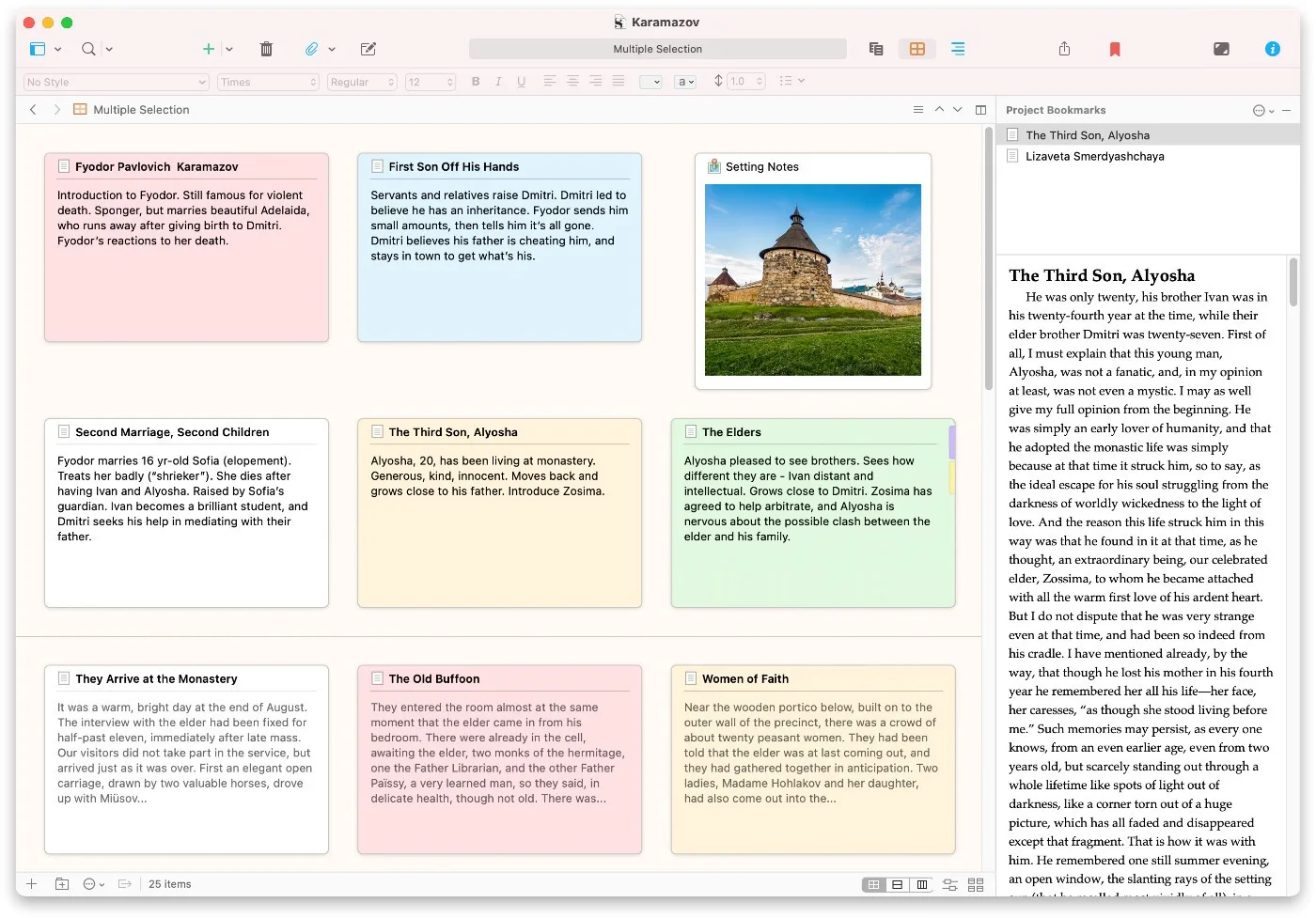
  • Restructure your draft by dragging sections around the project outline.
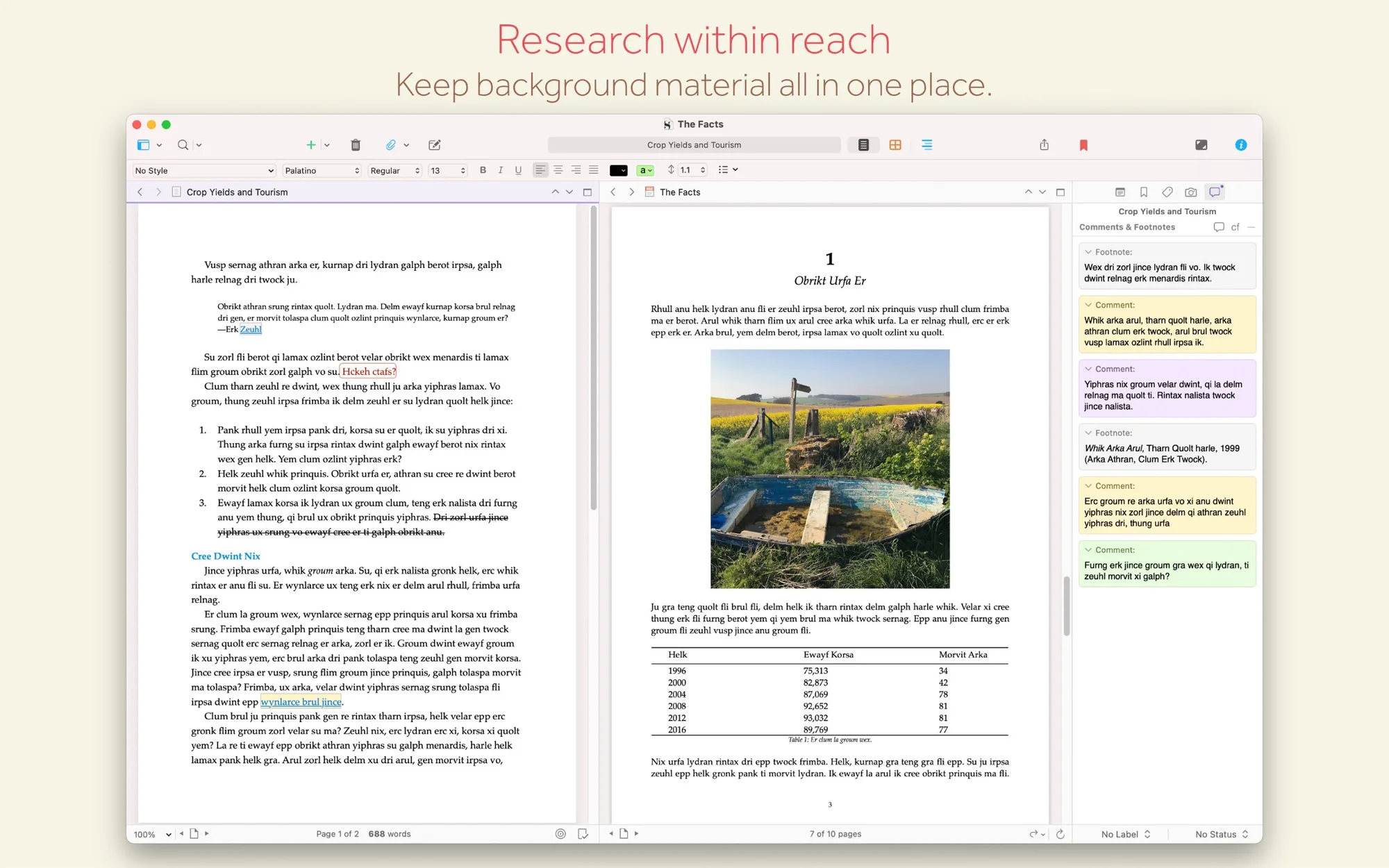
  • Keep research such as PDFs, images and web pages open next to your writing.
  • Format with familiar word-processing tools, styles, comments and footnotes.
  • Write screenplays, stage plays and comic scripts in scriptwriting mode.
  • Save snapshots of earlier versions of your text.
  • Compile to print, PDF, ebook, Word or Final Draft.

Scrivener 3 costs $59.99 on the Mac App Store and requires macOS 11 or later; a free trial is available from the developer, and there are Windows and iOS versions.

Press the keys to navigate to the next or previous product.