
Typora
Markdown editor with seamless live preview, so you write and read in the same view
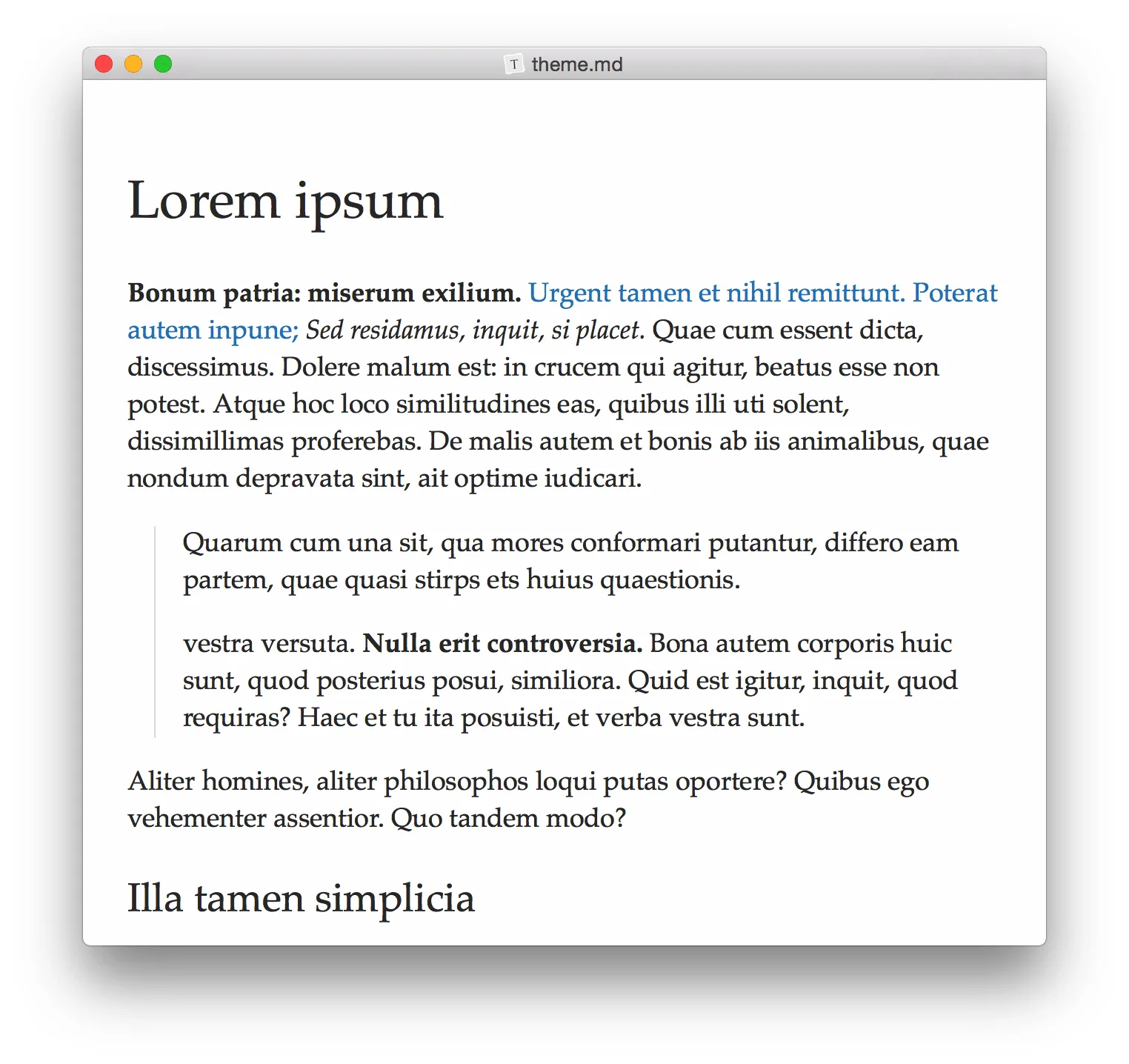
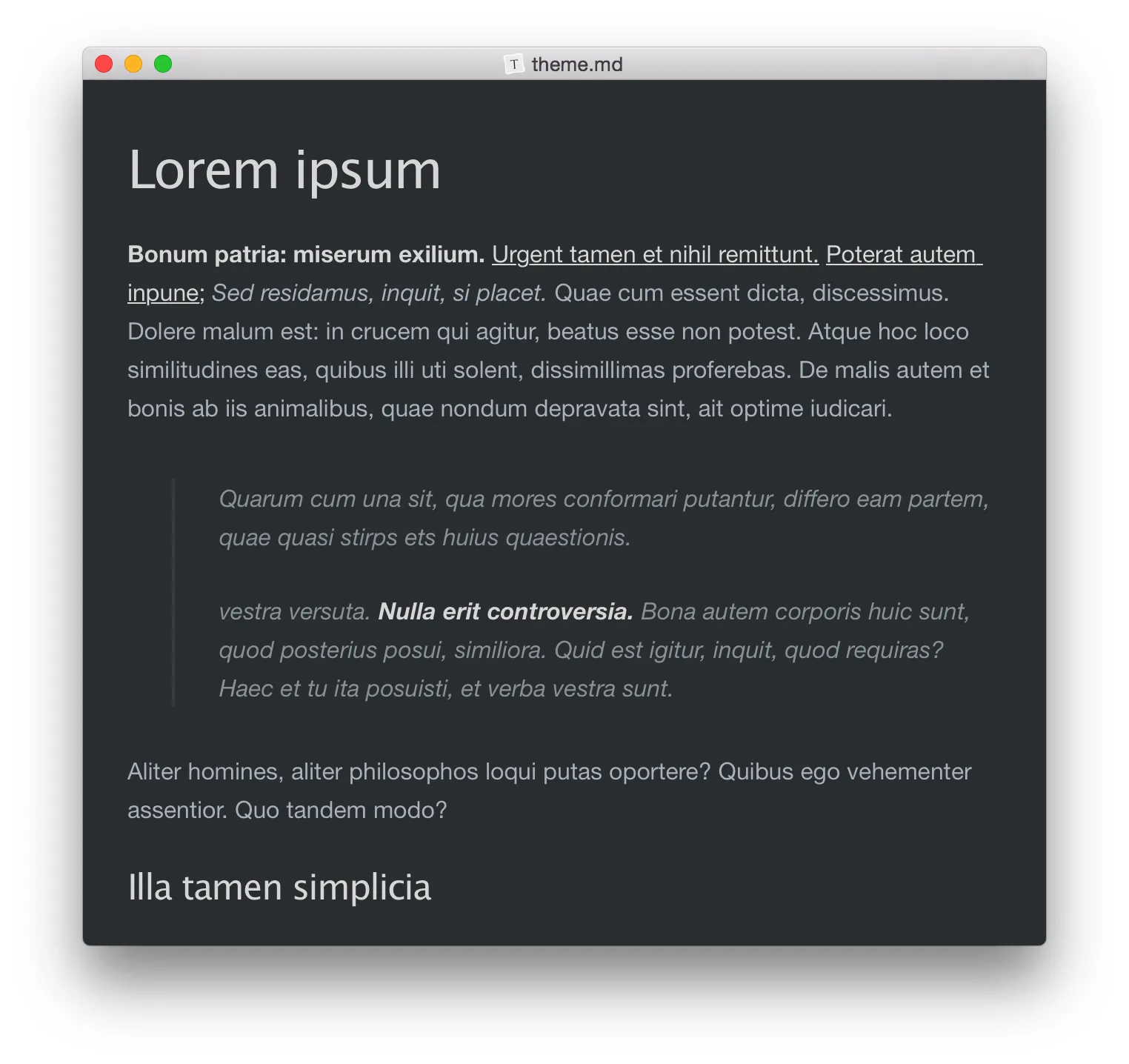
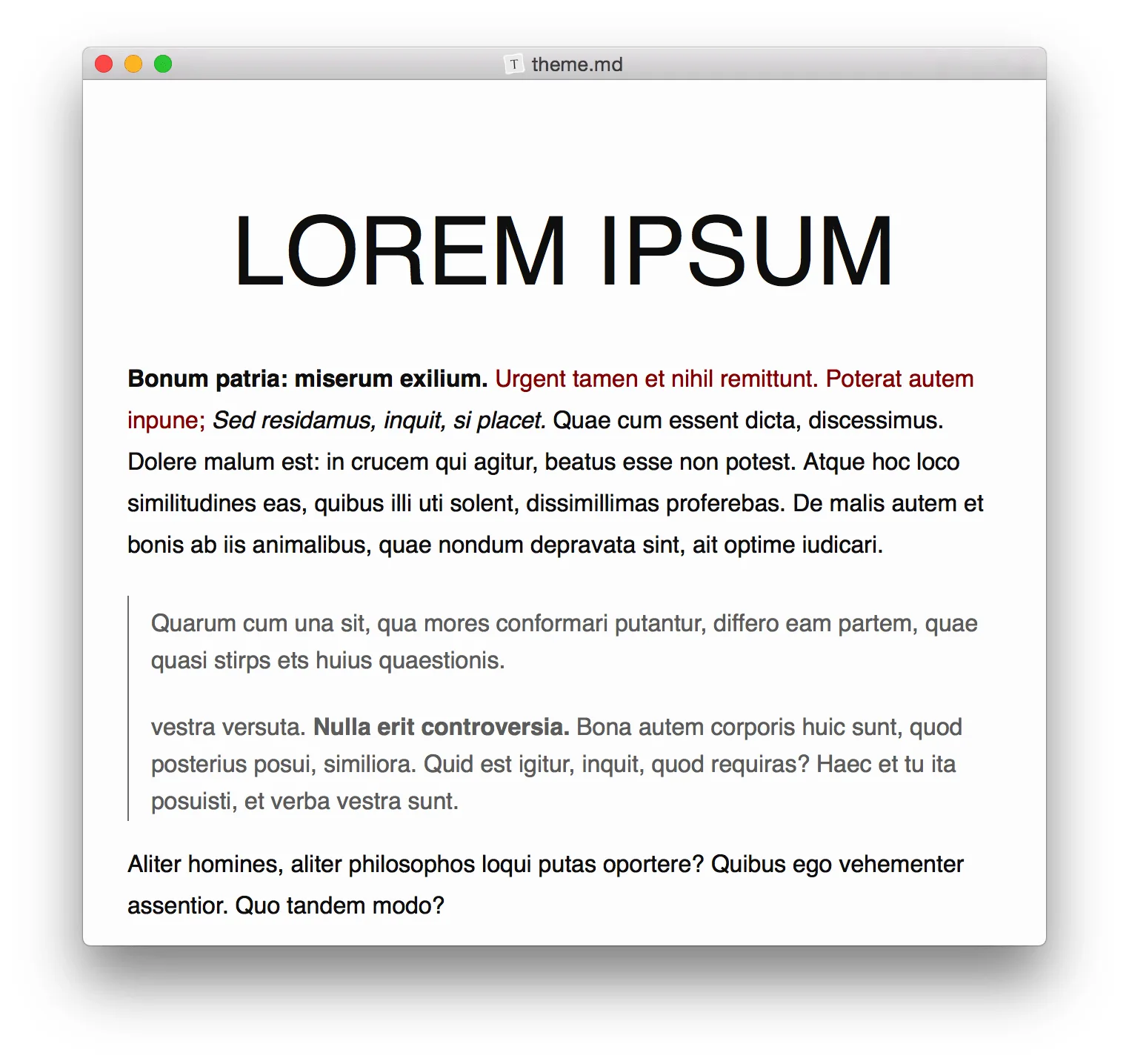
Typora is a Markdown editor that shows formatting live as you type, without a separate preview pane or visible syntax. It suits writers, students and developers who want clean Markdown files and few distractions.
Key features:
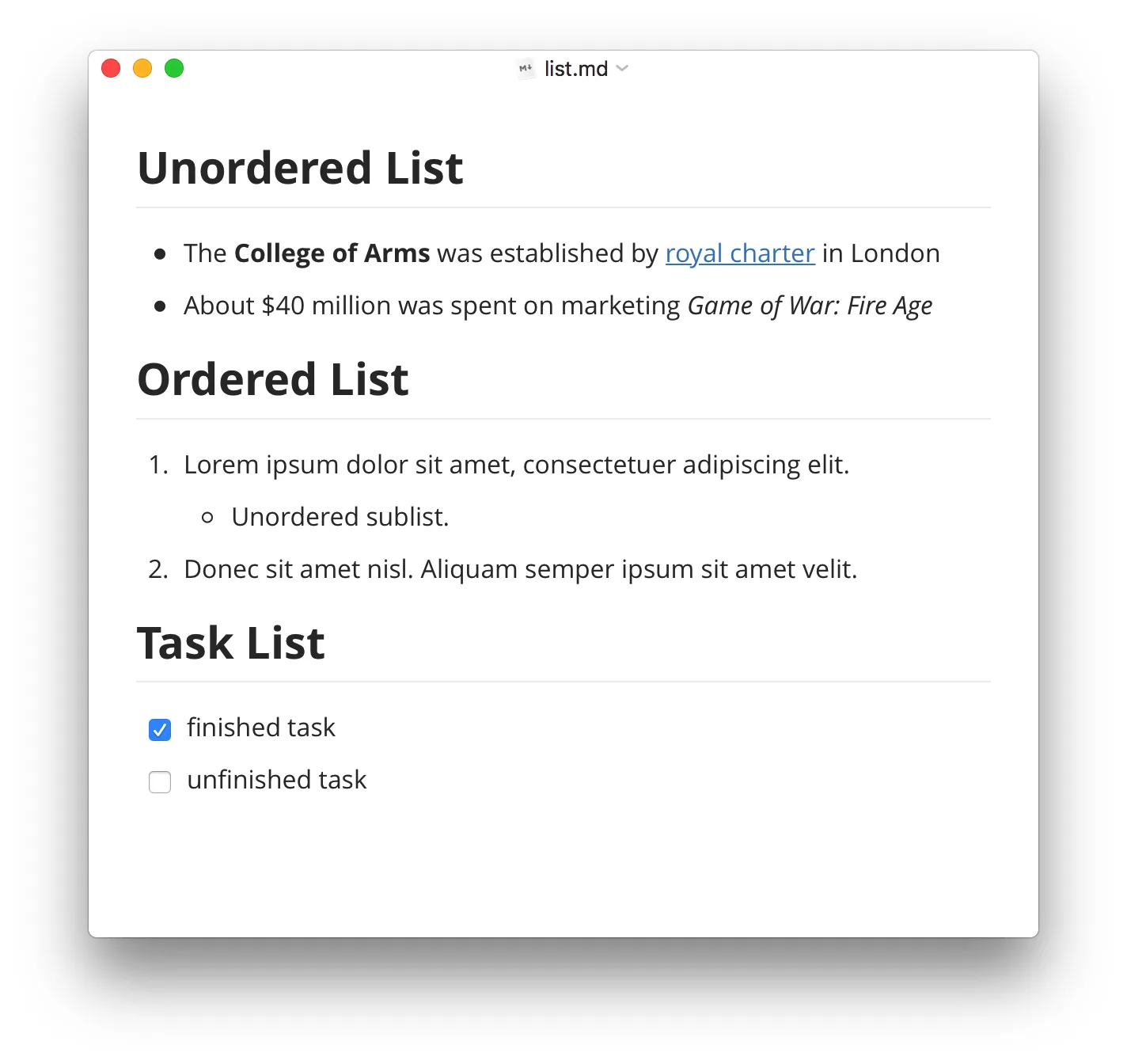
- Write with a live preview that hides Markdown symbols.
- Add tables, code blocks with syntax highlighting for about 100 languages, math, and Mermaid or flowchart diagrams.
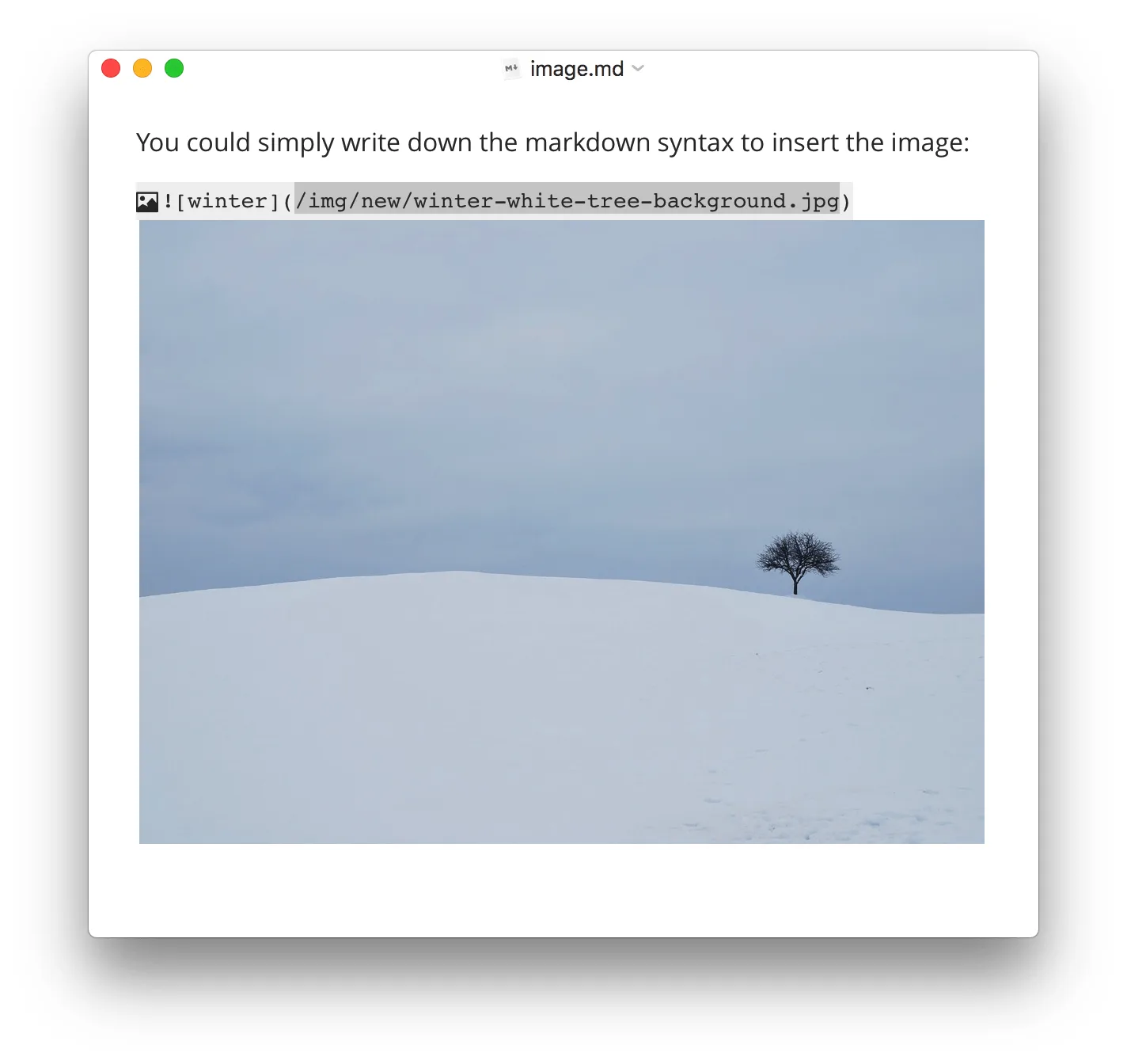
- Insert images by drag and drop, resize them and use relative paths.
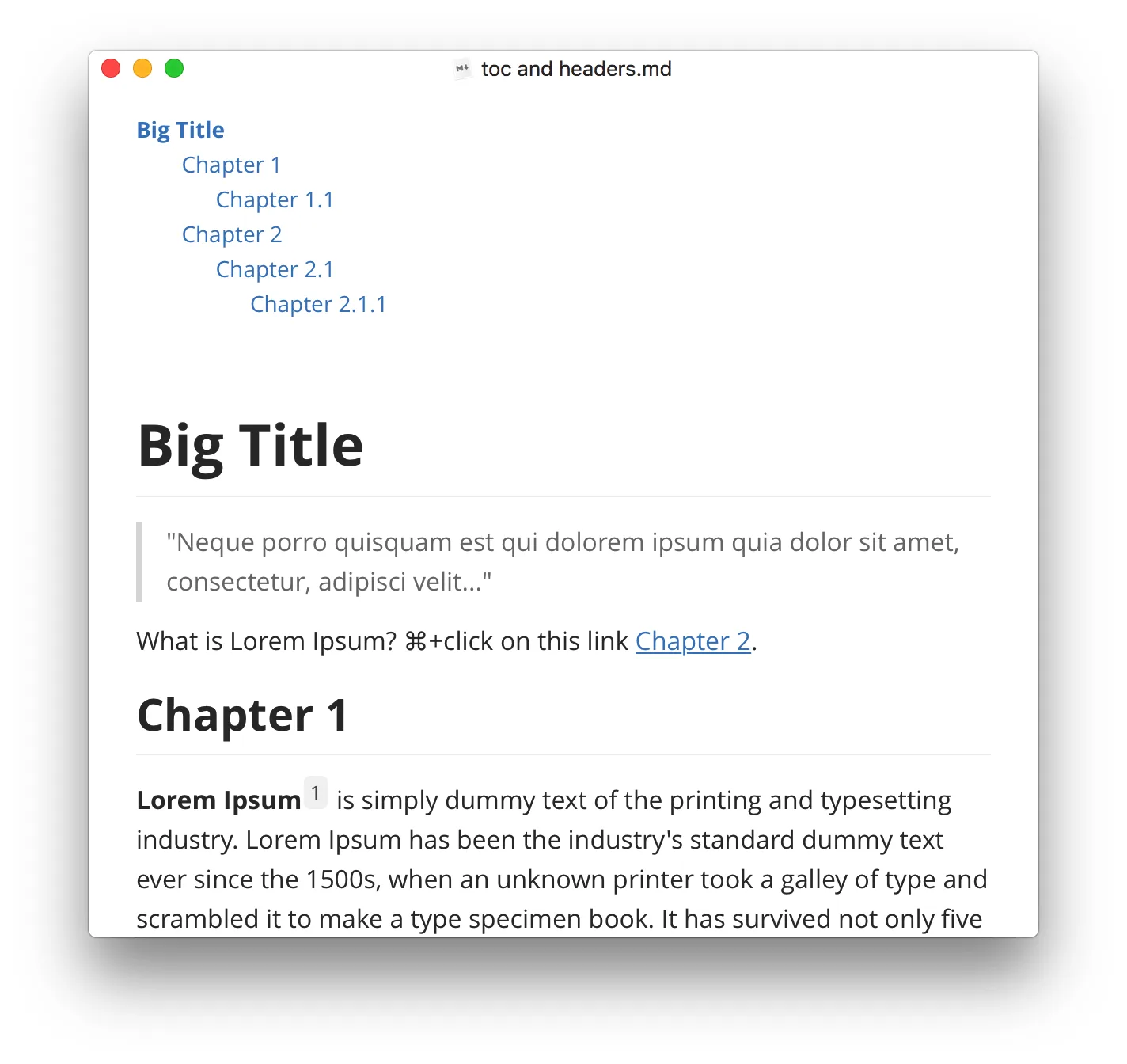
- Manage files with a file tree and article list, and jump around with the outline panel.
- Use Focus Mode and Typewriter Mode to keep attention on the current line.
- Export to PDF with bookmarks, plus docx, OpenOffice, LaTeX, ePub and more.
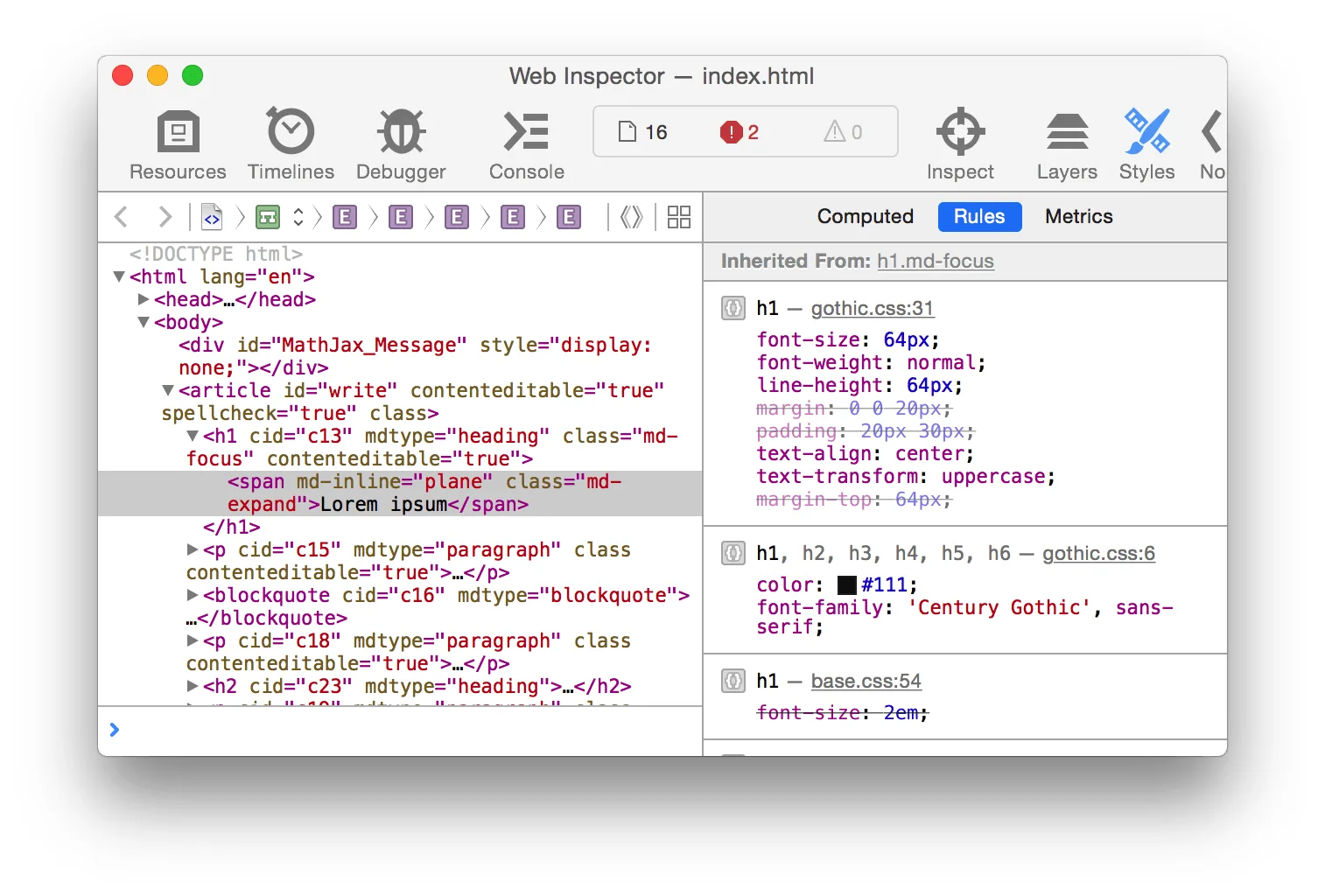
- Restyle everything with custom CSS themes.
Typora runs on macOS, Windows and Linux. A license costs $14.99 (before tax) and covers up to three devices, with a 15-day free trial.