Slack
Team chat with channels, huddles, app integrations and AI summaries for work
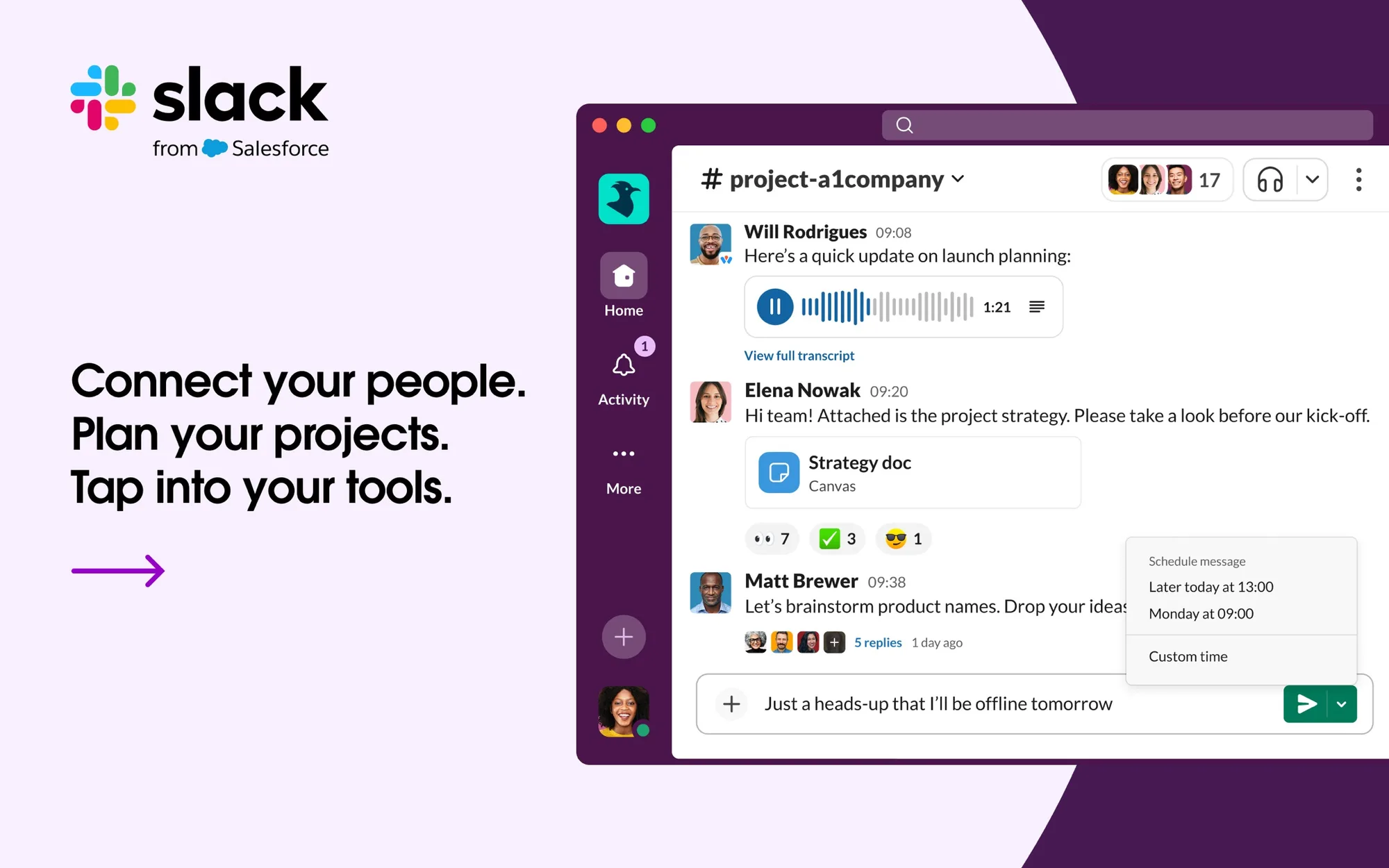
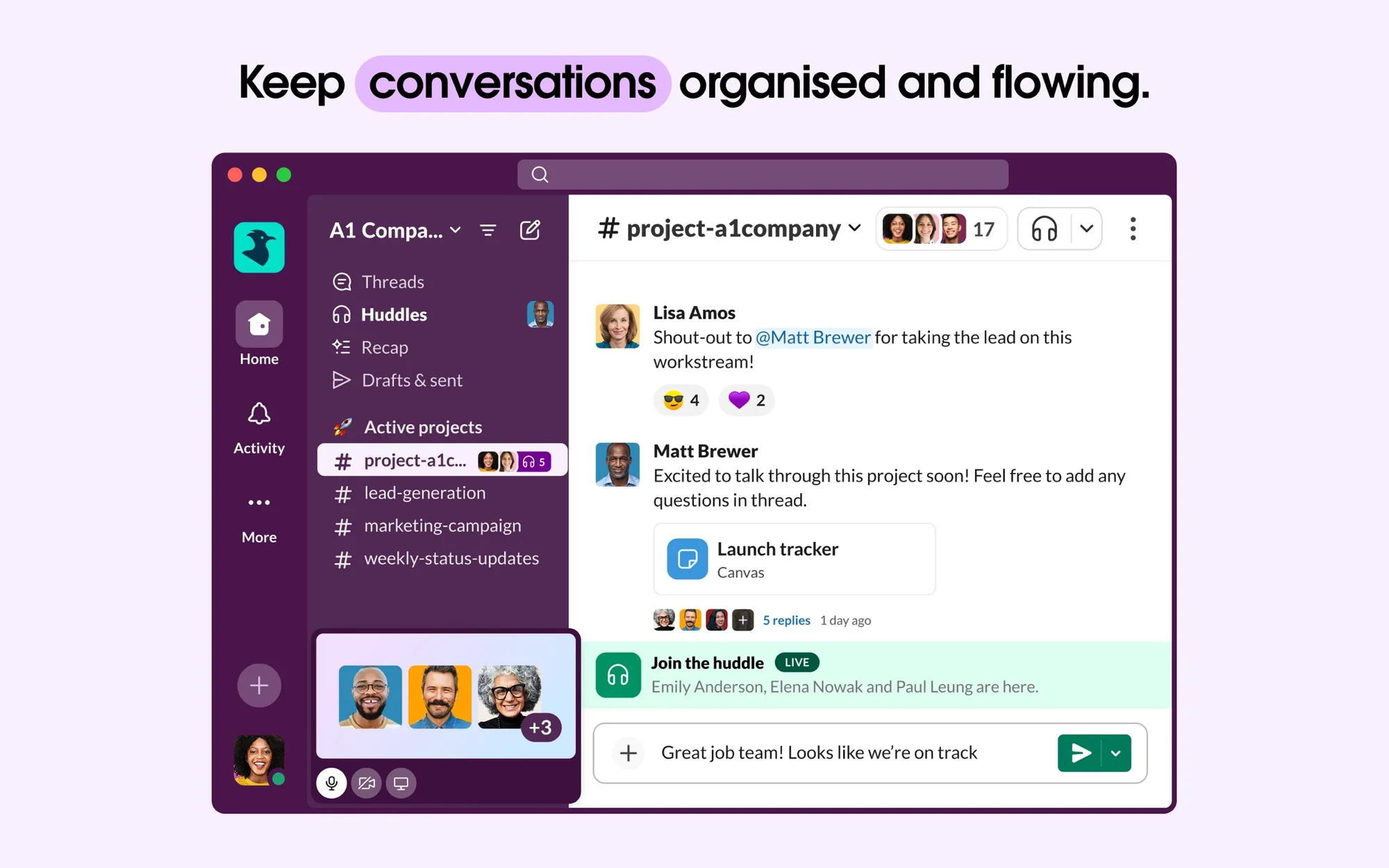
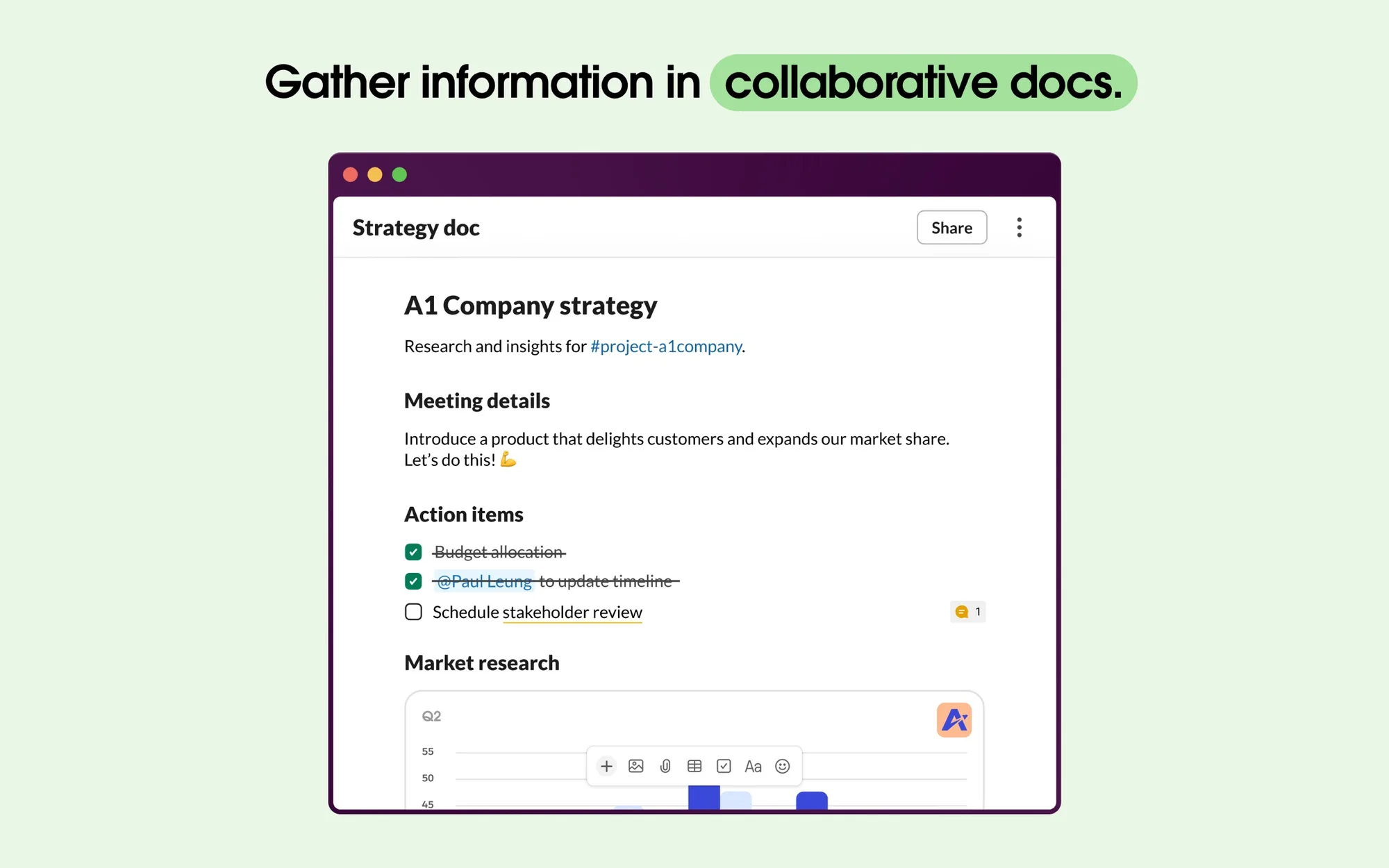
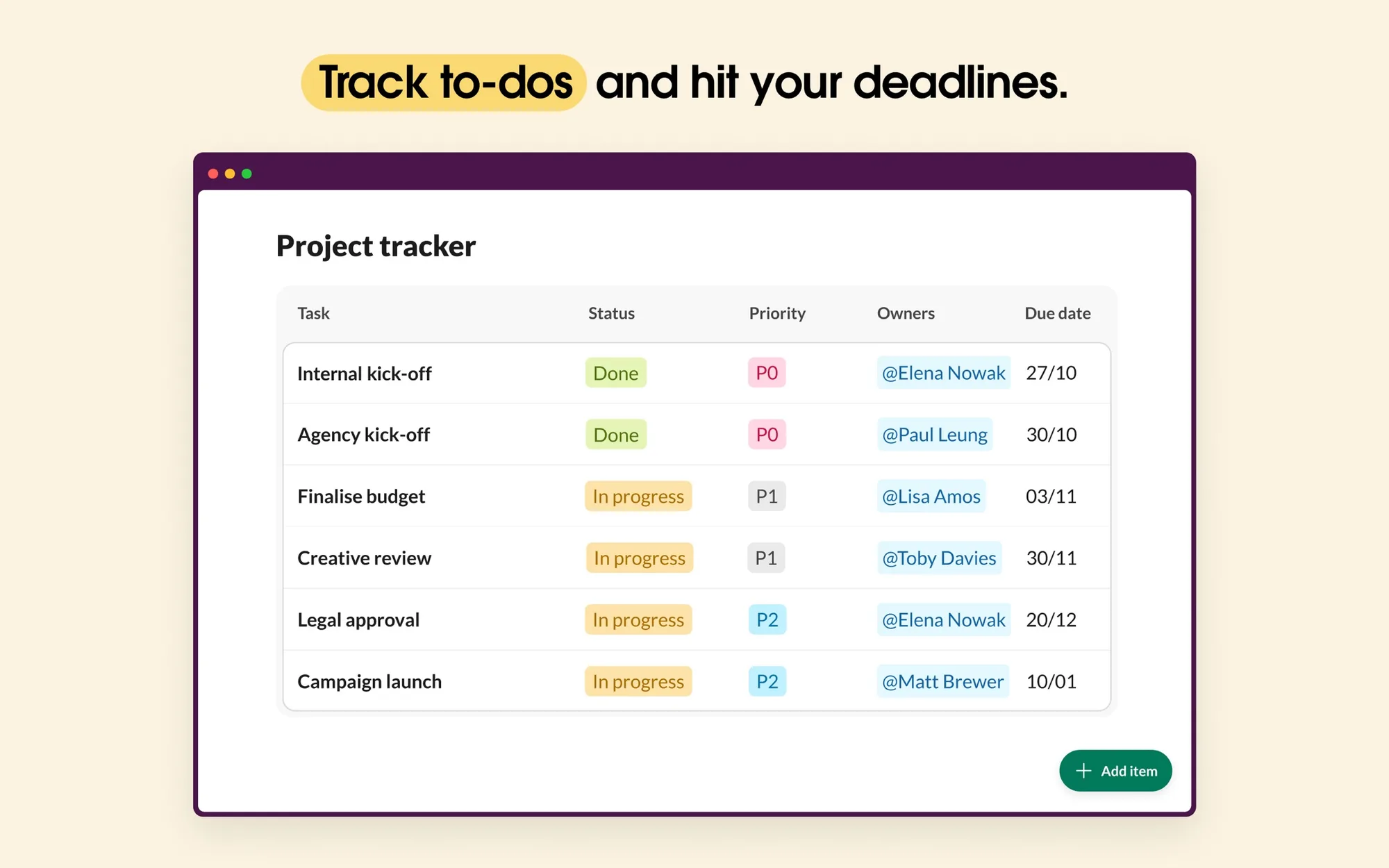
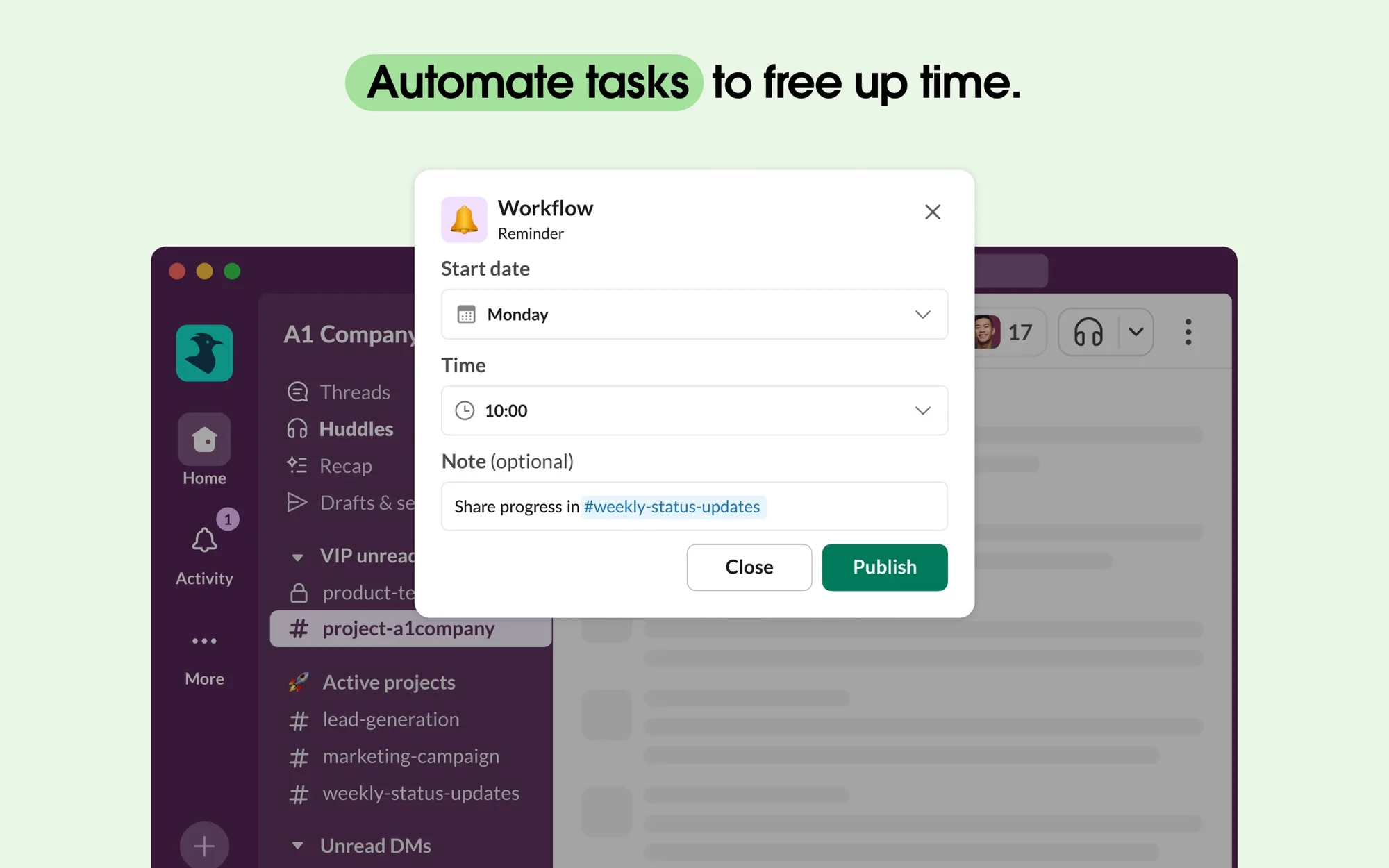
Slack is a team messaging app that organizes conversations into channels and direct messages. The Mac app is for teams of any size that want their conversations, files, calls, and tools in one place.
Key features:
- Organize conversations by topic, project, or team in channels.
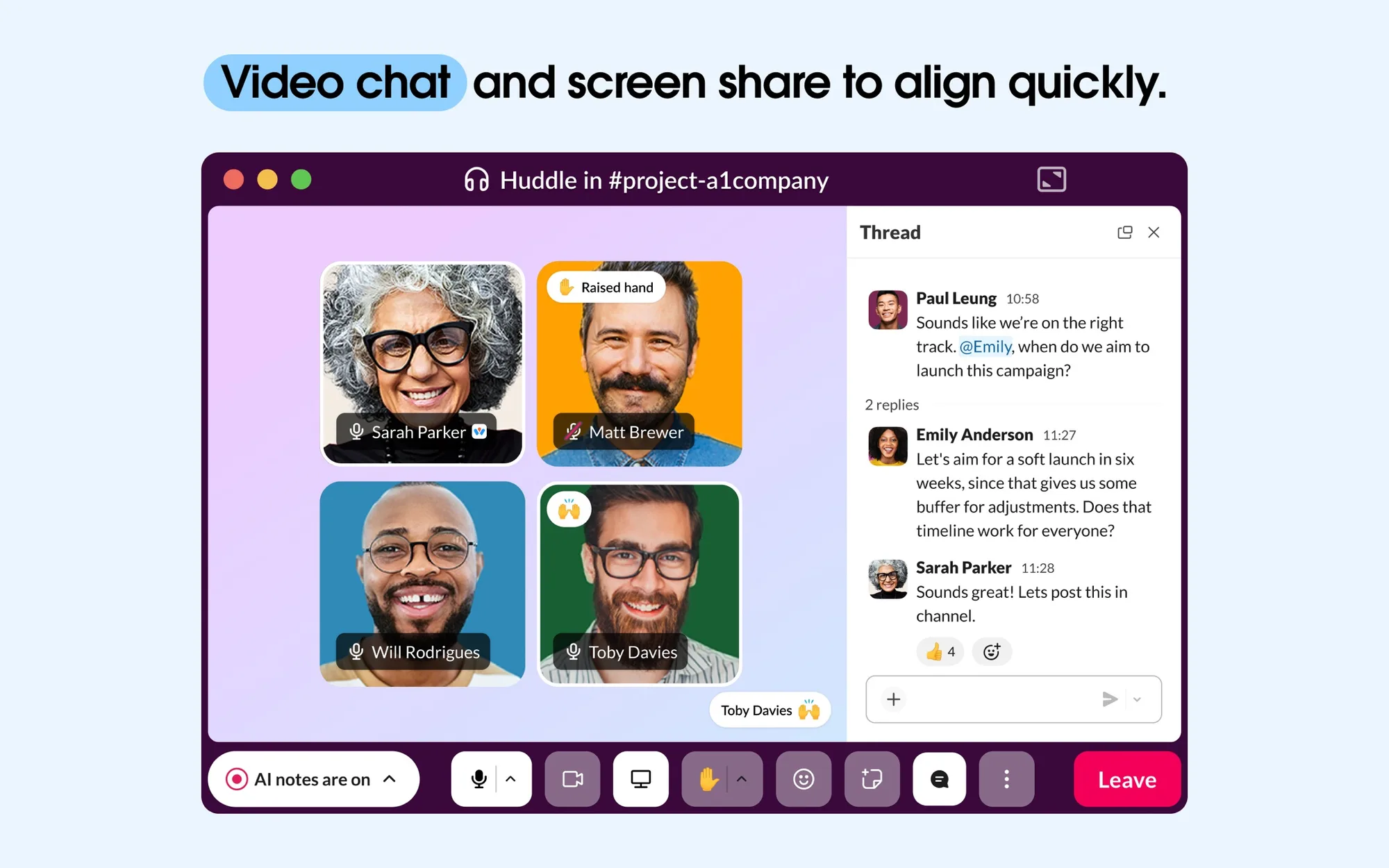
- Meet over audio and video with screen sharing in Slack huddles.
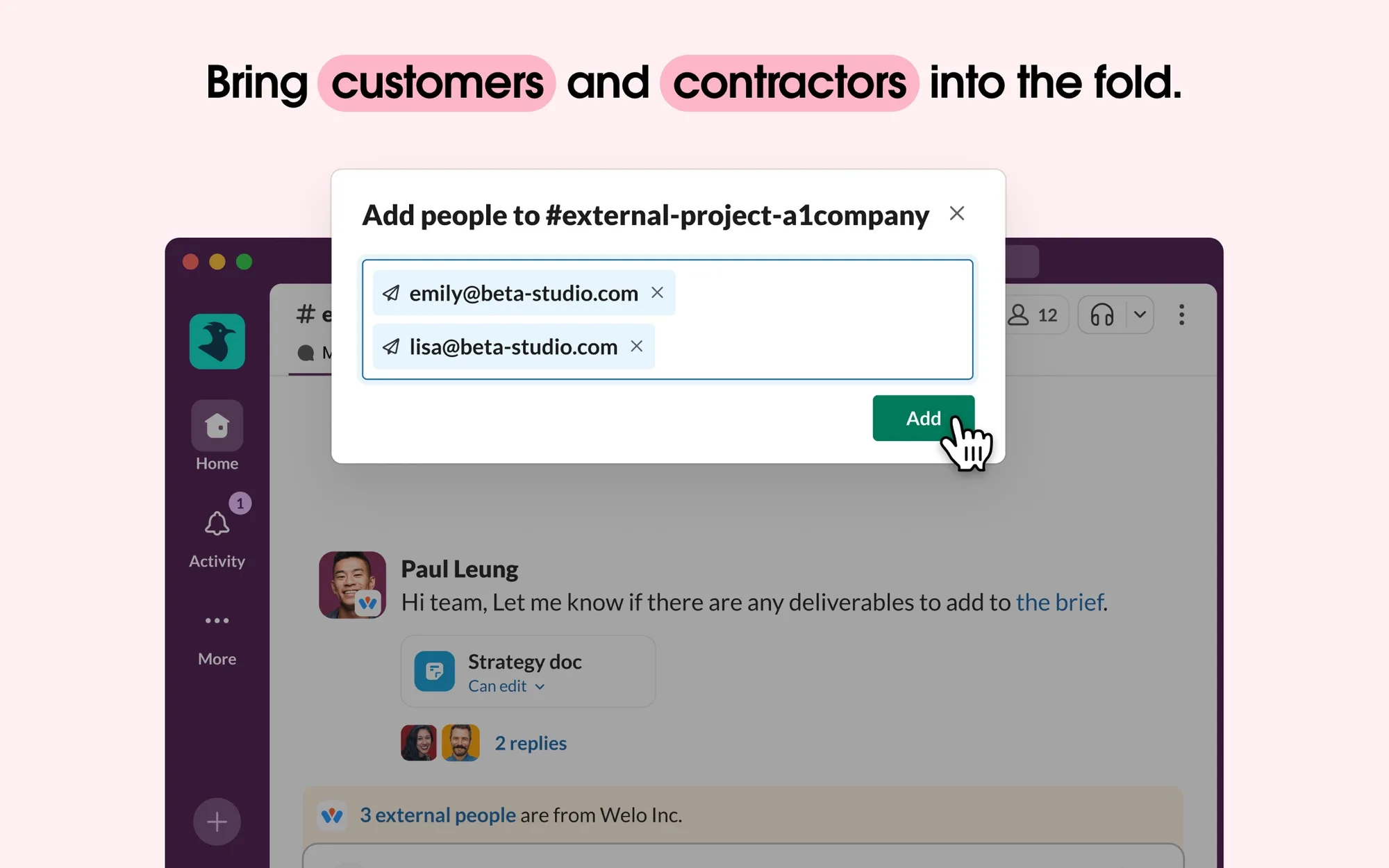
- Work with people outside your company through Slack Connect.
- Connect over 2,600 apps from the Slack App Directory, such as Salesforce, Jira, and Google Drive.
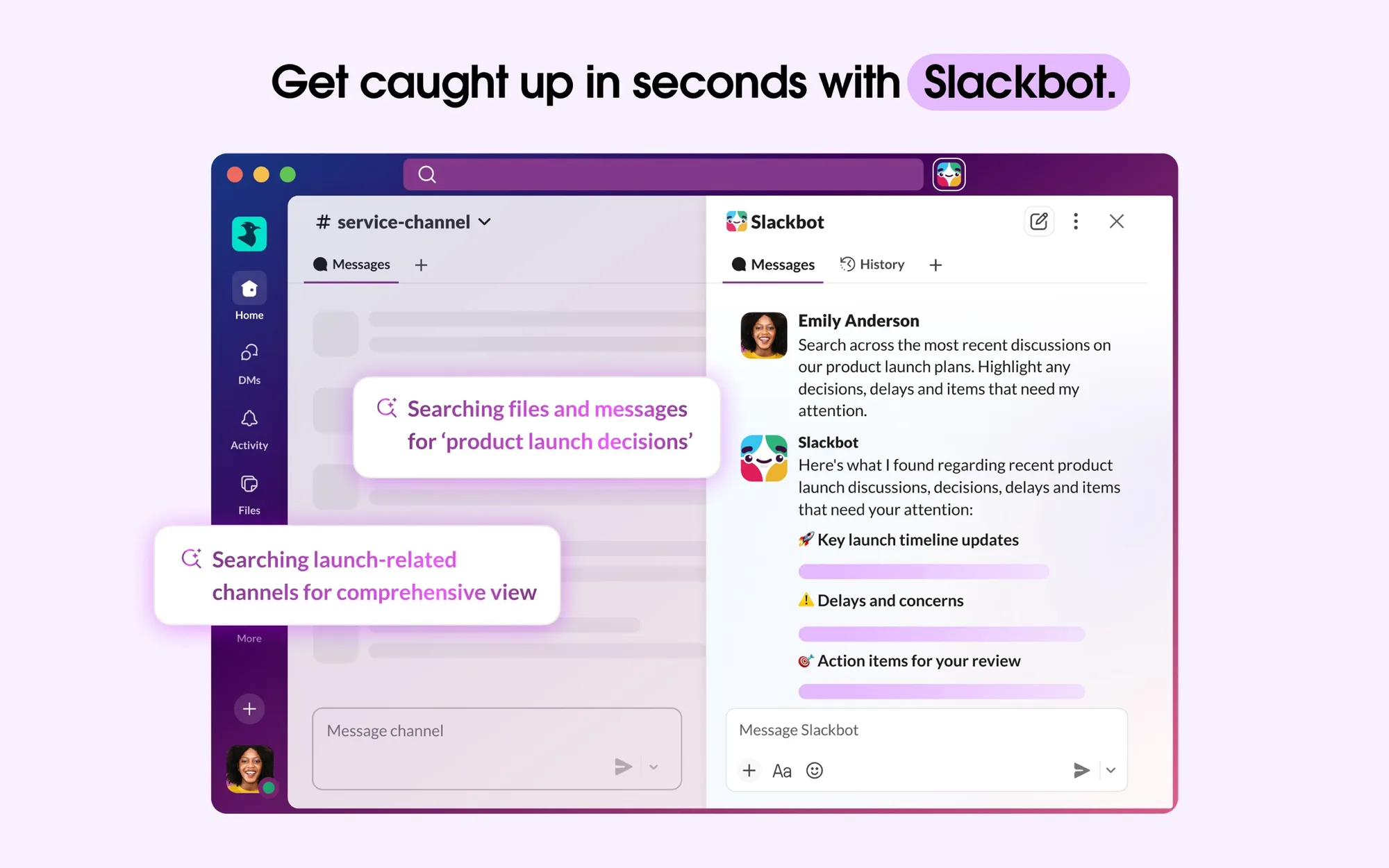
- Search past messages and files, and catch up with AI conversation summaries and daily recaps on paid plans.
- Customize notifications so you only hear about what matters.
Slack for Mac is available on the Mac App Store and requires macOS 13 or later, with apps for iPhone, Android, Windows, and Linux too. The Free plan keeps 90 days of message history and up to 10 apps. Pro costs $8.75 per user per month billed monthly or $7.25 billed annually, Business+ is $18 monthly or $15 annually, and Enterprise+ has custom pricing.