
SoundSource
Menu bar audio control with per-app volume, output routing, EQ and AirPlay streaming
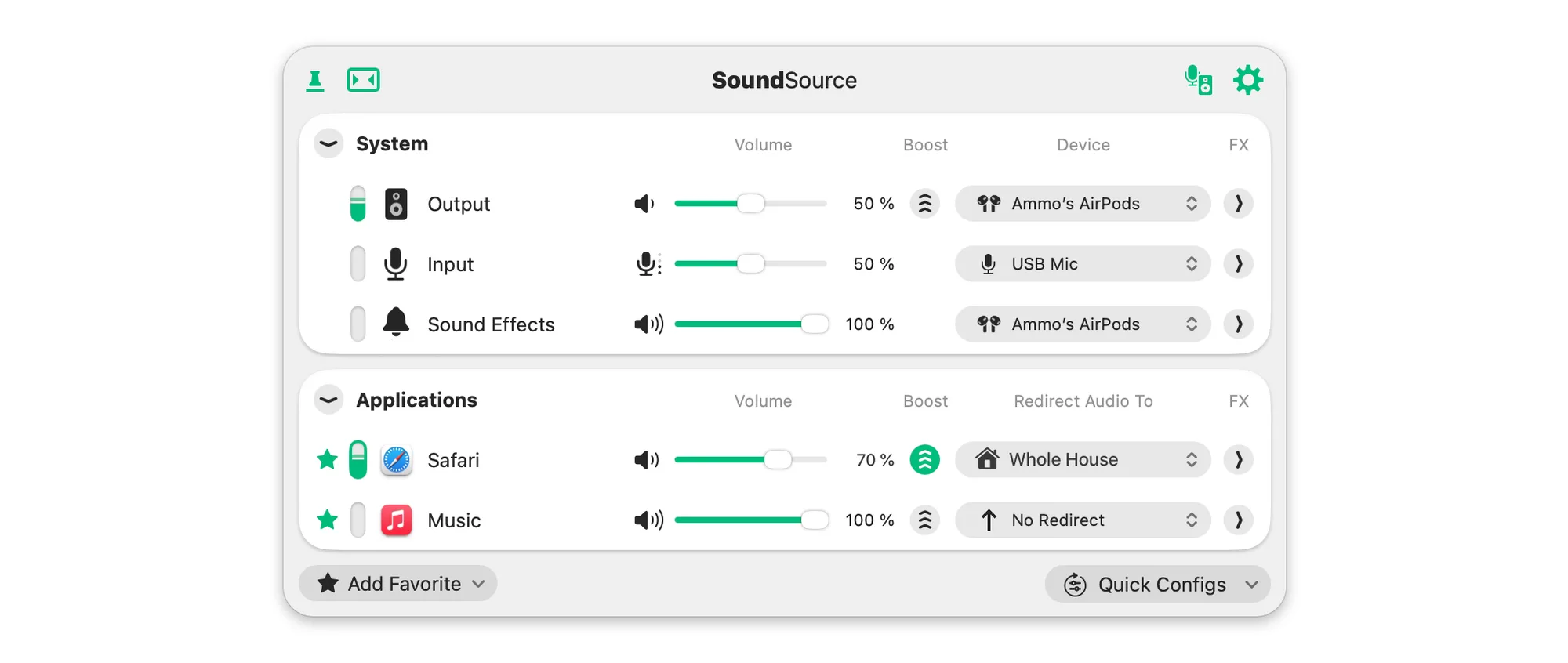
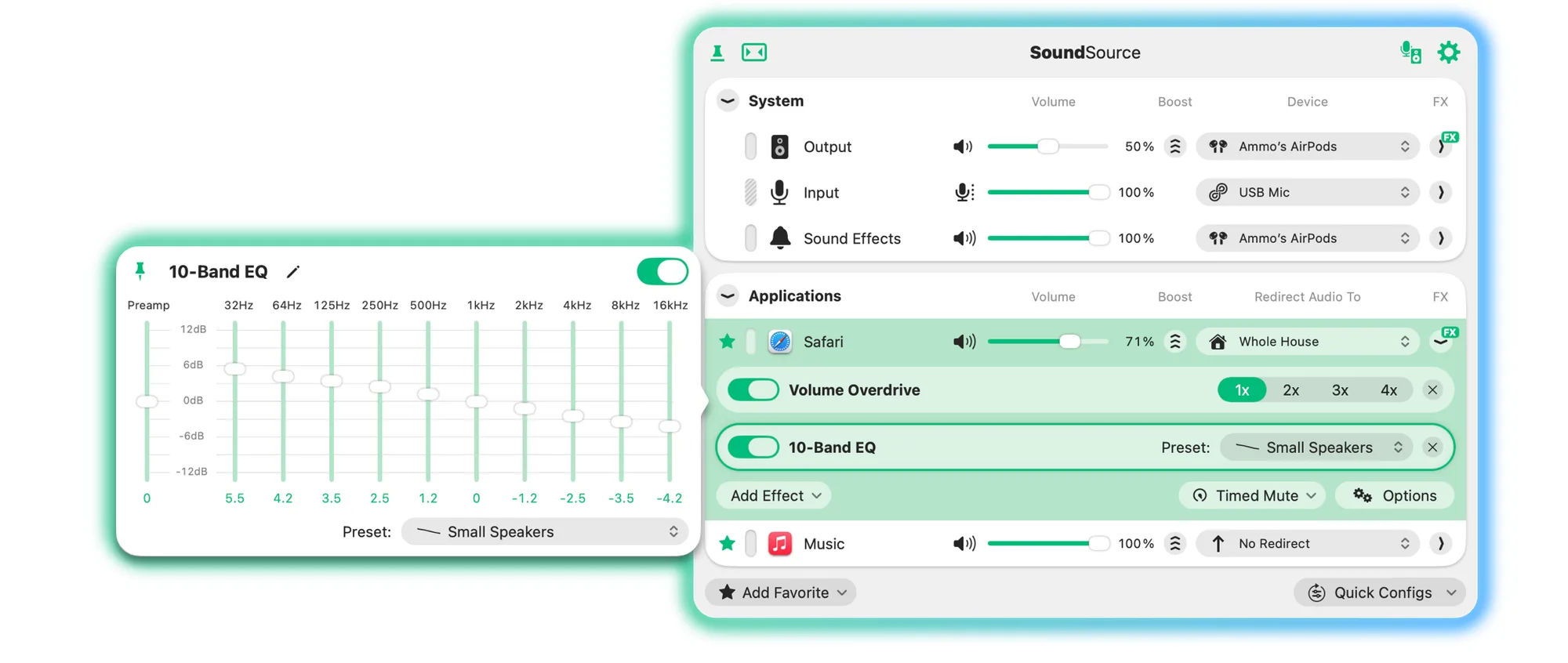
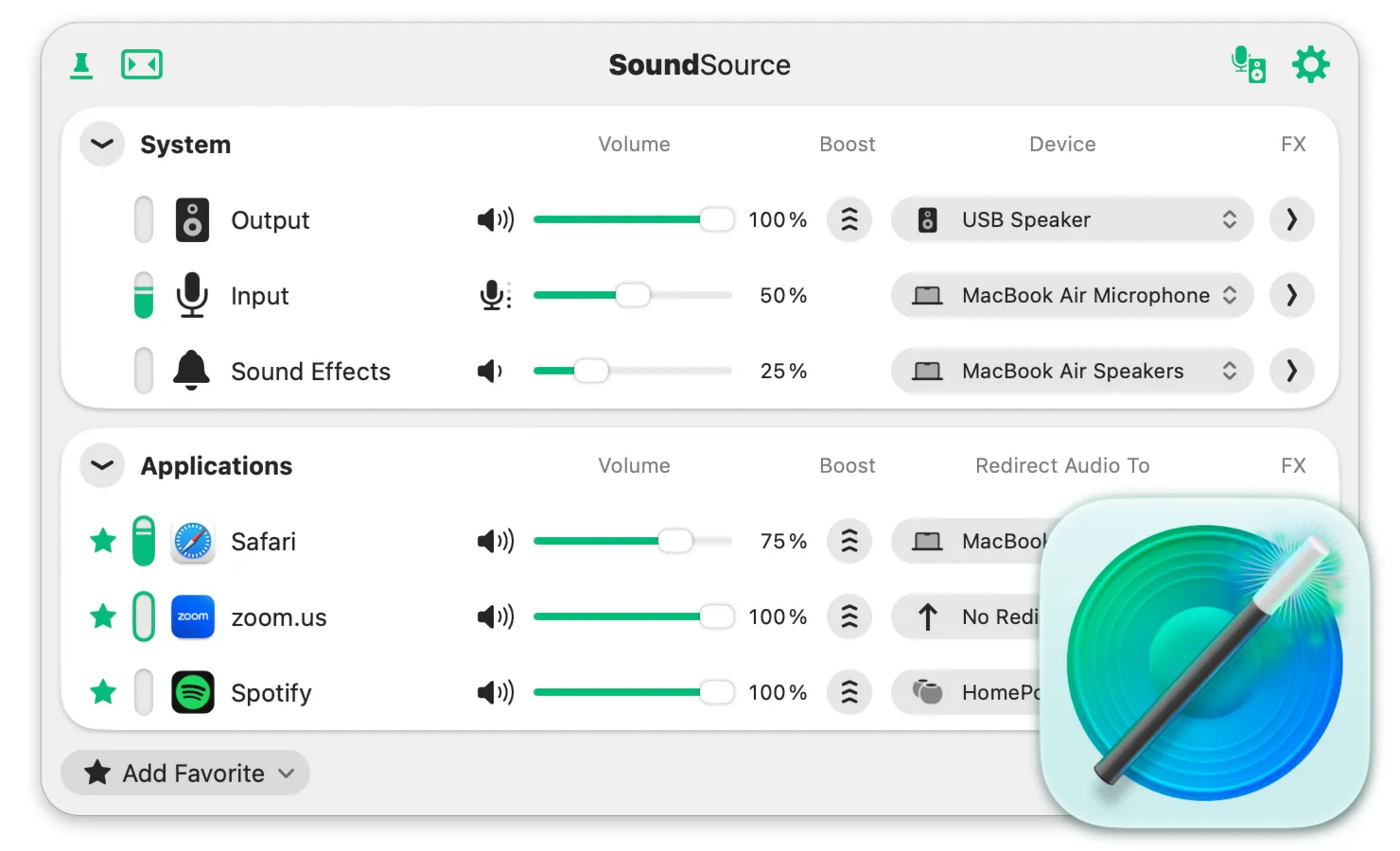
SoundSource puts detailed audio control for your Mac in the menu bar. Use it to set volume per app, send apps to different outputs and improve sound with effects.
Key features:
- Adjust each app's volume relative to the others, or mute it.
- Route individual apps to different output devices.
- Apply a 10-band equalizer and Audio Unit plugins to single apps or to all system audio.
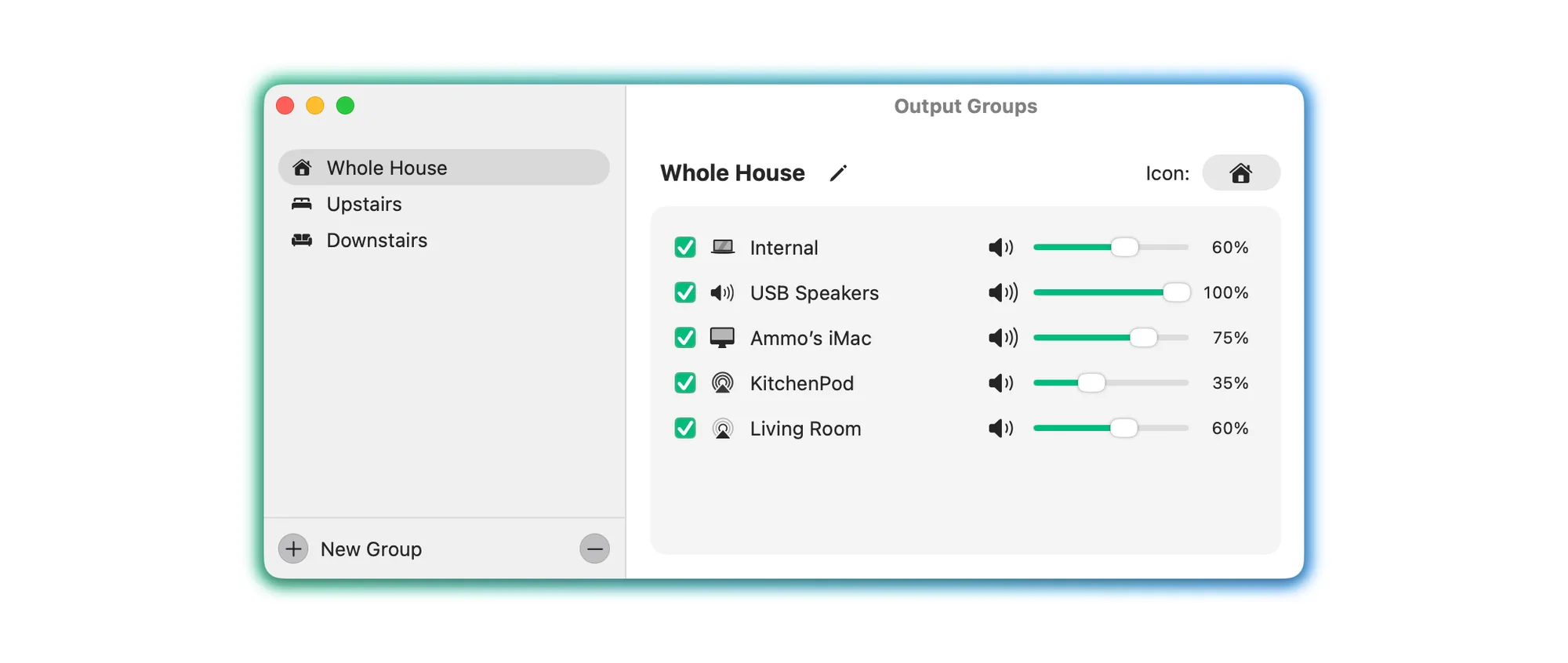
- Stream specific apps to one or more AirPlay devices, including Apple TV, HomePod and Sonos.
- Make the keyboard volume keys work with HDMI and DisplayPort outputs.
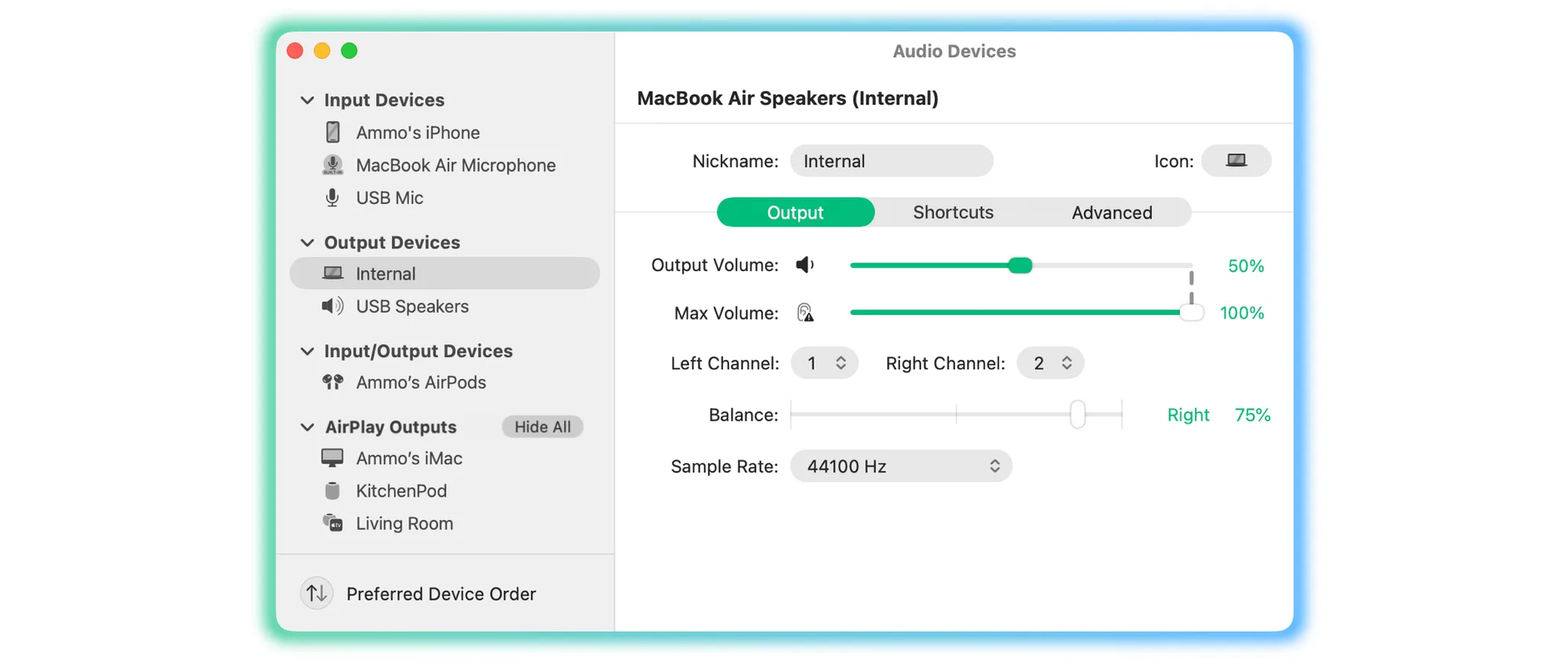
- Change levels, balance and sample rate for your output, input and sound effects devices.
- Trigger audio changes from the Shortcuts app.
SoundSource 6 supports macOS 15 through 27, with legacy versions for older systems. The free download runs as a trial with limitations until you enter a license key from Rogue Amoeba's store.