
Amphetamine
Menu bar keep-awake utility with timed sessions and automatic triggers
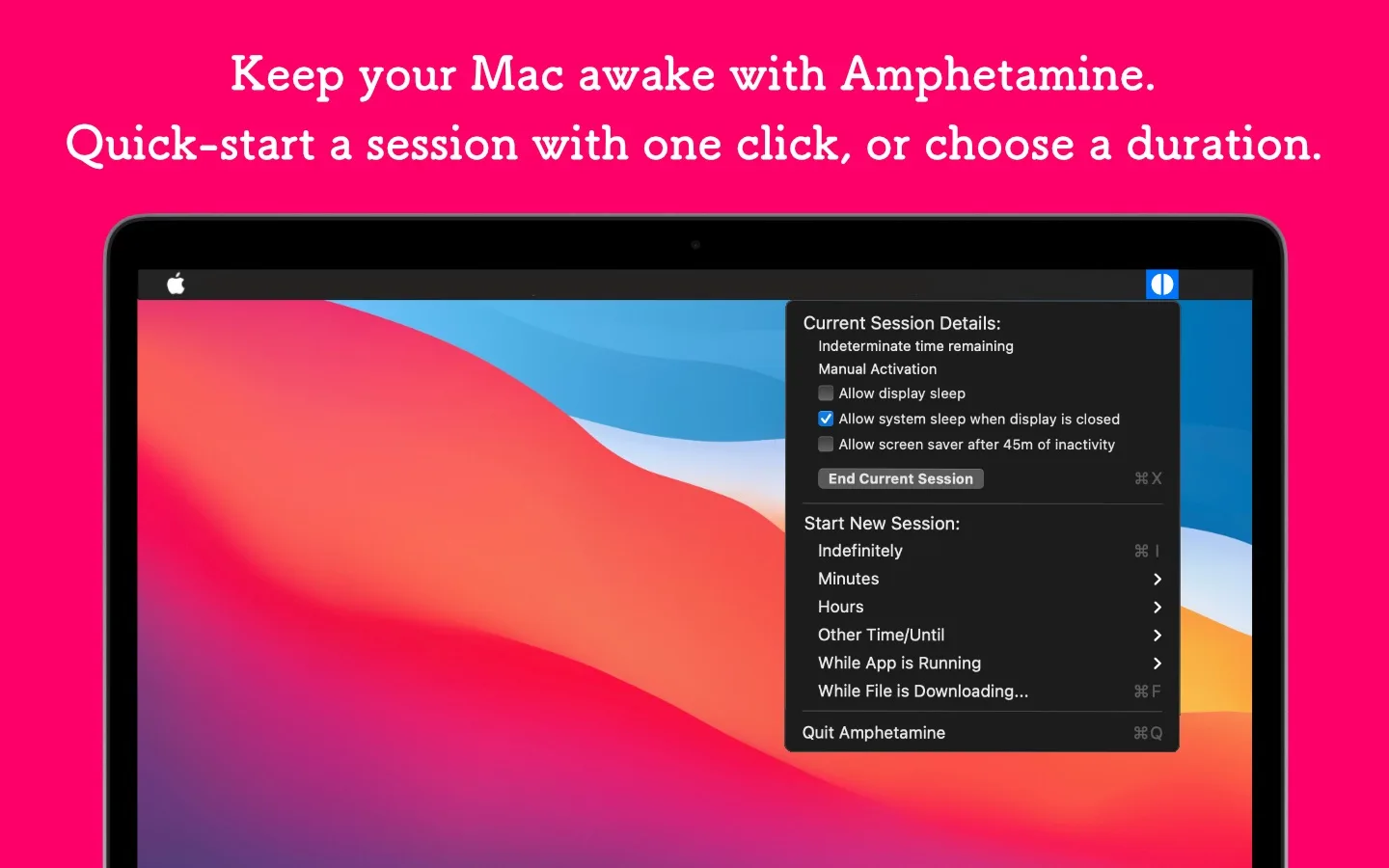
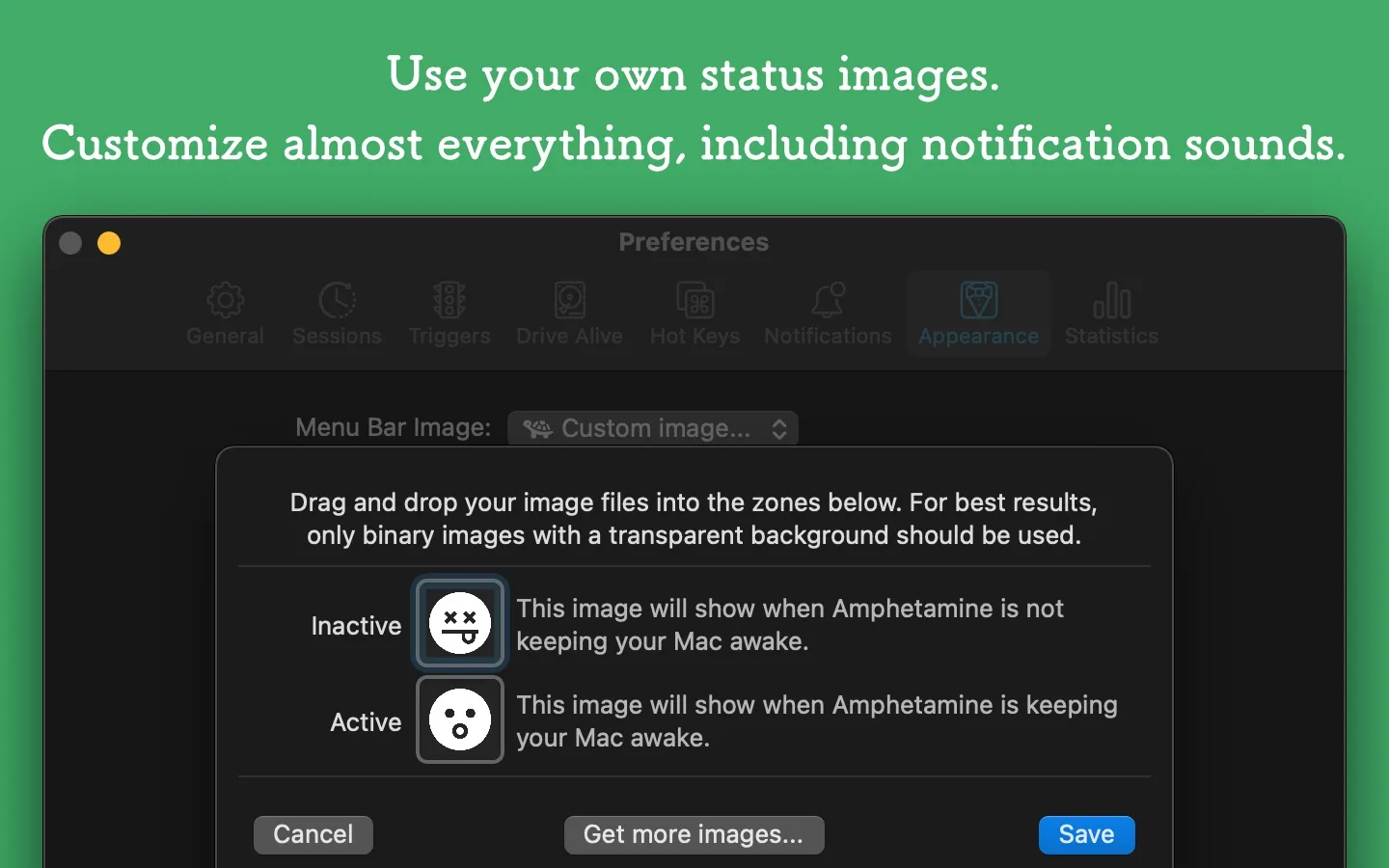
Amphetamine is a keep-awake utility for Mac that runs from the menu bar. It keeps your Mac, and optionally its displays, awake with a simple switch or automatically through triggers.
Key features:
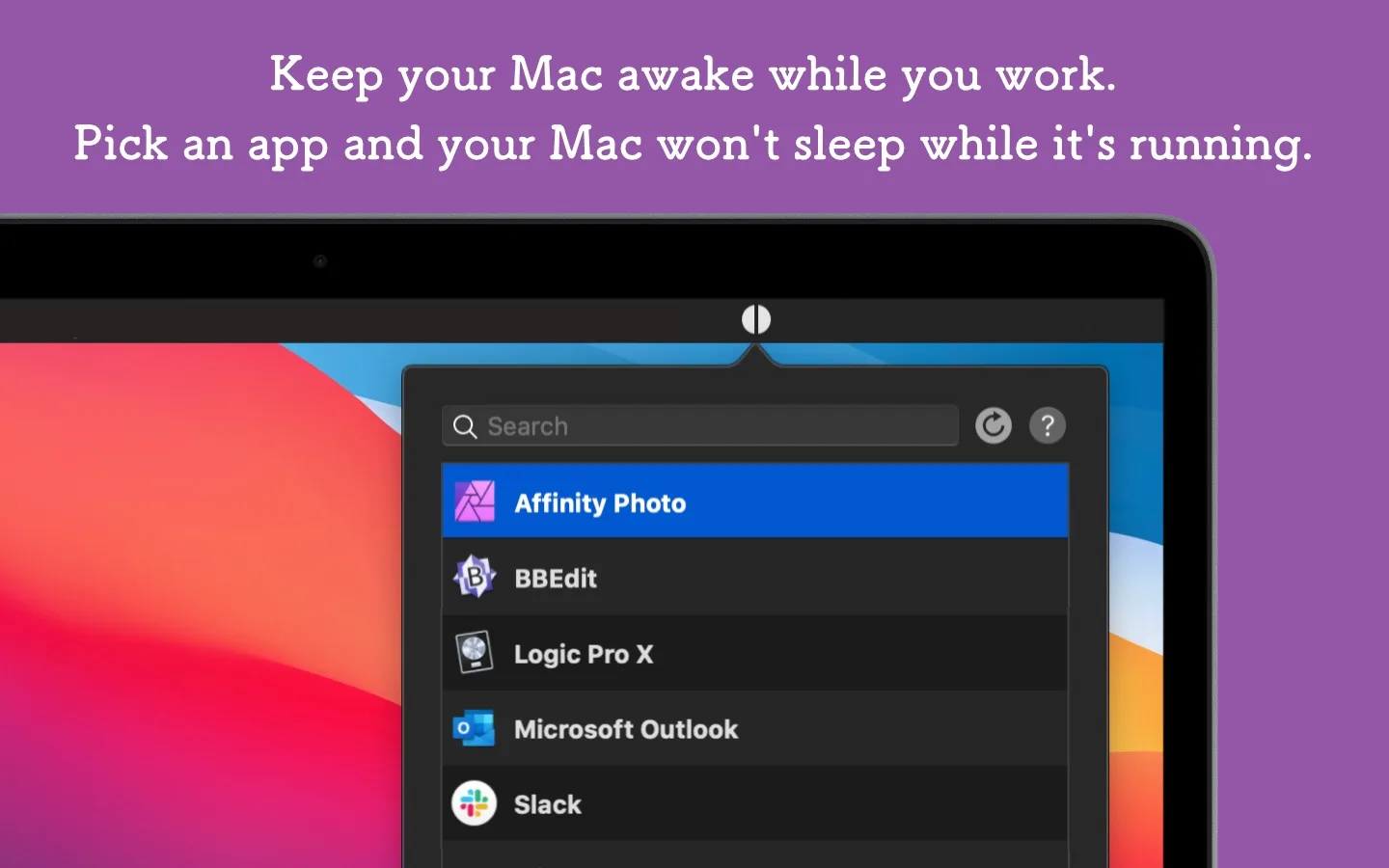
- Keep your Mac awake indefinitely, for a set time, until a set time, while a file downloads or while an app runs.
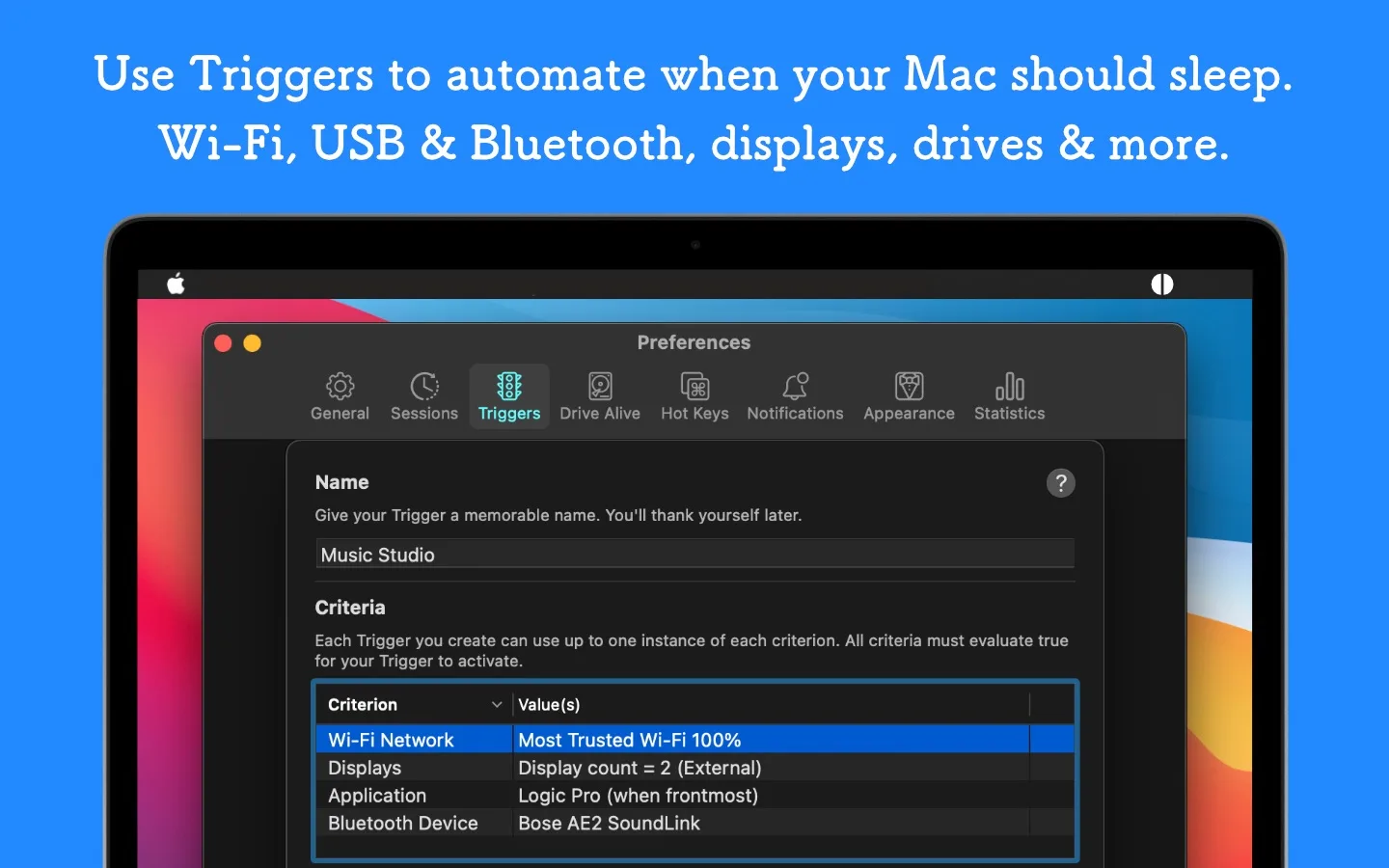
- Create triggers for external displays, USB or Bluetooth devices, Wi-Fi networks, power state, CPU usage and more.
- Choose whether to allow display sleep, screen savers and screen locking during a session.
- Keep a MacBook awake with its lid closed.
- Keep drives awake with Drive Alive.
- Start and end sessions with hotkeys, or automate them with AppleScript.
Amphetamine is completely free on the Mac App Store, with no ads, in-app purchases, tracking or data collection. The Mac App Store lists macOS 10.13 or later.