
Carbon Copy Cloner
Backup and cloning app with scheduled tasks, snapshots, verification and backups of cloud-only files
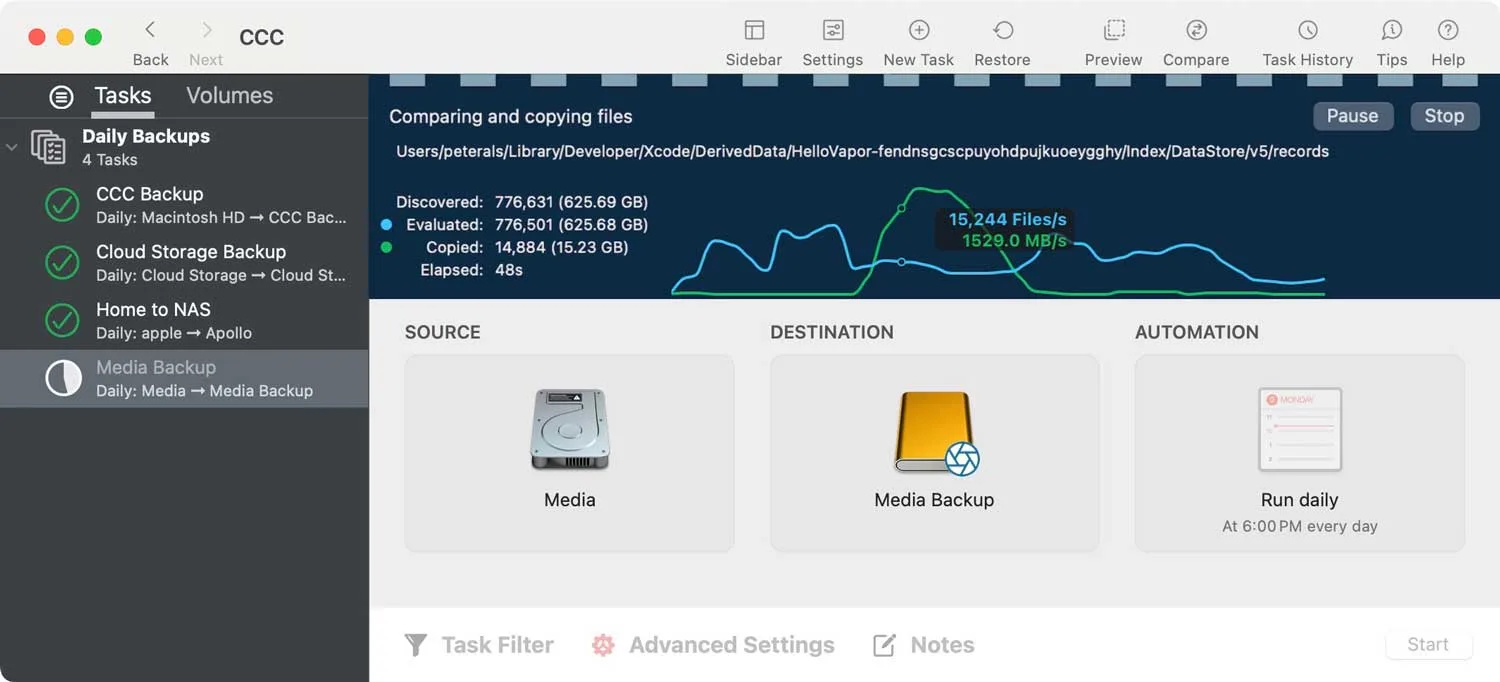
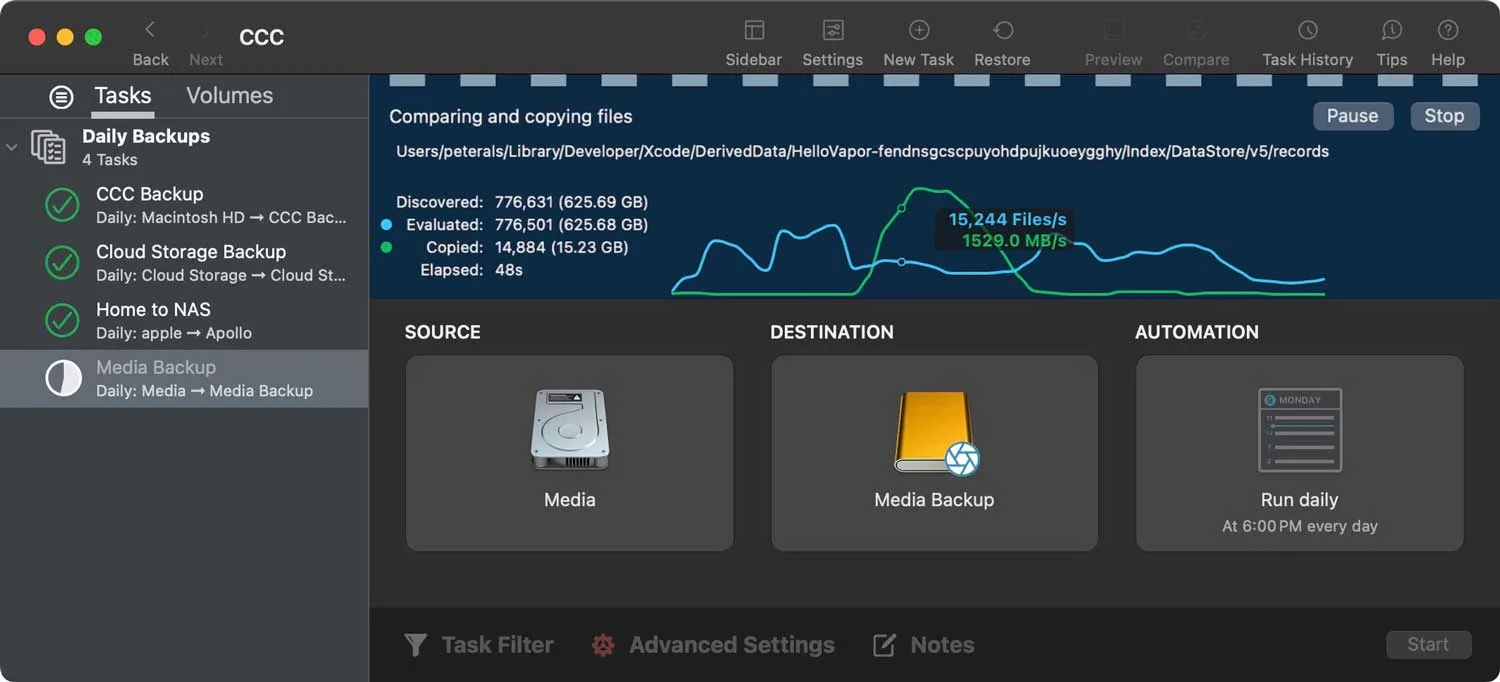
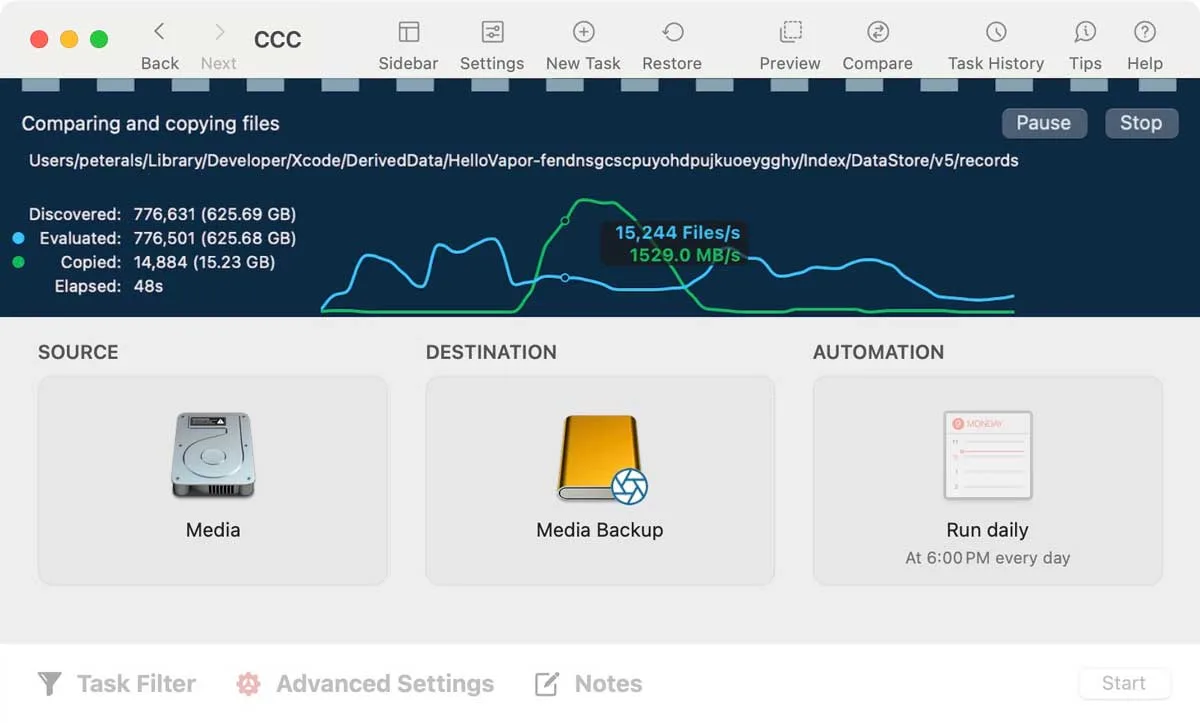
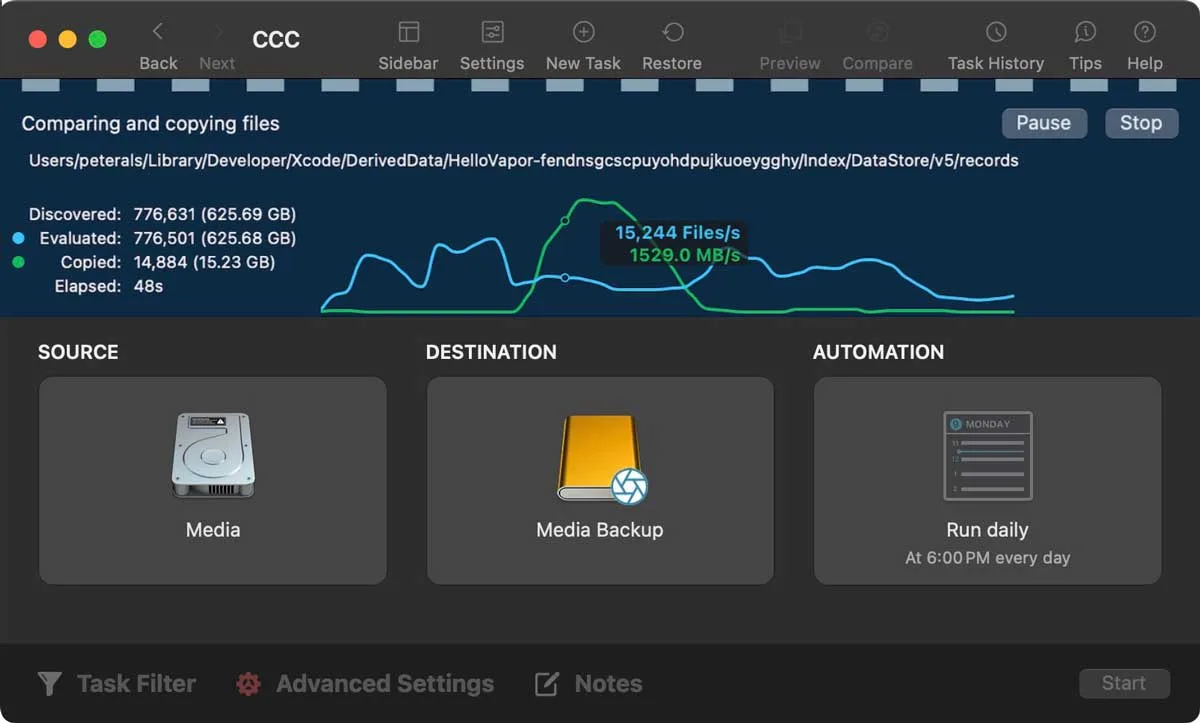
Carbon Copy Cloner is a backup app for macOS that gives you precise control over what gets copied, where and when. Use it to back up your whole Mac, copy one folder, restore a single file or migrate to a new Mac.
Key features:
- Schedule backups hourly, daily, weekly, monthly or when changes are detected, with limits by day, hour or network.
- Copy only files that were added or changed, and pause or resume a backup at any time.
- Keep snapshots on the backup disk, search them by file name and restore earlier versions.
- Back up cloud-only files from iCloud, Google Drive, Dropbox, OneDrive and Box to local storage.
- Encrypt backup volumes and keep them unmounted for protection from malware.
- Verify files after copying and run automated Backup Health Checks.
- Browse backups in Finder, since they use a non-proprietary format.
CCC 7 is qualified for macOS Golden Gate and no longer supports Catalina, Big Sur or Monterey. A 30-day trial is available, and one household license covers every Mac in your home for personal use. The companion CCC Mobile app backs up iPhone and iPad files to your Mac.