
Stats
Free menu bar system monitor for CPU, GPU, memory, disk, network, sensors and battery
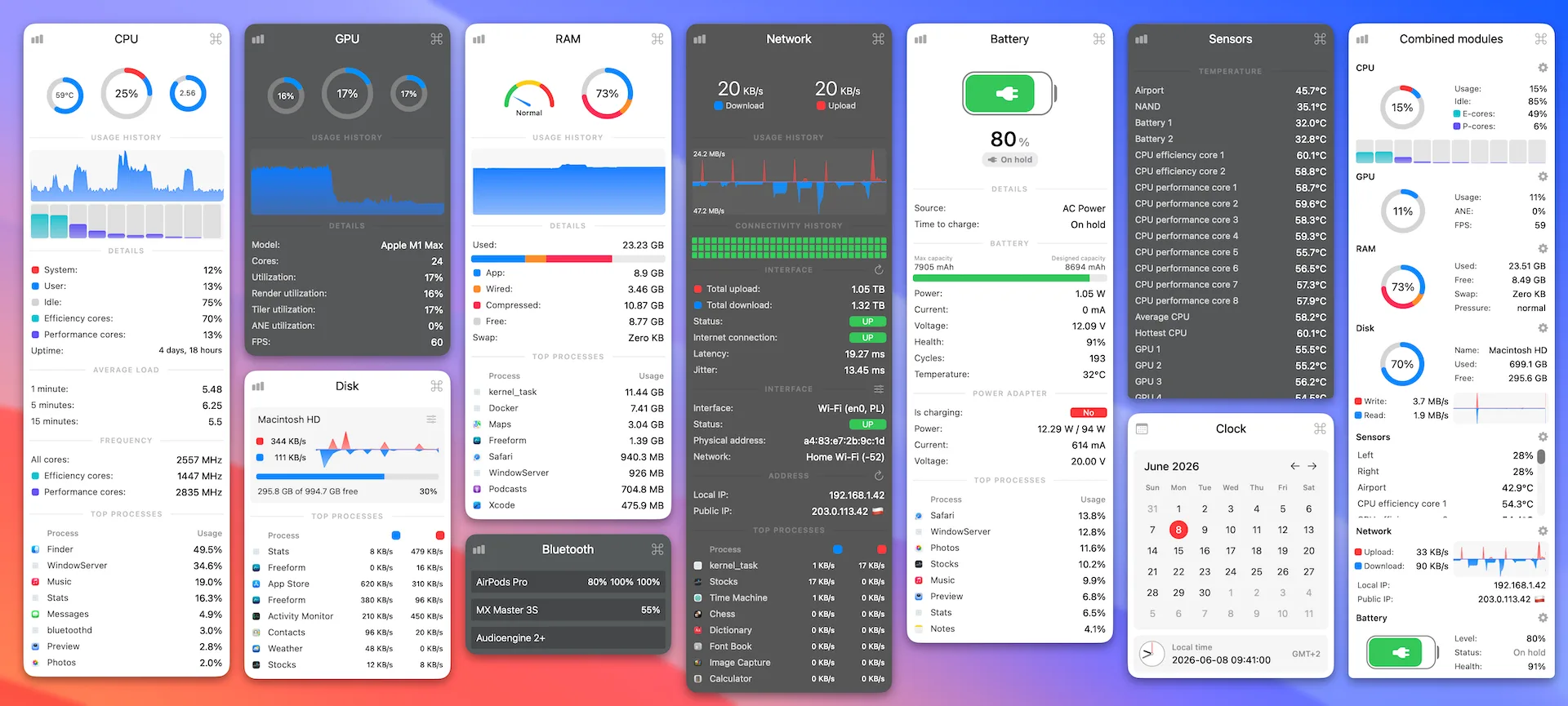
Stats is a free, open-source system monitor that lives in your Mac's menu bar. It shows live readings for your hardware, so you don't need to open Activity Monitor.
Key features:
- Track CPU load, frequency, temperature, and the most demanding processes.
- Watch GPU utilization, memory pressure, swap, and the top memory-using apps.
- Check disk space, read and write activity, and SMART health.
- Read temperature, voltage, power, and fan-speed sensors.
- Monitor network speeds, data usage, and IP addresses, plus battery health and Bluetooth device battery levels.
- Show each module as one of 13 widget styles, such as charts, gauges, numbers, or dots.
Stats requires macOS 12 or later and runs on Apple silicon and Intel Macs. It's MIT-licensed with no ads, tracking, or subscriptions, is translated into 41 languages, and can be installed directly or with Homebrew.